Configuring the server - part 1 – Grass Valley K2 Storage System Instruction Manual v.3.3 User Manual
Page 166
166
K2 Storage System Instruction Manual
June 25, 2009
Chapter 4 Installing the Level 20 Storage System
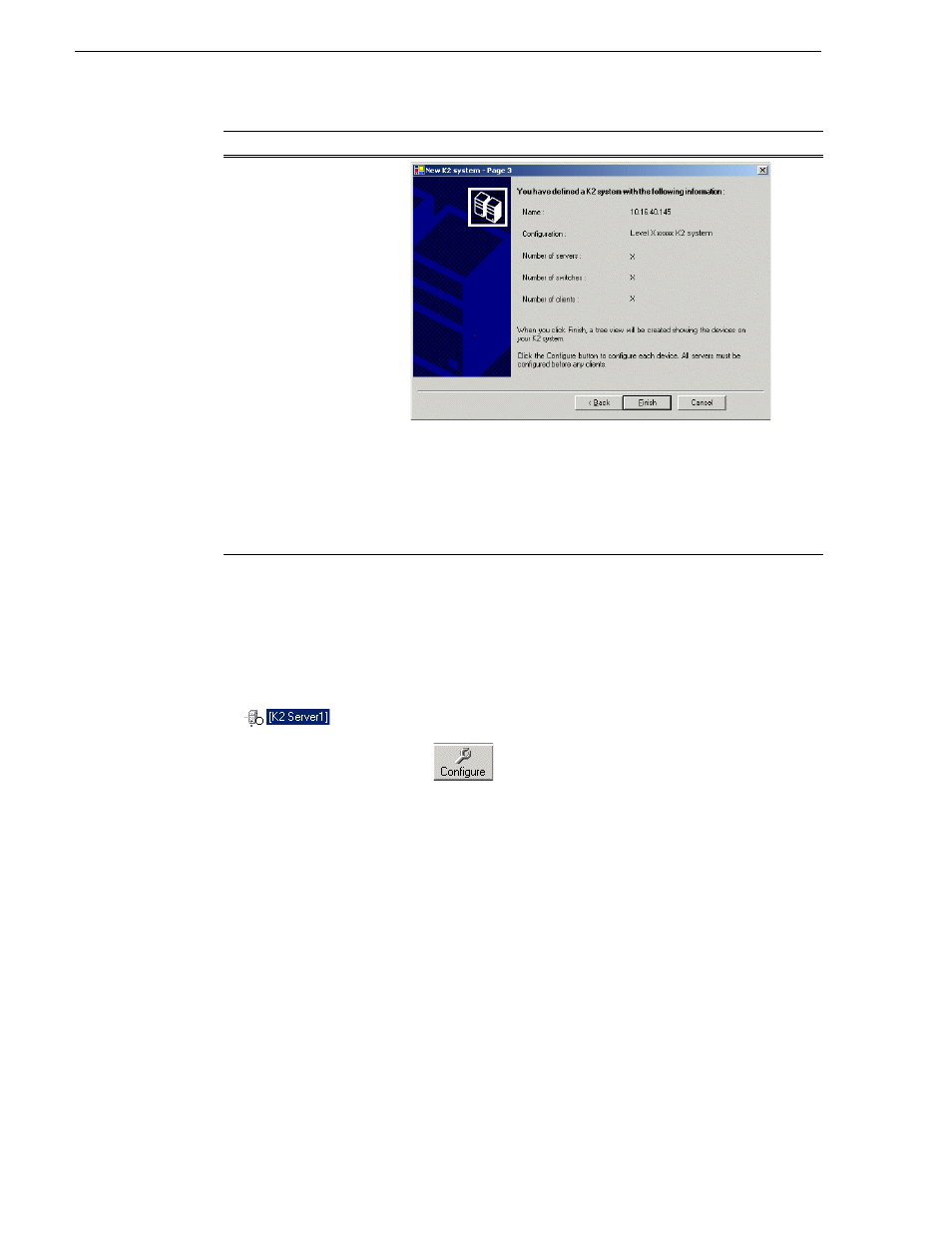
Your K2 Storage System appears in the tree view of the K2 System Configuration
application.
5. Continue with the next procedure.
Configuring the server - Part 1
1. In the K2 System Configuration application tree view, select [
K2Server1]
.
2. Click the
Configure
button.
The Configure K2 Server wizard opens.
Follow the on-screen text to configure the for a Level 20 K2 Storage System, as
Page 3
Review the information on this page and verify that you have correctly
defined your K2 Storage System.
•
One Gigabit Ethernet switch
•
One K2 Media Server
•
Optionally, one or more NH K2 Media Servers
•
The number and type of clients appropriate for your system.
Click
Finish
. The Define New K2 Storage System wizard closes.
On this page…
Do this…