Special button functions, Status led – Grass Valley Kaleido-Solo Installation v.2.04 User Manual
Page 12
GUIDE TO INSTALLATION AND OPERATION
8 | Kaleido-Solo
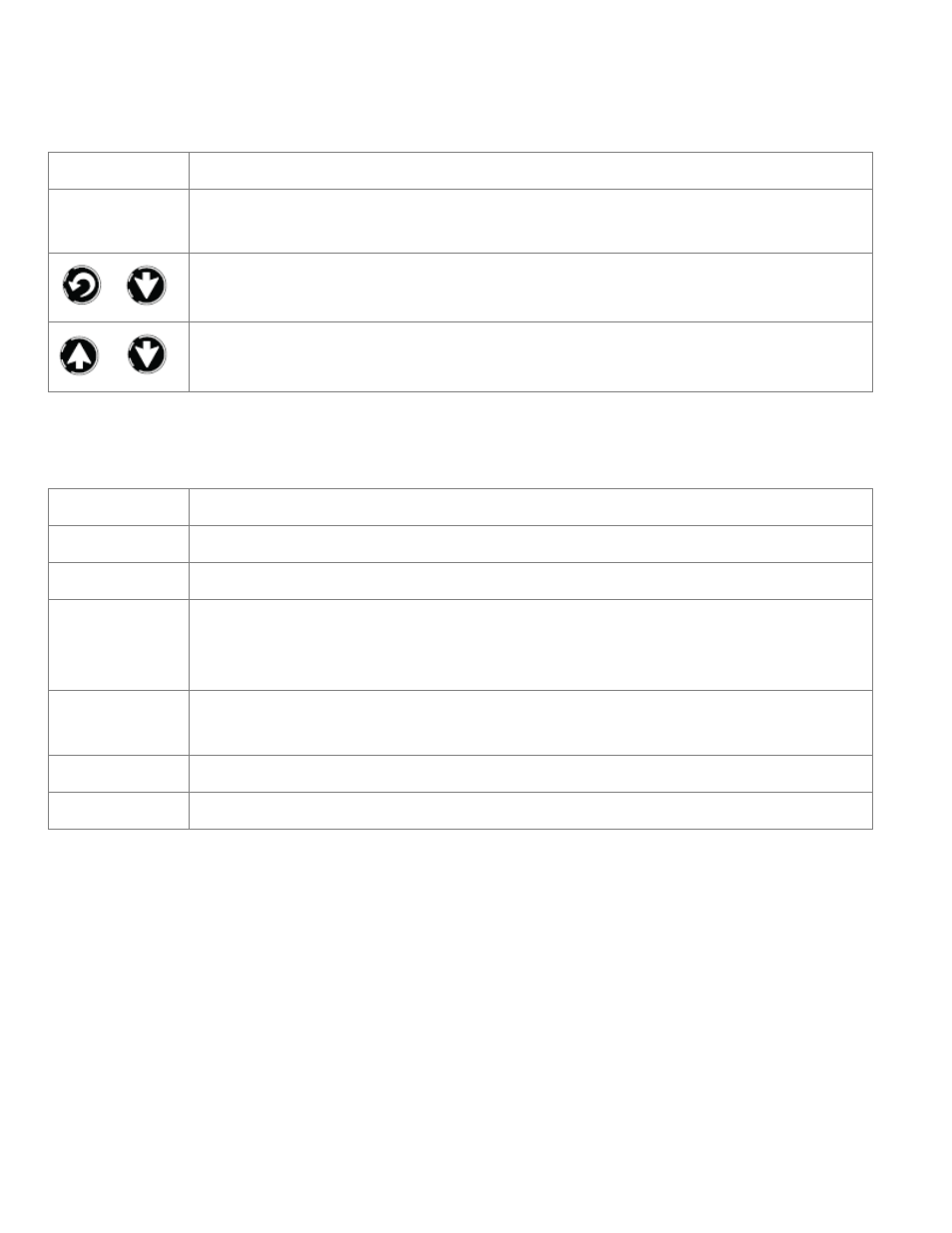
3.1 Special button functions
Label
Description
Reset button
Press to reset unit
Hold for 5 seconds to restore factory default
+
Hold for 5 seconds to enter safe mode (640x480)
or
Analog audio volume control (when not in menu)
3.2 Status LED
The status LED in the lower left corner of the front panel displays the current status of the Kaleido-Solo.
Status
Description
Green
Video presence on selected input with no errors
Flashing green
Kaleido-Solo is still booting up with a valid video input
Red
No signal
Signal with errors
Unstable input signal
Flashing Red
Kaleido-Solo is still booting up with an invalid video input
Hardware failure (after boot up)
Orange
Internal built in test pattern enabled (only works with a valid input)
Flashing Orange
Safe mode selected