Status and identification header – Grass Valley Kameleon HD Multi-Function Modules v.3.2.0 User Manual
Page 35
KAM-HD-MULTI—Instruction Manual
35
Configuration and Adjustments
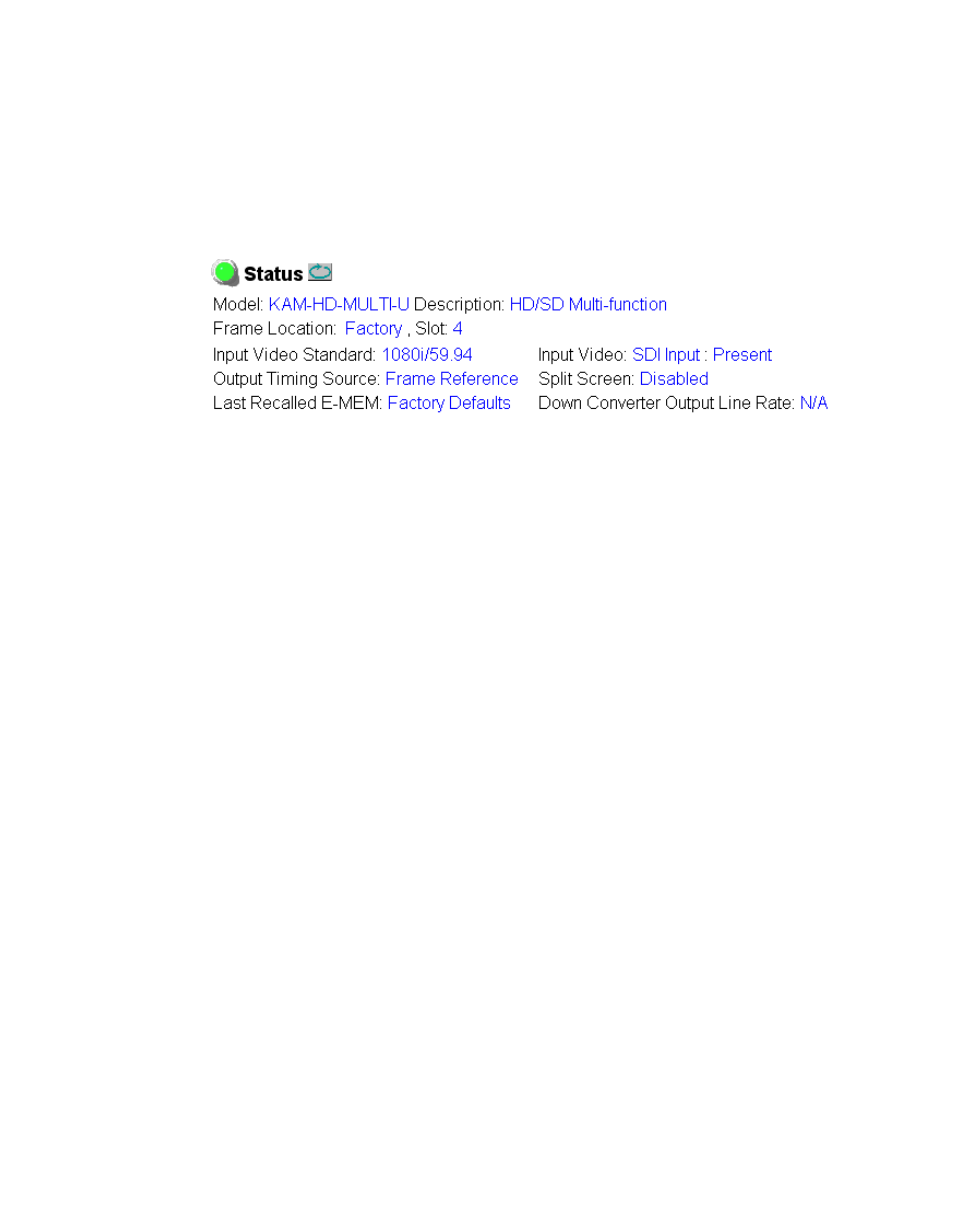
Status and Identification Header
Each configuration web page has a Status and Identification Header
reporting various status and configuration items on the module
(
Figure 14. Status/ID Header
Status LED Icon
The Status LED icon reports communication status for the frame slot and is
a link to the module Status web page where Warnings and Faults are dis-
played.
LED colors indicate:
•
Green = Pass – no problems detected
•
Yellow = Configuration error warning
•
Red = Fault condition detected
Identification Header
The following module status items are reported in the header:
•
Model
and
Description
are read-only generated by the module.
•
Frame Location
is defined on the 2000 Series Kameleon Frame Configura-
tion web page.
•
Slot
number reports the module’s location in the frame.
•
Input Video Standard
reports the input video type and rate selected on the
System Config web page.
•
Input Video
reports the status of the video input to the module.
•
Output Timing Source
reports the output timing source (Frame Reference
or Input) chosen on the System Config web page.
•
Split Screen
status is reported (
Enabled
or
Disabled
) as set on the System
Config, Color Correction, or HD and SD Video Proc Amp web pages.
•
Last Recalled E-MEM
reports the last E-MEM configuration recalled.
•
Down Converter Output Line Rate
– not applicable in this application.