Audio controls and operation, Audio control subpanel – Grass Valley M-2100 User Manual
Page 65
MMCP Installation/Operation Manual
2-41
Audio Controls and Operation
Audio Controls and Operation
This section covers the controls and operation of the Audio Control sub-
panel and the Audio Monitor subpanel in the M–2100 MMCP (
). One Audio Processor (AP 1) is standard equipment. Audio
Processors AP 2, AP 3, and AP 4 (SD systems only) are optional.
Audio Control Subpanel
T
he Audio Control subpanel (
■
Selection of the Audio Processors, AP 1, AP 2, AP 3, AP 4 (SD only), del-
egated to MMCP control, Audio Processor breakaway of these chan-
nels, and selection of Audio Processors for audio monitoring,
■
Selection of
PGM
and
PST
audio only crosspoints (Audio Onlies) as
Overs or Breakaways for up to four Audio Processors,
■
Program and Preset
Left
and
Right
buttons to enable Stereo, L-Mono or
R-Mono routing, allow toggling of left or right channel phase, and
allow adjustment of the Program or Preset levels for any one of the
audio processors,
■
Adjustment of
PGM
or
PST
Level
knobs, for either or both the left and
right channels for any one of the Audio Processors (AP), and
■
Adjustment of the
Ratio
knob, which, for an Audio Over, selects the
ratio of Over to Primary material.
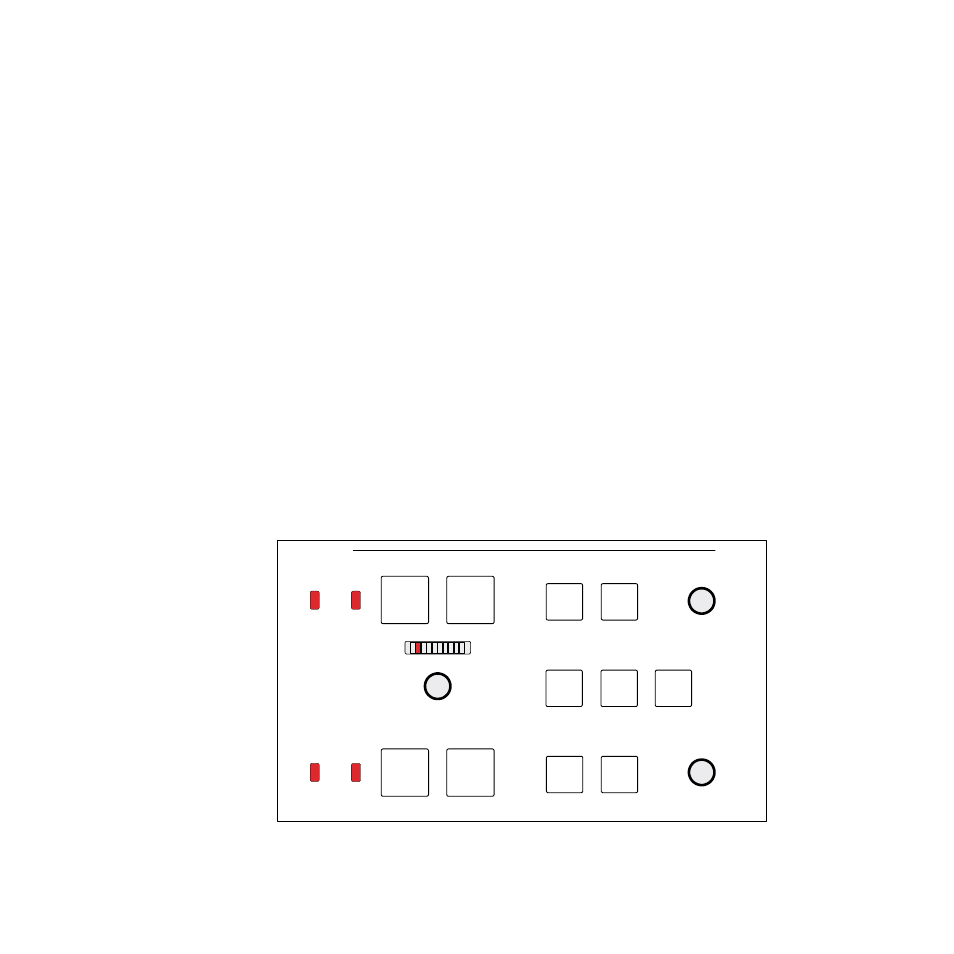
Figure 2-13. Audio Control Subpanel
Ratio
PGM Level
PST Level
Left
Right
Left
Right
AP2
AP3
AP4
Primary
Over
1
2
1
2
V
A
V
A
Non Sync
Non Sync
Audio
8129_15