Grass Valley T2 Classic iDDR AMP Remote Control SP4.3 User Manual
Page 8
Advertising
8
T2 Users Manual –AMP Remote Control–
October 17, 2011
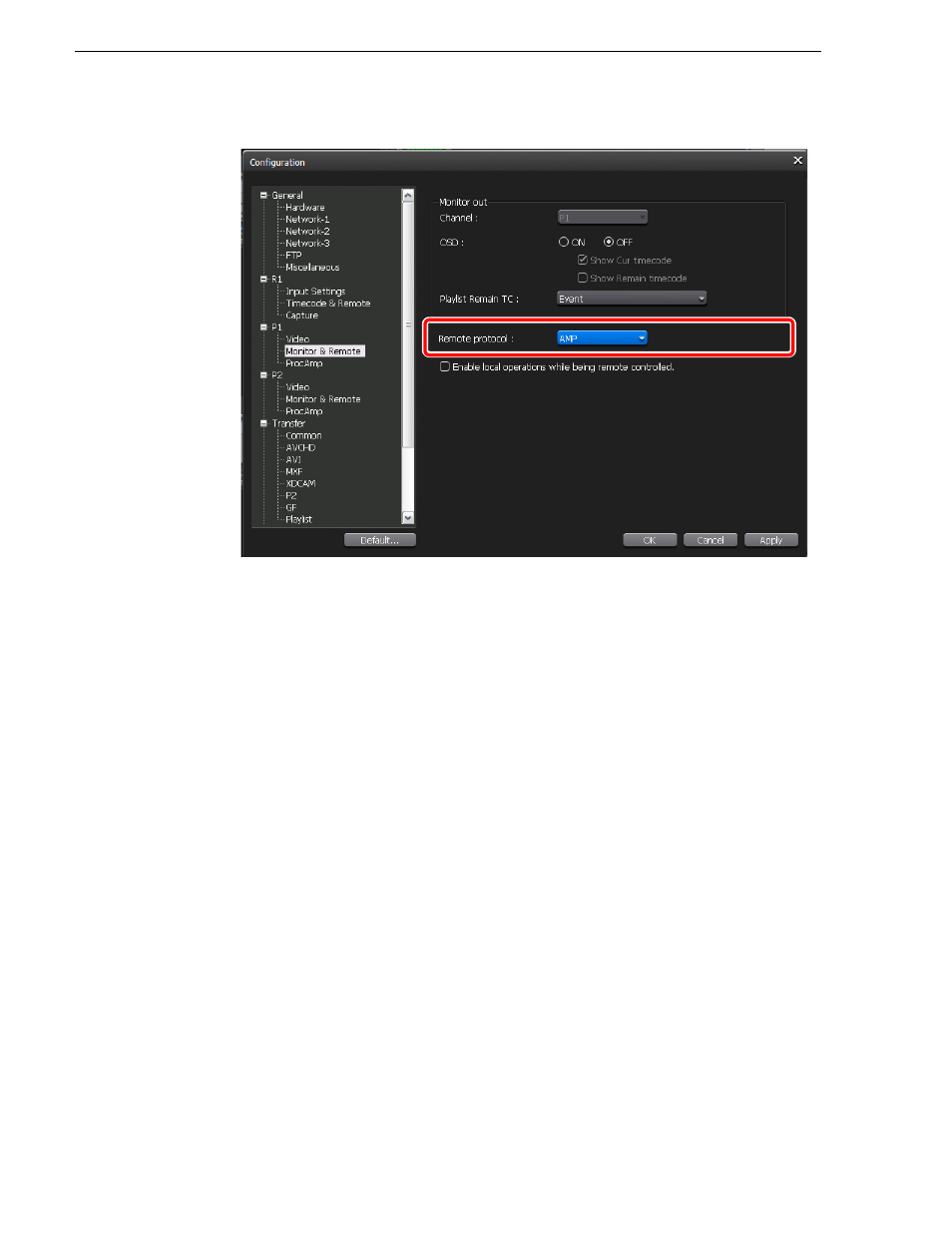
4. Select
AMP
in the "Remote protocol:" list and click
OK
.
• Check
Enable local operations while being remote controlled.
to operate T2
locally even in the remote mode. For more information, refer to T2 Users
Manual –SP3/SP4–.
5. Switch the P1 channel or P2 channel to the remote mode.
NOTE: For Erase ID command, you can set whether or not to delete clips
permanently. Click
AMP
of the "Miscellaneous" tree in the
Config.
screen, and
then select the operation from the "EraseID:" list. Select
Recycle
to move the clip
to the Trash, or select
Delete
to delete the clip permanently.
Advertising