Vertigo xg’s desktop - device identification, Vertigo xg’s desktop - device identification -2 – Grass Valley XG Vertigo Configuration Guide v.5.0 User Manual
Page 27
3-2
Vertigo XG Configuration Guide
Vertigo XG’s Desktop Applications & Tools
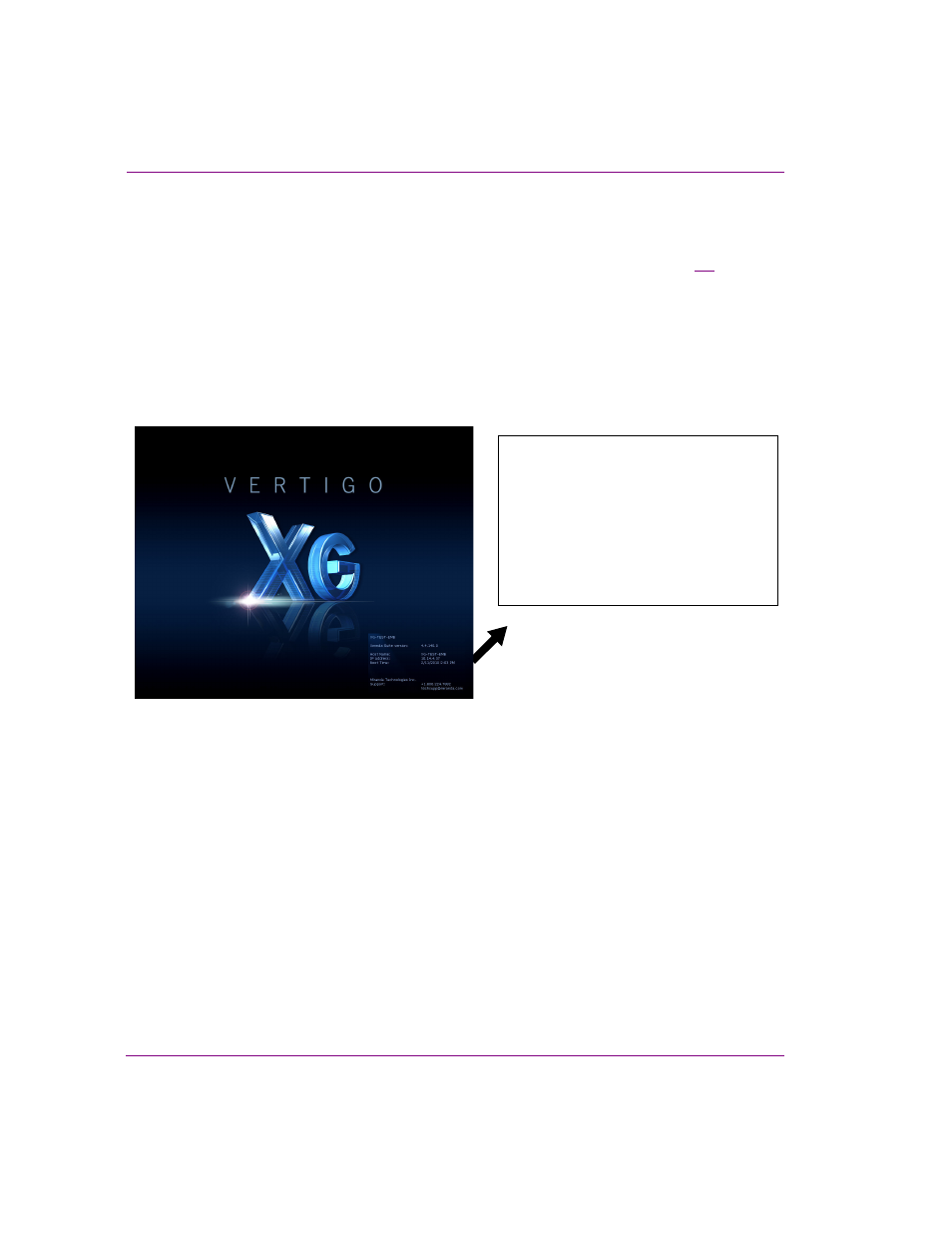
Vertigo XG’s desktop - device identification
To easily identify the active device, the Vertigo XG’s desktop features the Vertigo XG logo, as
well as identification information related specifically to the Vertigo XG device (figure
3-1
).
Specifically, the information presented are:
•
The Vertigo Suite software version that the Vertigo XG device is currently running
•
The host name given to the Vertigo XG device
•
The IP Address currently assigned to the Vertigo XG device
•
The date and time at which the Vertigo XG device was last started
•
Technologies Technical Support contact information
Figure 3-1. The Vertigo XG’s desktop displays the device’s identification information
XG-Embedded
Xmedia Suite version: 5.0.XXX.0
Host Name: XG-Embedded
IP Address: 10.14.4.15
Boot Time: 11/15/2014 11:32 AM
Grass Valley, A Belden Brand
Support: +1.800.224.7882