Casio CW-L300 User Manual
Page 10
10
■ Keep it running for instant label printing whenever you need
it. Does not interfere with other programs.
• You can also shut down the FA-B30 Software when you want (
).
■ Register often-used terms and expressions for quick and
easy input (
■ USB port for easy connection to a computer
■ View the image of a label on your computer screen before
printing it.
• Executing a print operation from the shortcut menu displays a preview dialog box
that shows an image of what the printed label will look like.
• You can also display a preview window while inputting text into the Input Panel.
You can configure the FA-B30 Software so the preview image is not displayed, if
you want (“Preview Window,”
).
■ Store up to 100 past print jobs for later recall when you want
to print again (“Recalling and Deleting Past Print Jobs,”
Note
• Right-clicking your mouse while the FA-B30 Software is running normally displays
the FA-B30 shortcut menu. You can also set up the FA-B30 Software so the shortcut
menu of the application you are using for editing appears instead (“Configuring
Shortcut Menu Operation,”
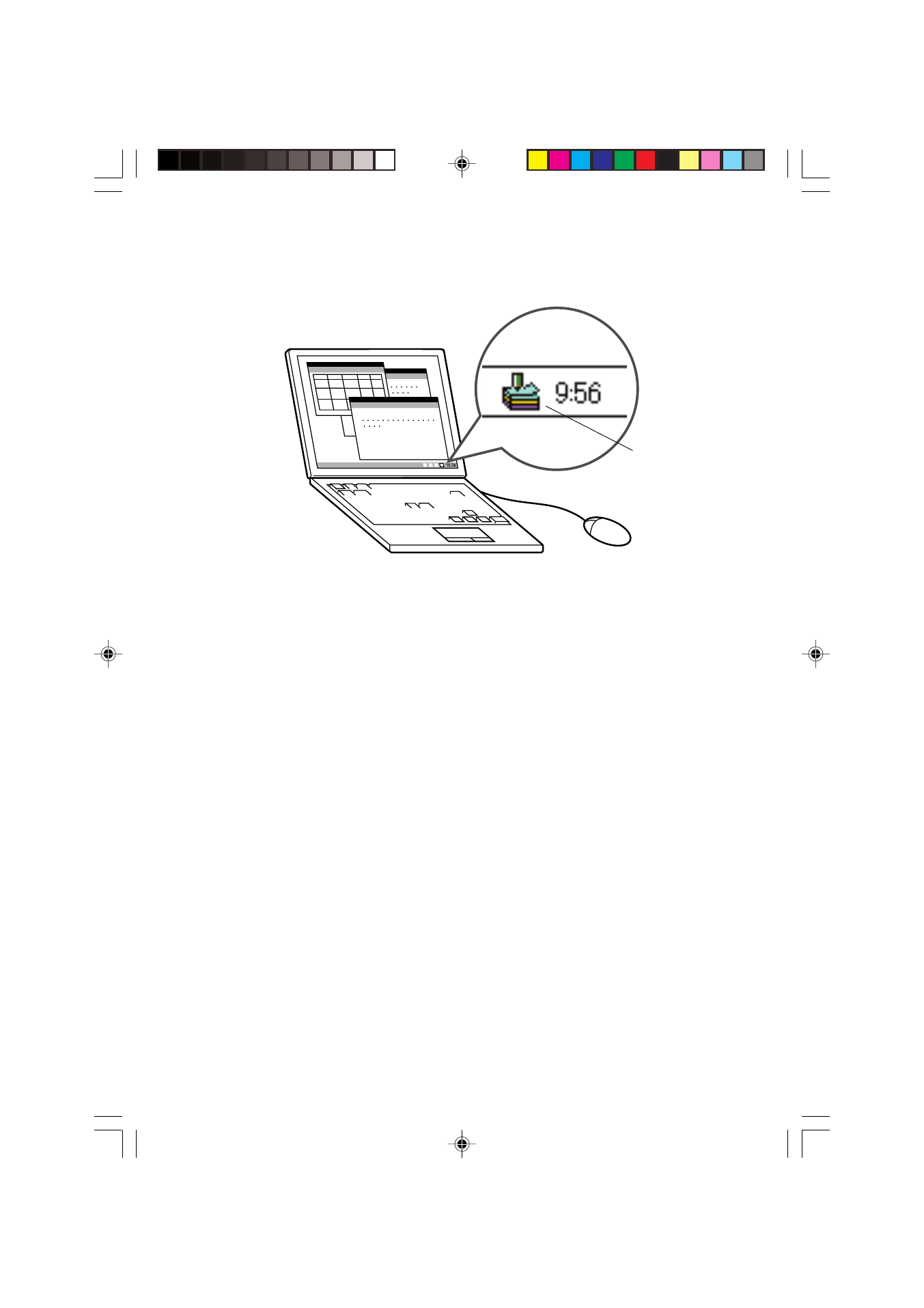
FA-B30 icon
FAB30_Ver1.02_E_p01-12.p65
04.11.22, 11:40 AM
10