Casio CW-L300 User Manual
Page 9
Advertising
9
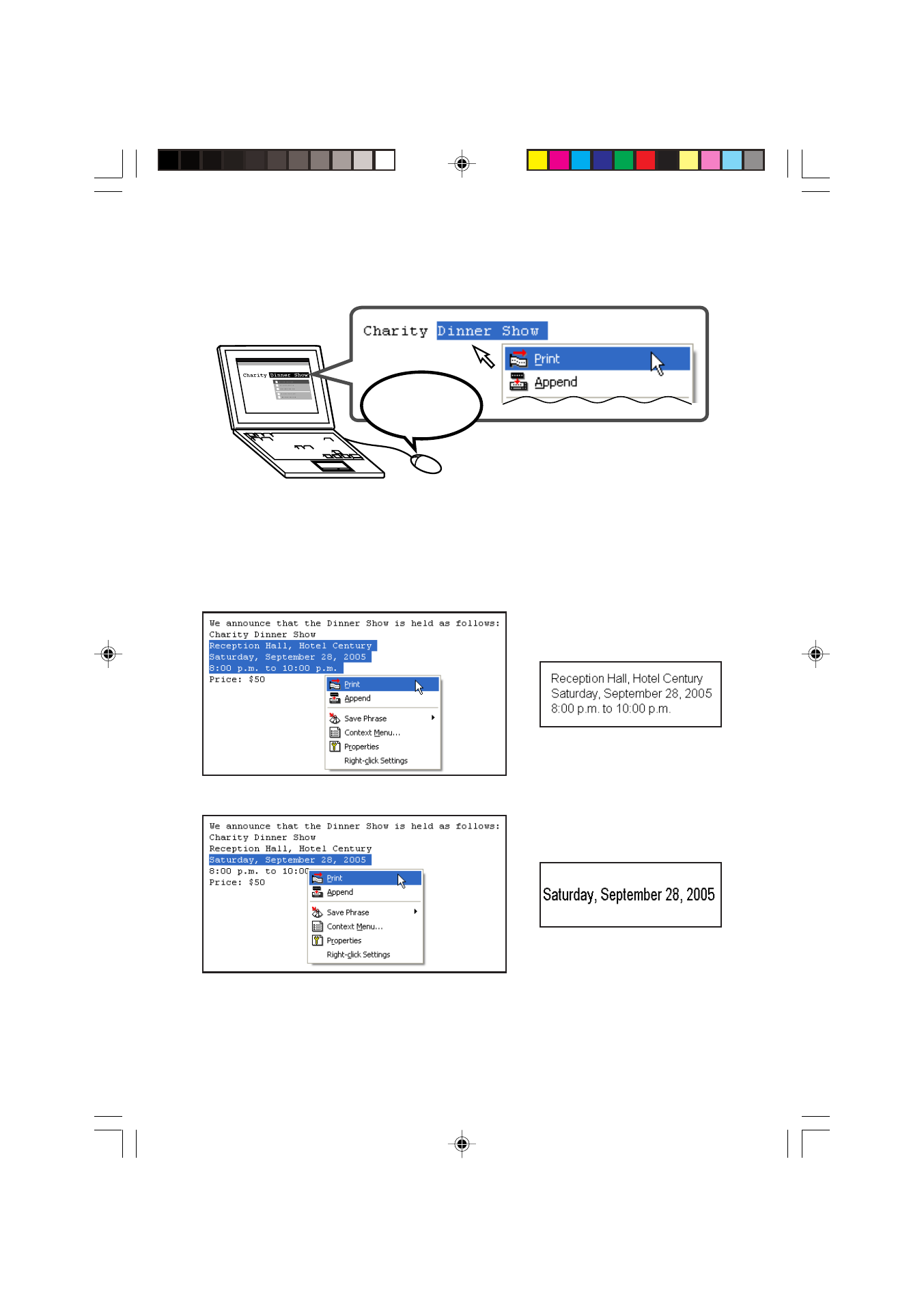
■ Instantly print text you are inputting or editing with other
software on your computer screen (
).
Hold down
Ctrl and then
Right-click!
■ Character size is adjusted automatically, for quick and easy
printing.
Selecting three lines
Selecting one line
➜
➜
FAB30_Ver1.02_E_p01-12.p65
04.11.22, 11:40 AM
9
Advertising