Dial properties – Casio E-125 Mail Setup Tool V.1.2 User Manual
Page 16
Mail Setup Tool (Version 1.2US) User's Guide -Page
16 -
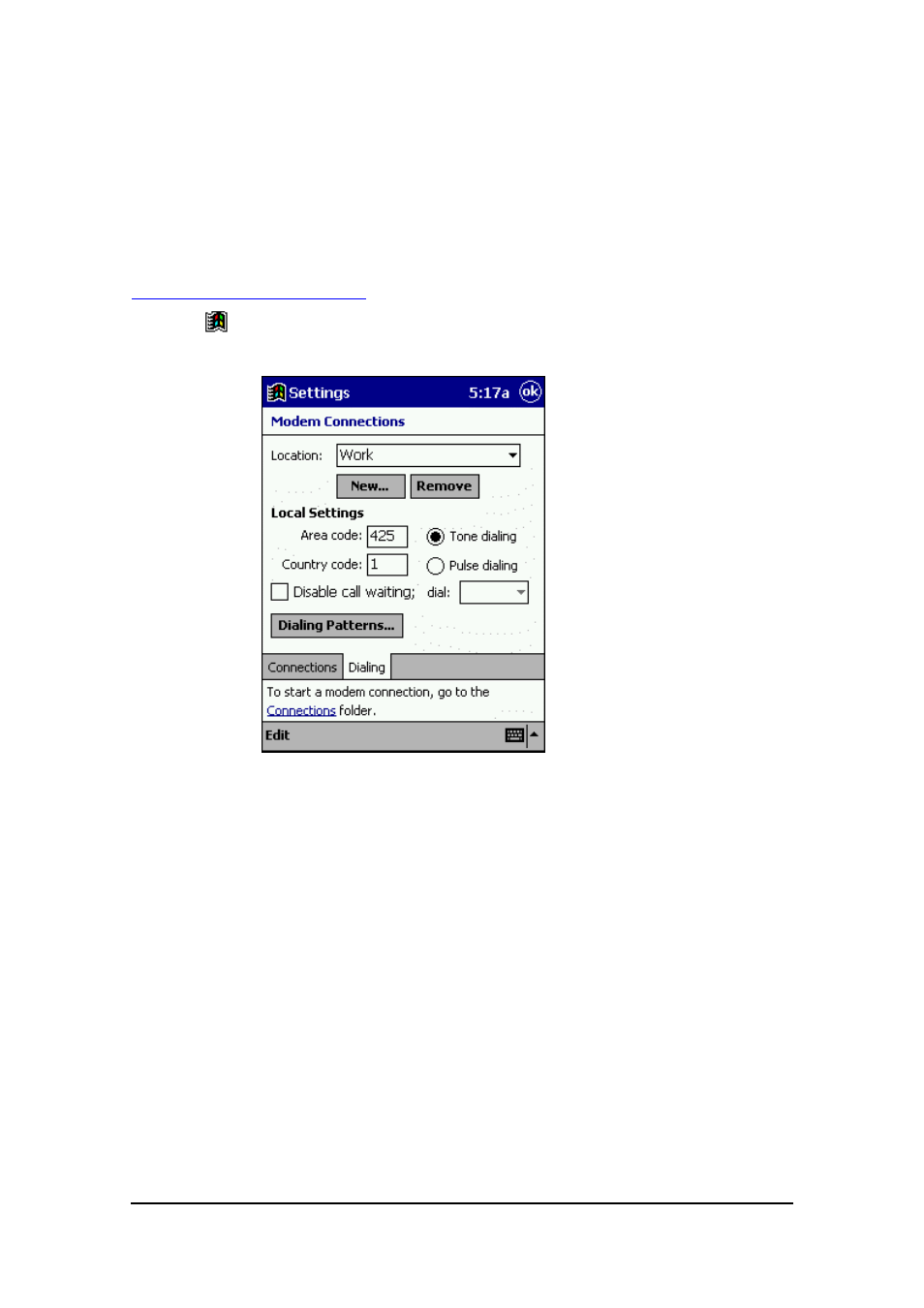
Dial Properties
You should configure the dial properties in accordance with the type of telephone circuit
you are using for connection.
To make dial properties
1.
Tap
- Settings, tap the Connections tab, and then tap the Modem icon.
2.
Tap the Dialing tab.
3.
Select the Location you want.
●
Home
Select this option when connecting the Pocket PC to a standard household
phone line or to a portable phone.
●
Work
Select this option when connecting the Pocket PC to an office phone system, or
any other phone system that requires dialing of 0 for an outside line.
●
Add
Select this option when you want to create your own non-standard dialing
configuration.
●
For full details on making dial settings, see your
Pocket PC User's Guide
and
online help.
4.
After everything is the way you want, tap OK to save it.