Casio E-125 Mail Setup Tool V.1.2 User Manual
Page 8
Advertising
Mail Setup Tool (Version 1.2US) User's Guide -Page
8 -
11.
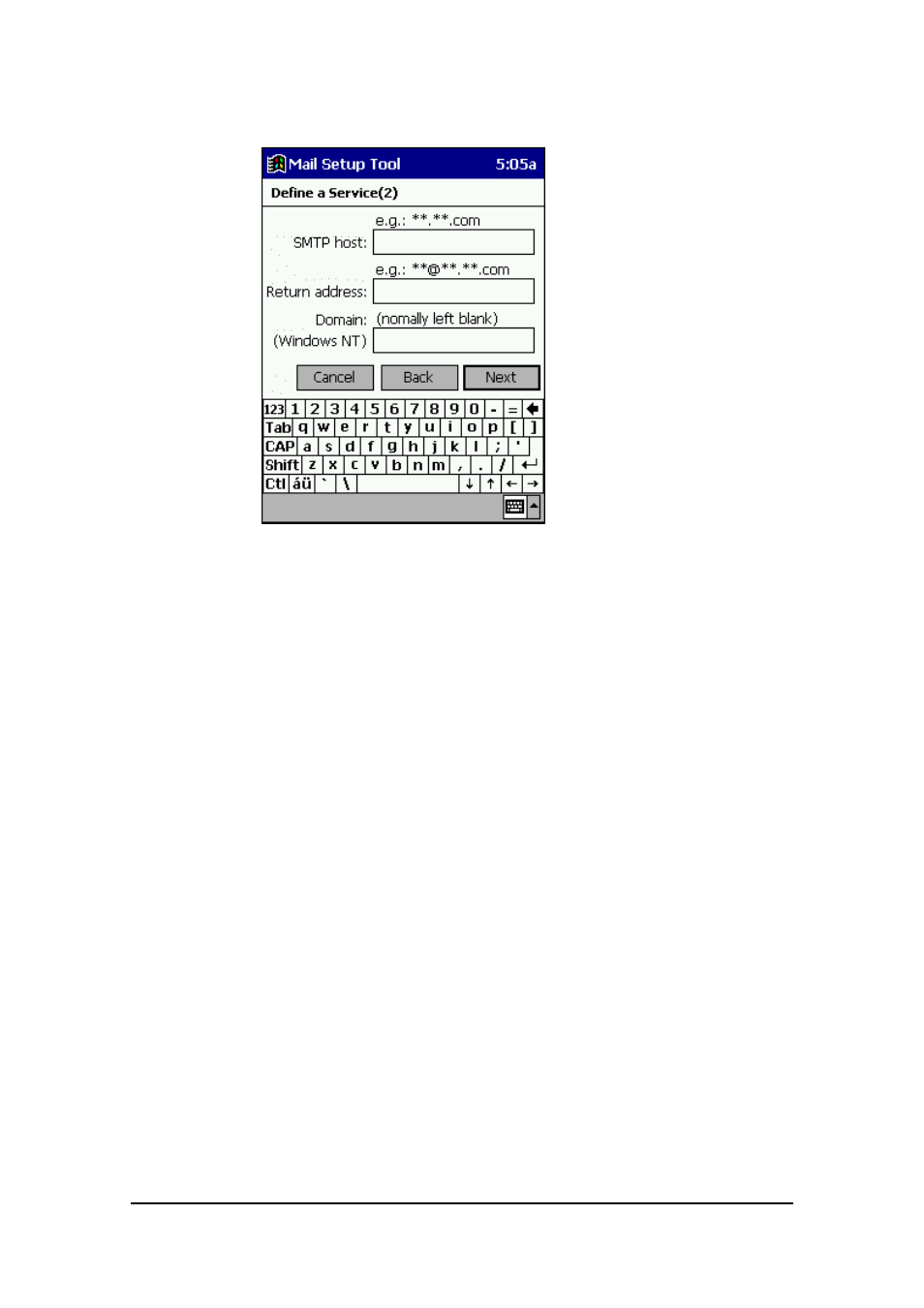
Tap Next to advance to the Define a Service (2) screen.
●
SMTP host
If your ISP provided you with different names for the POP3 host (or the IMAP4
host) and the SMTP host, input the SMTP host name here.
●
Return address
If the address where you want responses to be routed (your return address) is
different from the address you use for sending mail, input your return address
here.
●
Domain
This is not required for most ISP accounts, so normally you should leave this field
blank. Input your Windows NT domain name only when connecting to a network,
such as a corporate network, that uses Windows NT domain security.
Advertising