Epson EPL-N7000 User Manual
Page 46
Advertising
46
How to Set Up the Print Server
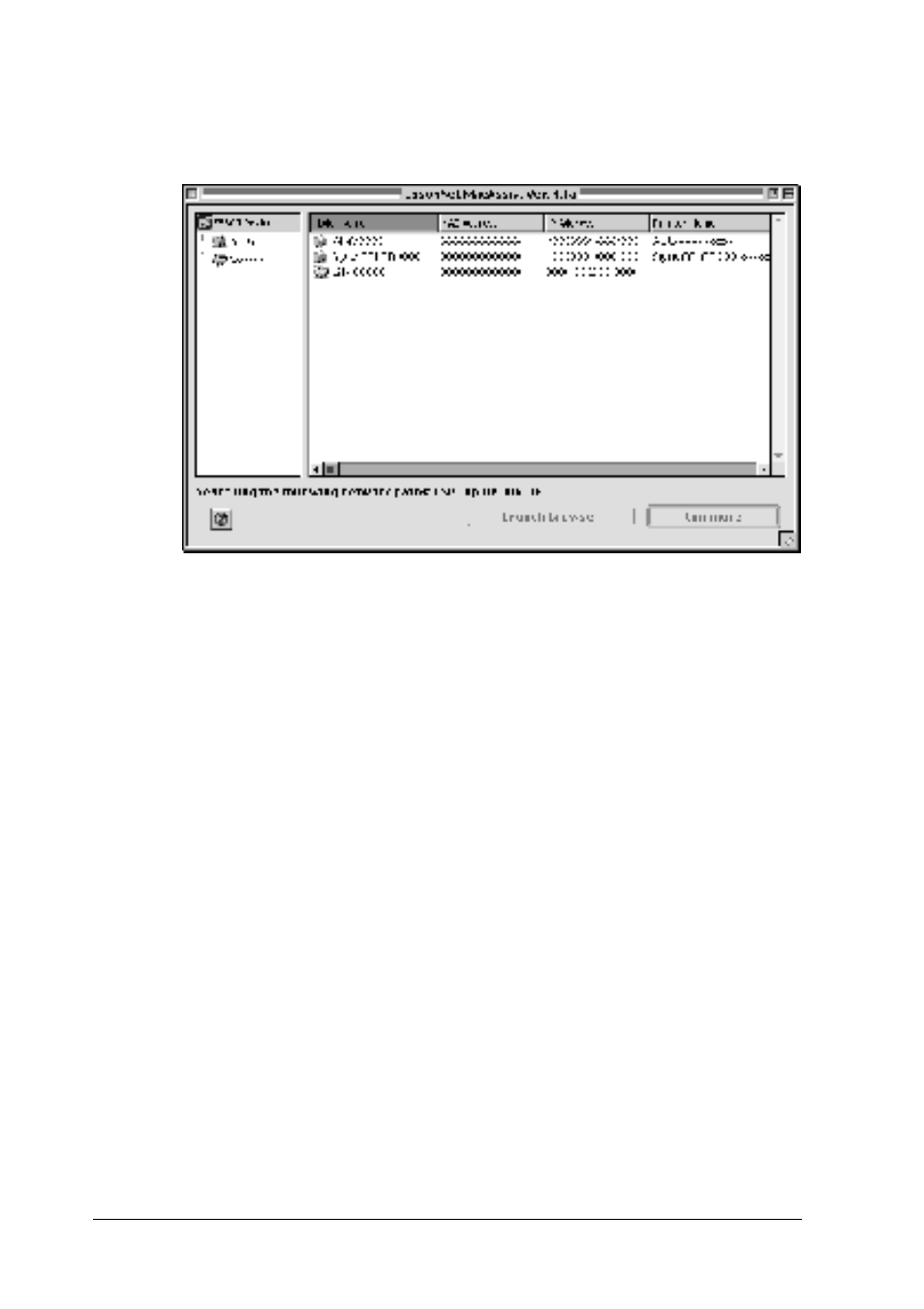
2. Select the printer you want to configure from the list and click
Configure.
Note:
❏ If the same printer model name appears several times in the list,
you can identify the printers by checking their MAC addresses,
which are found on the status sheet.
❏ You can search printers in other zones just like computers by
changing the zone setting. See “Search options” on page 85 for
more information.
❏ The Launch Browser button can be used only if a valid IP
address is assigned to the printer.
❏ The print server does not have a default IP address. Be sure to
assign a valid IP address manually or by using the DHCP
server.
3. Click the TCP/IP tab.
Advertising