Front panel buttons and status led indicators – Precision Digital PD6400 User Manual
Page 28
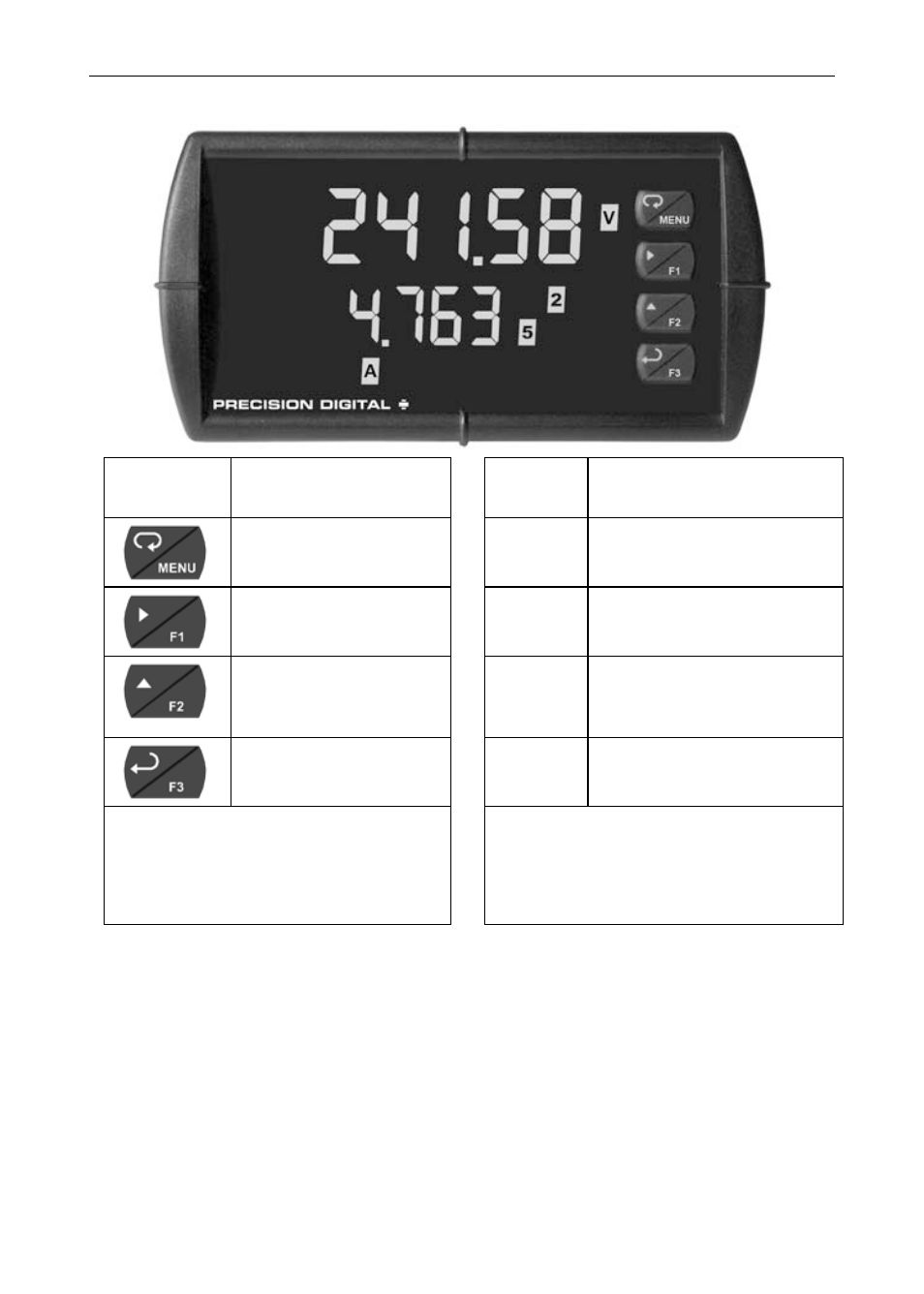
Model PD6400 High Voltage & Current Meter
Instruction Manual
28
Front Panel Buttons and Status LED Indicators
Button
Symbol
Description
LED
Status
Menu
1-8
Alarm 1-8 indicator
Right arrow/F1
1-8
M
Flashing: Relay in
manual control mode
Up arrow/F2
A
V
P
Channel displayed
Enter/F3
1-4
Flashing: Relay
interlock switch open
Notes:
F4 is a digital input. Alarms 5-8
are enabled when relay
expansion module installed.
Note:
LEDs for relays in manual mode
flash with the “M” LED every 10
seconds.
•
Press the Menu button to enter or exit the Programming Mode at
any time.
•
Press the Right arrow button to move to the next digit during digit or
decimal point programming.
•
Press or hold the Up arrow button to scroll through the menus,
decimal point, or to increment the value of a digit.
•
Press the Enter button to access a menu or to accept a setting.
•
Press and hold the Menu button for three seconds to access the
advanced features of the meter.