Testing the detector, Remote self-test (manual test), Local self-test (automatic test) – RISCO Group SEISMIC Detector RK66S User Manual
Page 12
Seismic Detector
12
TESTING THE DETECTOR
RISCO recommends performing a self test after installation and before final cover
mounting. The test can be performed manually (locally or remotely) or automatically
every 24 hours
Remote self-test (Manual Test)
This test requires that a command be given in order to be performed.
To activate the remote self-test:
•
Ensure that the Dipswitch SW8 is set to OFF.
•
Short the TEST terminal block to GND.
•
All LEDs will turn on to indicate test commencement and sequentially turn off
after each successful parameter test.
The detector unit self test examines the following parameters:
LED
Trouble
1
External power supply failure
2
Internal voltage faulty
4
Piezo sensor failure
5
Temperature sensor failure
3, 6-9
Not Applicable
All LEDs will turn off at the end of a successful test, except the POWER LED
(LED9) and the alarm relay opens for three seconds. If a malfunction occurs, one of
the LEDs remains lit.
Local self-test (Automatic Test)
Ensure that the Dipswitch SW8 is set to ON.
The RK66S detector runs a local/automatic SELF-TEST every 24 hours from the
time of initial power on. Test procedure and result presentation is as per the
Remote self-test above.
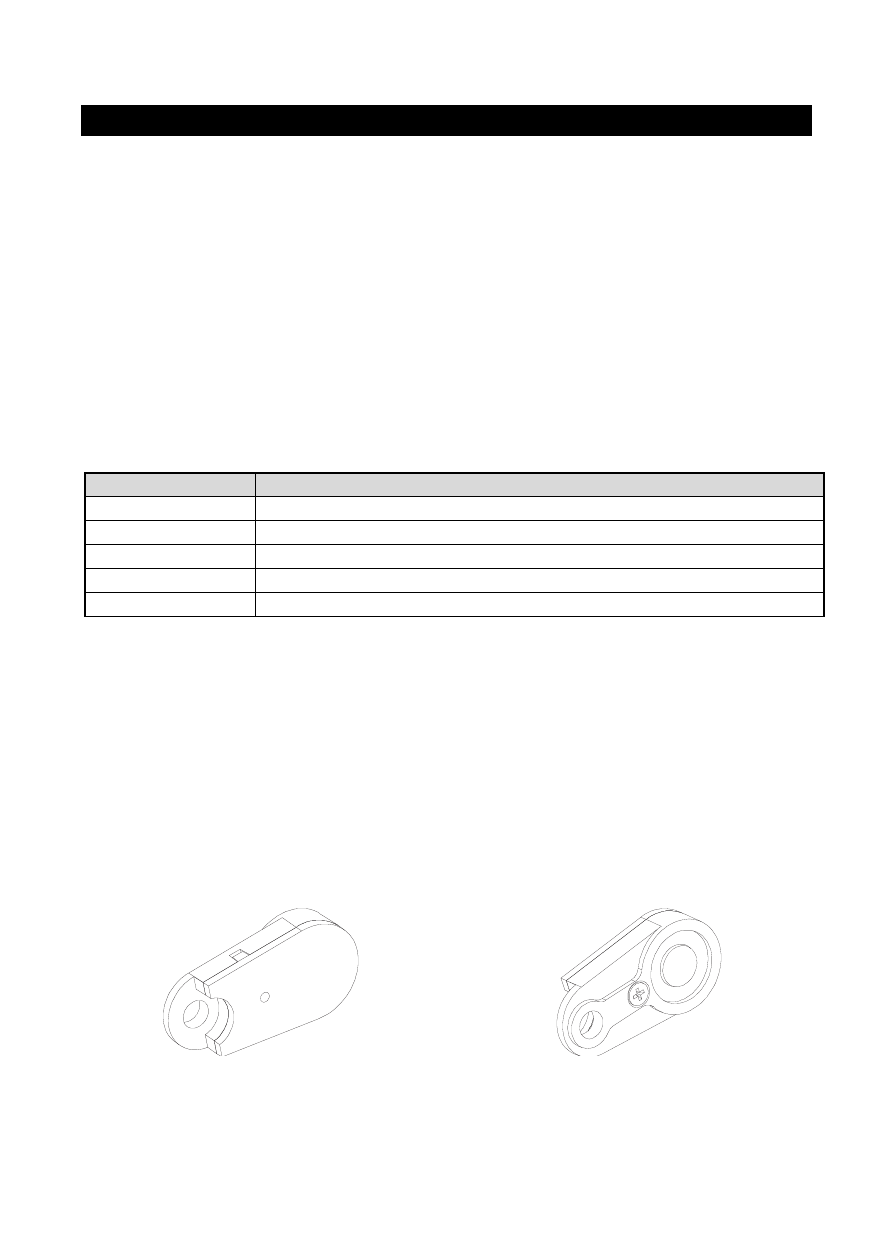
Front view
Rear view