PLANET FPS-1012N User Manual
Page 28
Advertising
"
Note
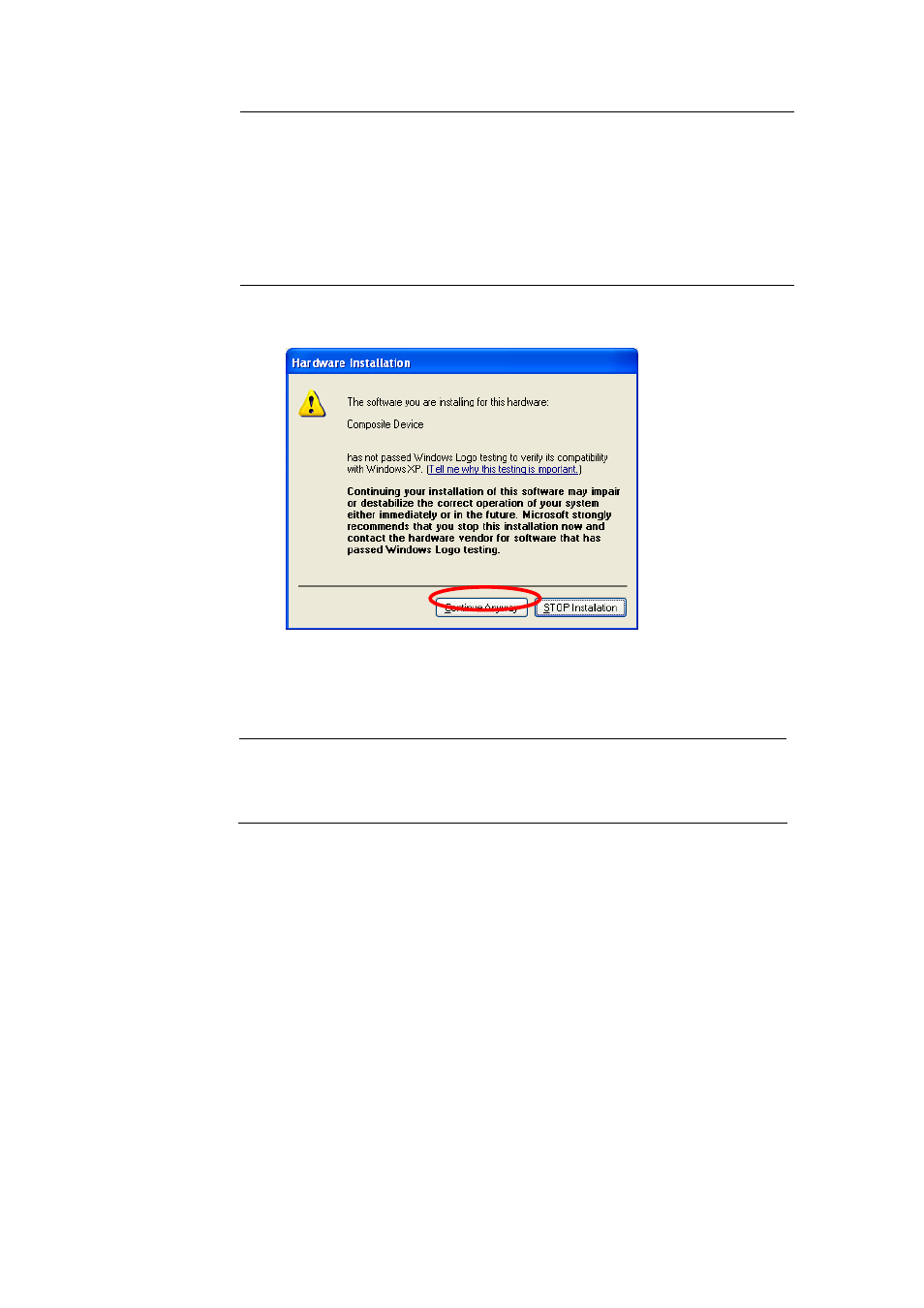
If the MFP you have connected is a composite device, the
system will install the driver for composite device at first. The
following screen will be popped up, please click “Continue
Anyway”. When the system stops prompting, the drivers are all
installed. If the system can’t find the MFP driver, please insert
the installation CD of the MFP and designated to find drivers in
the CD.
3. After the installation, a copy of the MFP will be added to the “Printers
and Faxes” in Windows.
"
Note
The new copy of the MFP is bundled to the MFP Server. Please
use the MFP to share print, scan, card reader or fax functions
through the network.
28
Advertising