ZTE T84/Telstra Tough Max User Manual
Page 21
Advertising
21
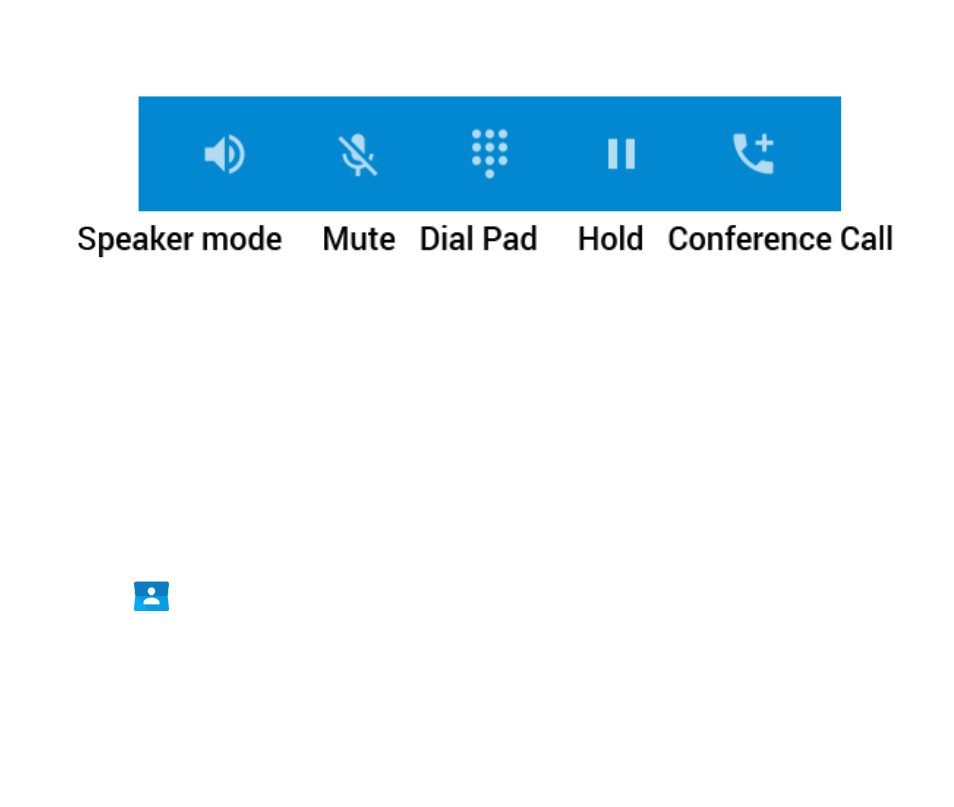
FUNCTIONS DURING A CALL, PRESS OPTIONS:
During a call when you move the handset away from your ear the
screen lights up. Use the buttons for the features described:
Speaker – Use Handsfree, Speaker mode
Mute – Mute the microphone
Dial Pad – enter DTMF tones
Hold – Place the caller on Hold
Conference – Dial in another party, the first call is put on hold.
MAKE A CALL FROM CONTACTS
•
Tap
from the Home Screen. Contacts are displayed in alphabetical
order.
•
Slide up or down to scroll through your Contacts list.
•
Tap to select the Contact then tap to call.
Advertising