Viewboard cast – VIEWSONIC ViewBoard IFP8662 86" 4K Interactive Display User Manual
Page 97
97
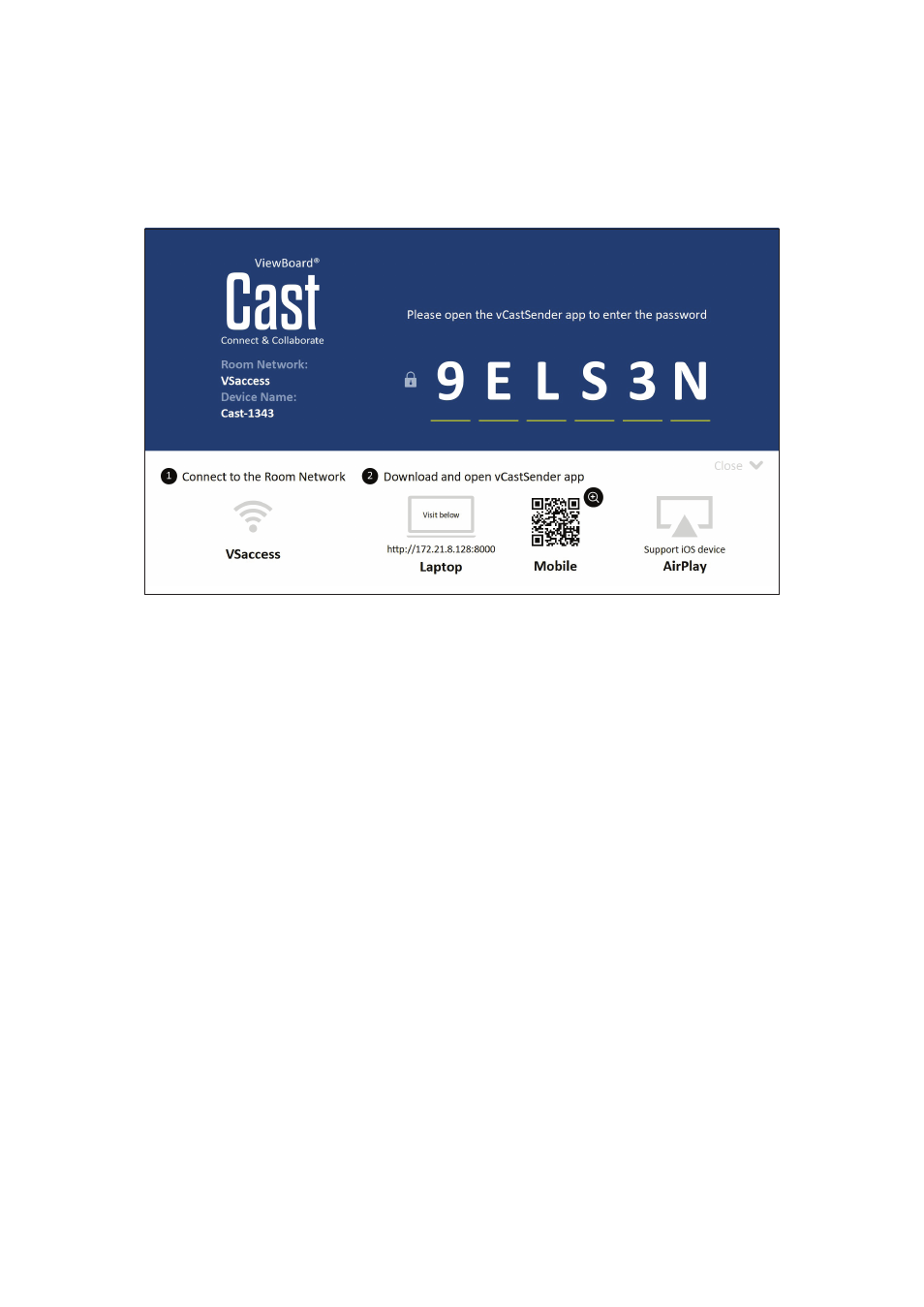
ViewBoard Cast
Working with ViewBoard® Cast software, the vCastReceiver application, will
allow the ViewBoard® to receive vCastSender laptop screens (Windows/Mac/
Chrome) and mobile (iOS/Android) users’ screens, photos, videos, annotations, and
camera(s).
Network Information
•
ViewBoard® Cast software, laptops, and mobile devices can connect to both the
same subnet and across the subnet network.
•
Connected devices will show up under “Device List” on the same subnet
connection.
•
If the device does not show up under “Device List”, users will need to key-in the
on-screen PIN-code.
ViewBoard Cast is a wireless peer to peer data communication, therefore the below
port settings are required:
Ports
:
•
CP: 56789, 25123, 8121, and 8000
•
UDP: 48689 and 25123
Port and DNS activation
:
•
Port: 8001
•
DNS: h1.ee-share.com