NEC 40,000-Lumen 4K Laser Installation Projector User Manual
Page 189
172
8. Appendix
In the space below please describe your problem in detail.
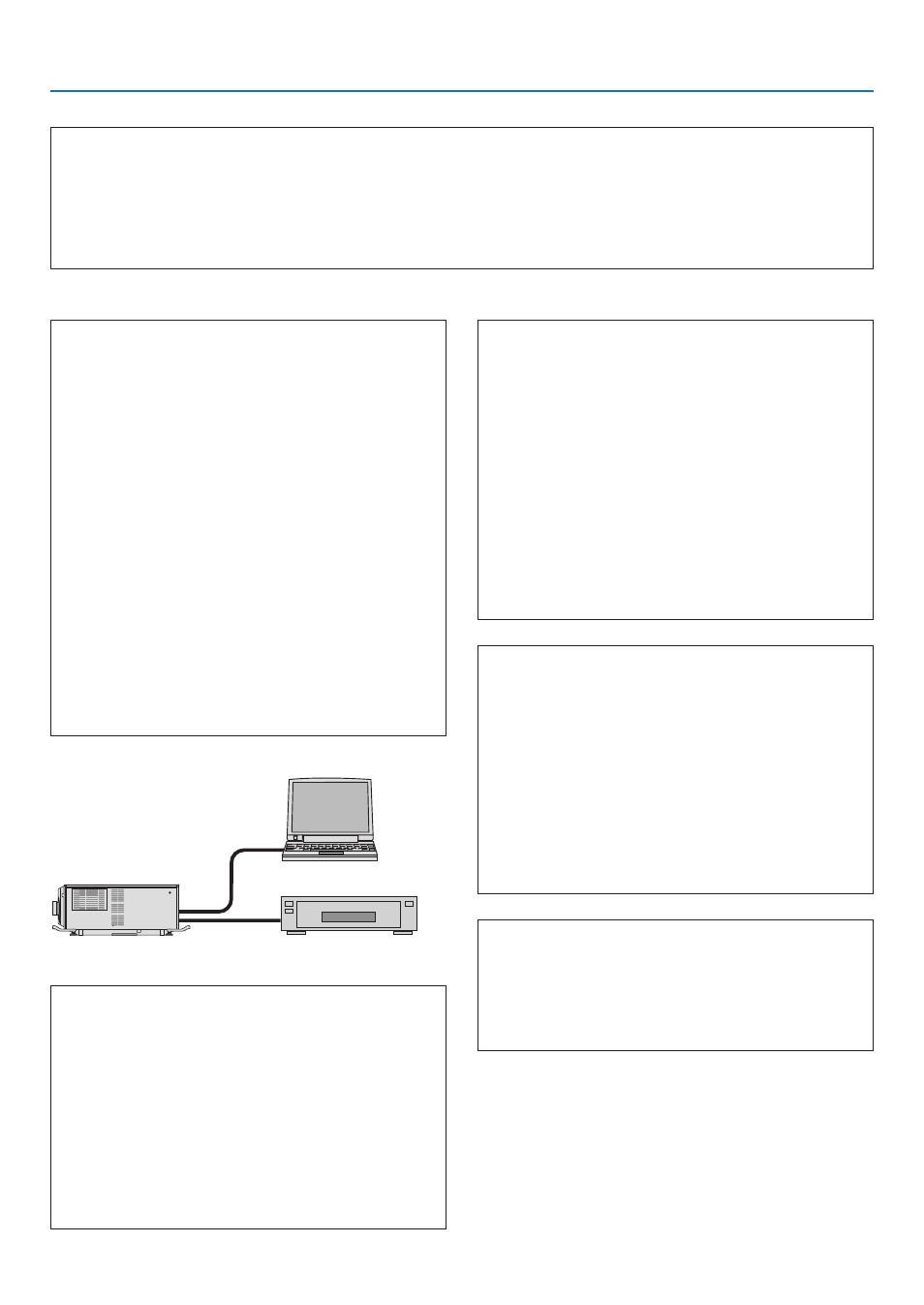
Information on application and environment where your projector is used
Projector
PC
Blu-ray player
Projector
Model number:
Serial No.:
Date of purchase:
Light module operating time (hours):
Information on input signal:
Horizontal synch frequency [ ] kHz
Vertical synch frequency
[ ] Hz
Synch polarity
H
□
(+)
□
(−)
V
□
(+)
□
(−)
Synch type
□
Separate
□
Composite
□
Sync on Green
STATUS Indicator:
Steady light
□
Orange
□
Green
Flashing light
[ ] cycles
Remote control model number:
Installation environment
Screen size:
inch
Screen type:
□
White matte
□
Beads
□
Polarization
□
Wide angle
□
High contrast
Throw distance:
feet/inch/m
Orientation:
□
Ceiling mount
□
Desktop
Power outlet connection:
□
Connected directly to wall outlet
□
Connected to power cord extender or other (the
number of connected equipment______________)
□
Connected to a power cord reel or other (the number
of connected equipment______________)
Computer
Manufacturer:
Model number:
Notebook PC
□
/ Desktop
□
Native resolution:
Refresh rate:
Video adapter:
Other:
Video equipment
VCR, Blu-ray player, Video camera, Video game or other
Manufacturer:
Model number:
Signal cable
NEC standard or other manufacturer’s cable?
Model
number: Length: inch/m
Distribution amplifier
Model number:
Switcher
Model number:
Adapter
Model number: