Matrox MXO2 PCIe Host Adapter User Manual
Page 199
Advertising
175
Using the Matrox A/V Tools interface
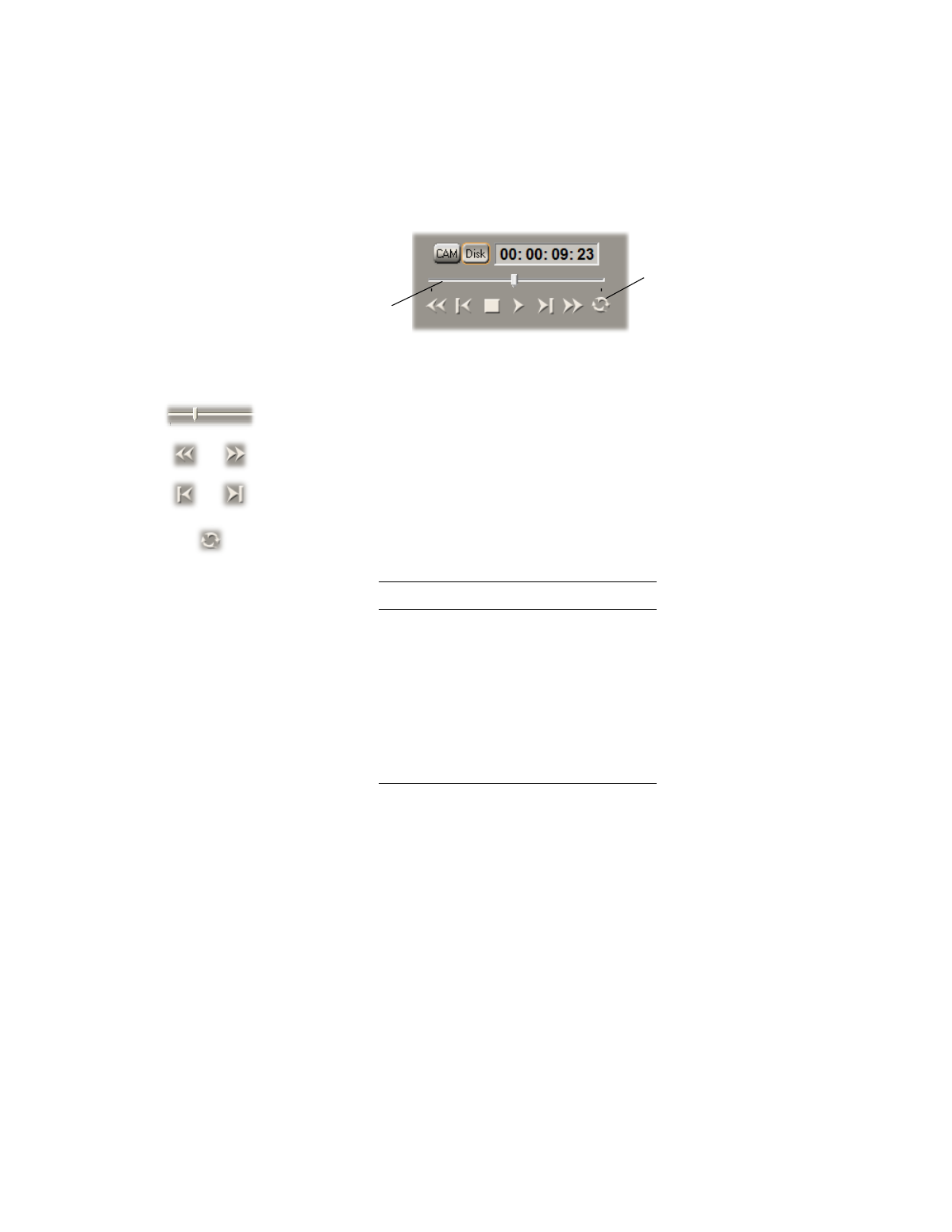
The transport controls are much like those on your VTR:
Most of these controls perform standard transport functions, but some can be
used for special tasks:
•
Scrub
Drag the slider on the
Positioner
to scrub through any clip in your
clip list.
•
Cue to In or Out point on disk
Click the
Rewind
or
Fast
Forward
button to cue to the beginning or end of a clip on disk.
•
View frame-by-frame
Click the
Frame Reverse
or
Frame Advance
button.
•
Play a clip on disk repeatedly
Click the
Loop
button, then click the
Play
button.
Keyboard Shortcuts
Disk mode
K
Play
B
Rewind
Z
Fast Forward
X
Frame Advance
’
(apostrophe)
Frame Reverse
;
(semicolon)
Stop
V
Loop
A
Loop
button
Positioner
Advertising