Datavideo 4-Channel Streaming Encoder and Recorder (1 RU) User Manual
Page 64
Advertising
64
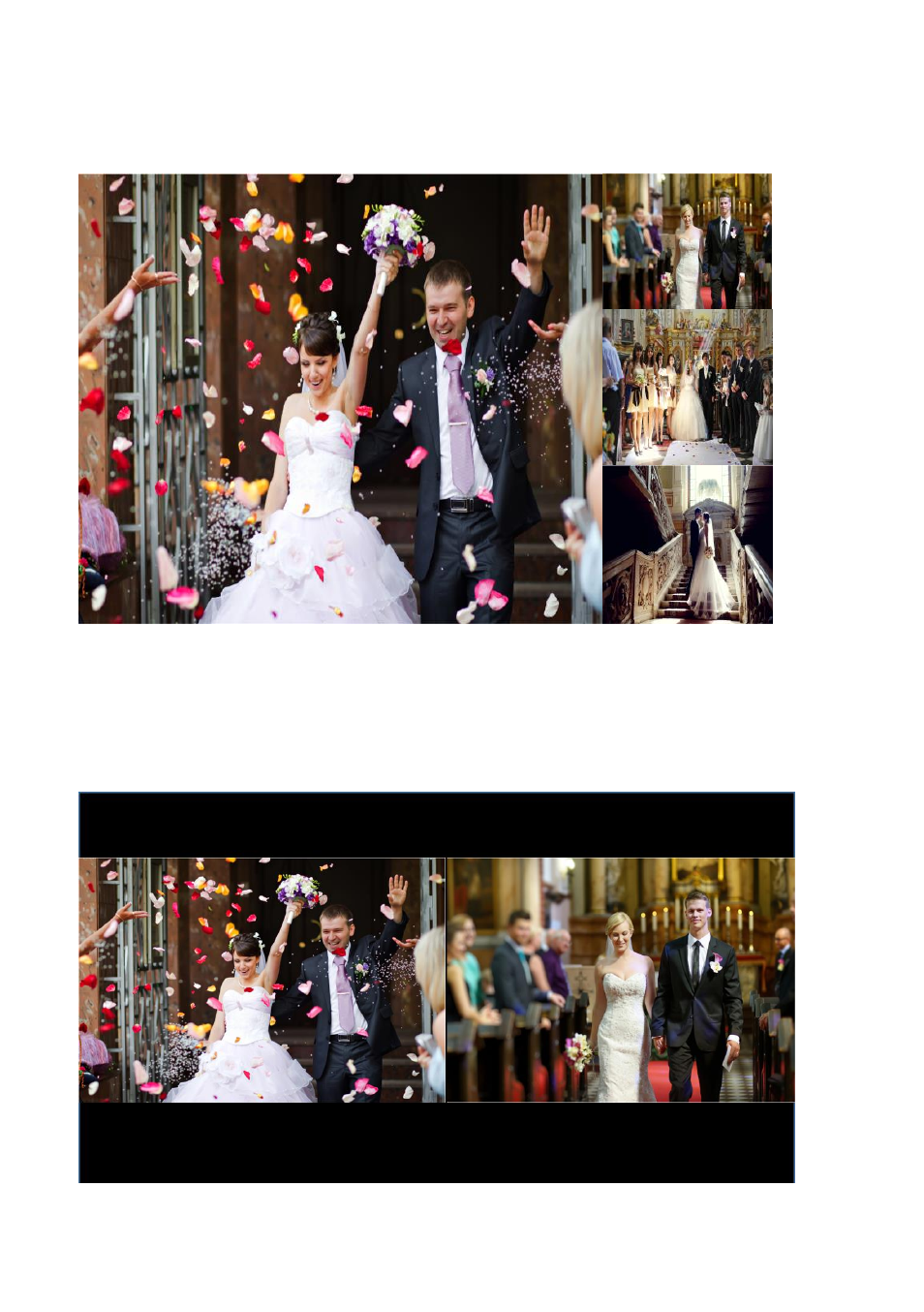
3. POP (Picture Outside Picture): Please press the POP icon and then please select
the channels that are desired to be shown in POP mode. After that, please press the
“Apply” button for applying the setting.
4. PBP (Picture By Picture): Please press the PBP icon and then please select the two
channels that are desired to be shown in the PBP mode. After that, please press the
“Apply” button for applying the setting.
Advertising