Datavideo 4-Channel Streaming Encoder and Recorder (1 RU) User Manual
Page 74
Advertising
74
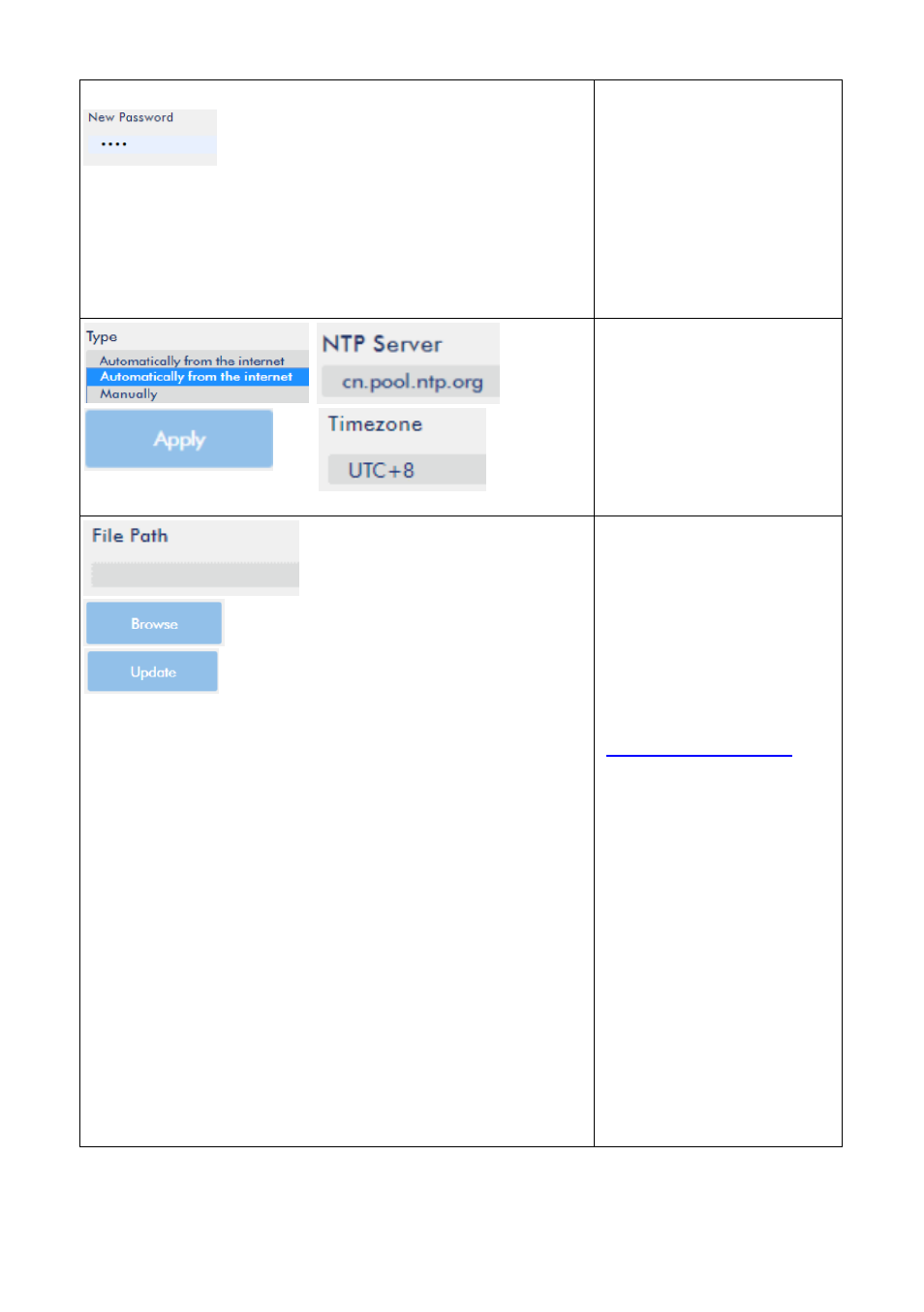
Please enter your
desired Account and
Password. After that,
please press the “Apply”
button to set or modify
the Account and
Password for logging in
the NVS-40 web UI.
Time Setting
This allows users to set
the system time.
Firmware Update
Please download the
latest firmware which
the file name is
“nvs40_x_x_x.gz” from
Datavideo official
website
After the latest firmware
is downloaded, please
select the
“nvs40_x_x_x.gz”
firmware from the hard
disk of your PC/laptop
by pressing the
“Browse” button. After
the latest firmware is
selected, please press
the “Update” button to
start the firmware
update procedure.
Advertising