Template design parameters, Example of importing a frame – DNP DS-Tmini Kiosk Order Terminal User Manual
Page 150
Advertising
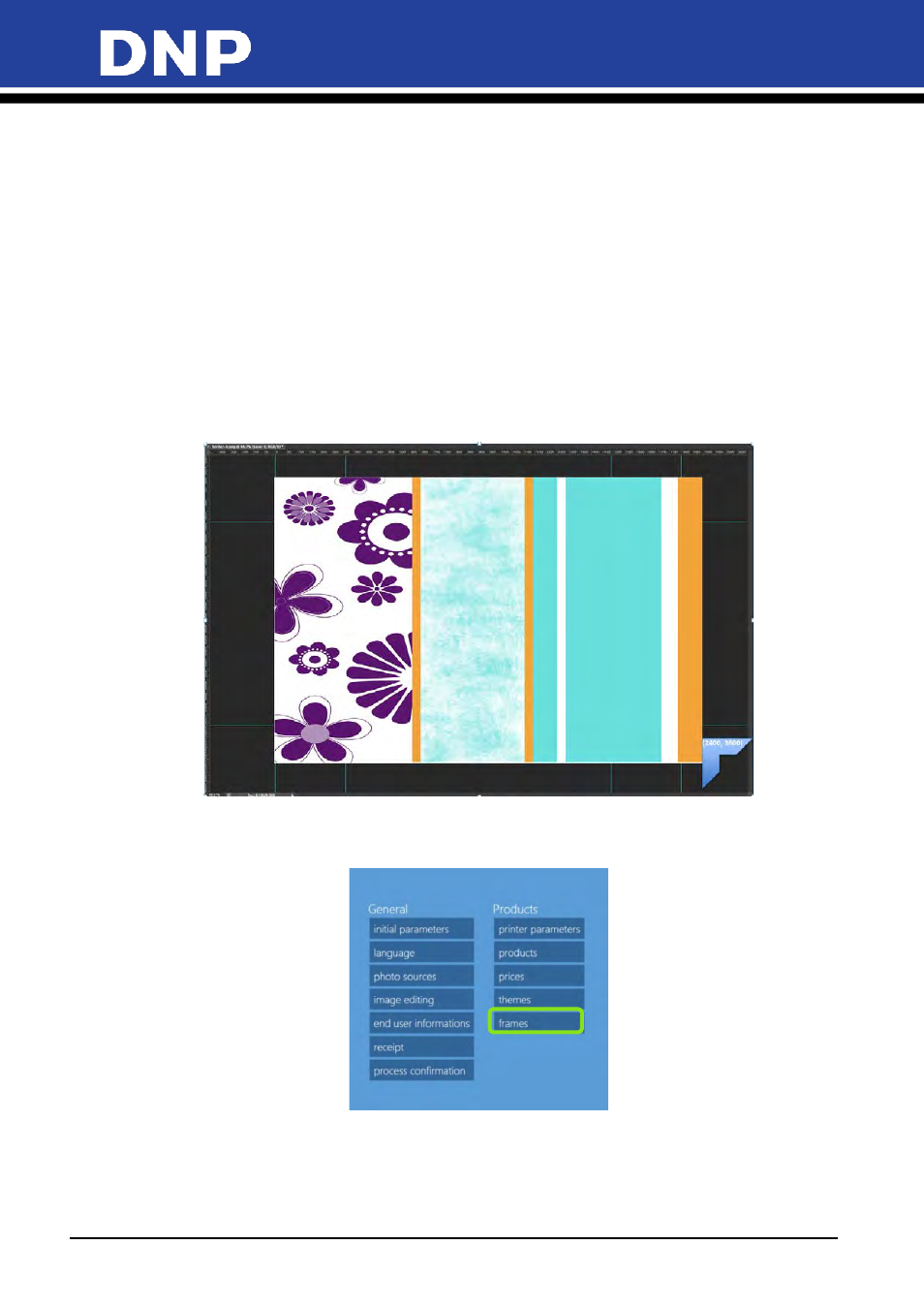
Photo Editing Software User Manual
150
Template Design Parameters:
•
Defining the Template: image format type .JPG
•
(A) Define the overall template image size with the desired design
<width>###</width>
<height>###</height>
Example of 8x12 @ 300 dpi:
•
<width>2400</width><height>3600</height>
•
(B) Save the template in .jpg format
•
Applying the template in the photo editing software:
•
(C) To import the designed/created frame/borders, Go To:
Settings/General/products/Template/
•
For more details, please refer the previous user manual v1.8
•
Example of template layout design for 8x12” / 20x30cm size:
Example of Importing a Frame
1.
From the
Configuration
screen, click the
Frames
option.
Advertising