DNP DS-Tmini Kiosk Order Terminal User Manual
Page 95
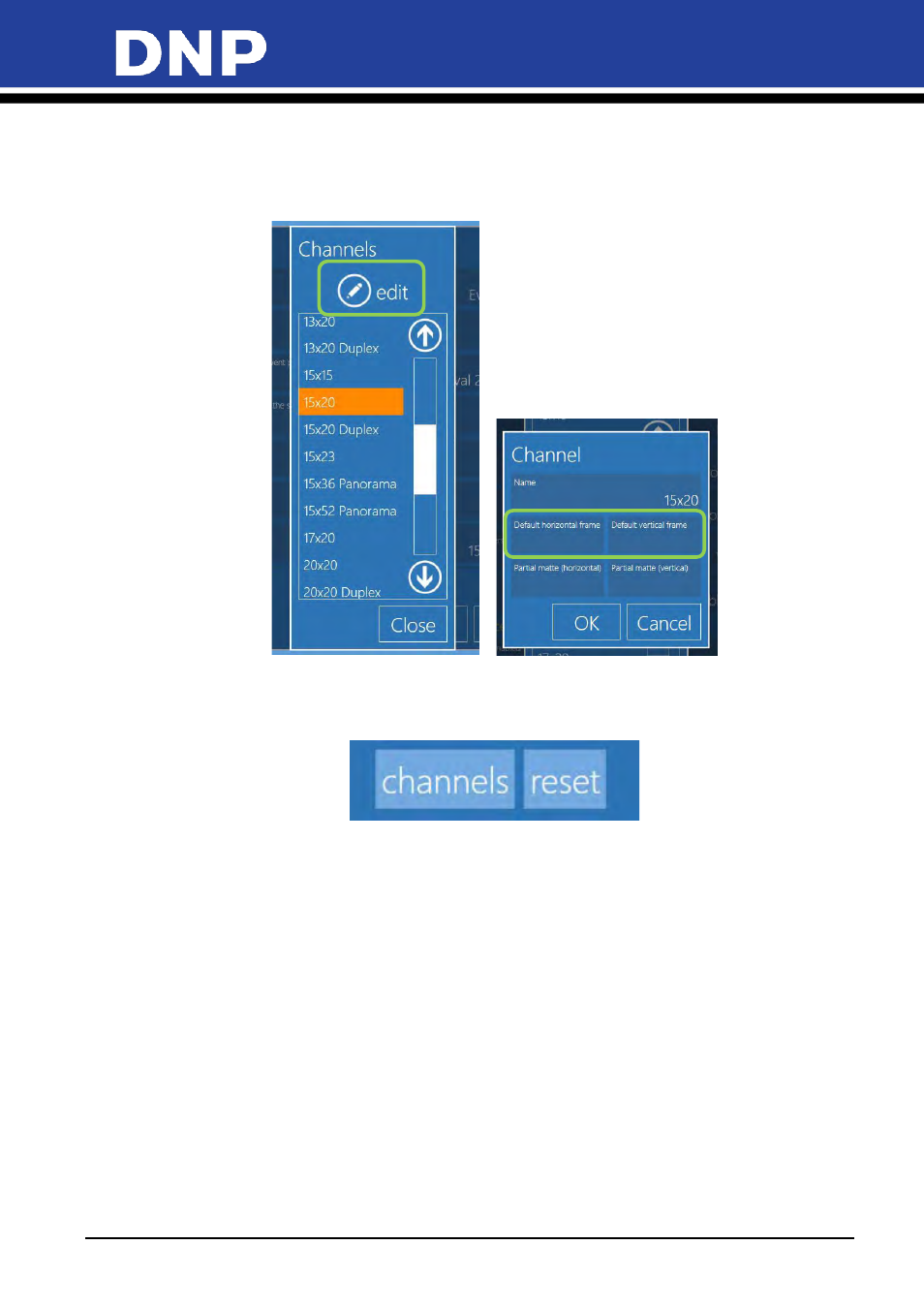
Photo Editing Software User Manual
95
•
Image Editing
: this is a duplicate of settings of kiosk mode. These settings will affect only Event mode.
•
Channels
: By selecting “channels” button it is possible to edit some parameters for each print output.
•
As an example, select 15x20 cm / 6x8’’ and then select “edit” button. The channel settings window
will be available.
•
Reset
: Reset button function to reset the Event mode settings to standard kiosk mode as the software
default settings.
•
The operator or the client needs to go back to Event mode for further configuration of event mode.
•
Default Frame
: it is possible to select a frame from existing Snap Lab library or from any image
source. Frames must be instered in pairs: one for horizontal (landscape) printed images and one for
vertical (portrait) printed images. A frame is a PNG file with transparency in the area where user
image will be displayed.