Cc1 (volume) and cc2 jacks – Kurzweil PC4-7 76-Key Performance Controller and Studio Workstation Synthesizer User Manual
Page 11
The Rear Panel
11
Dual Switch Pedals
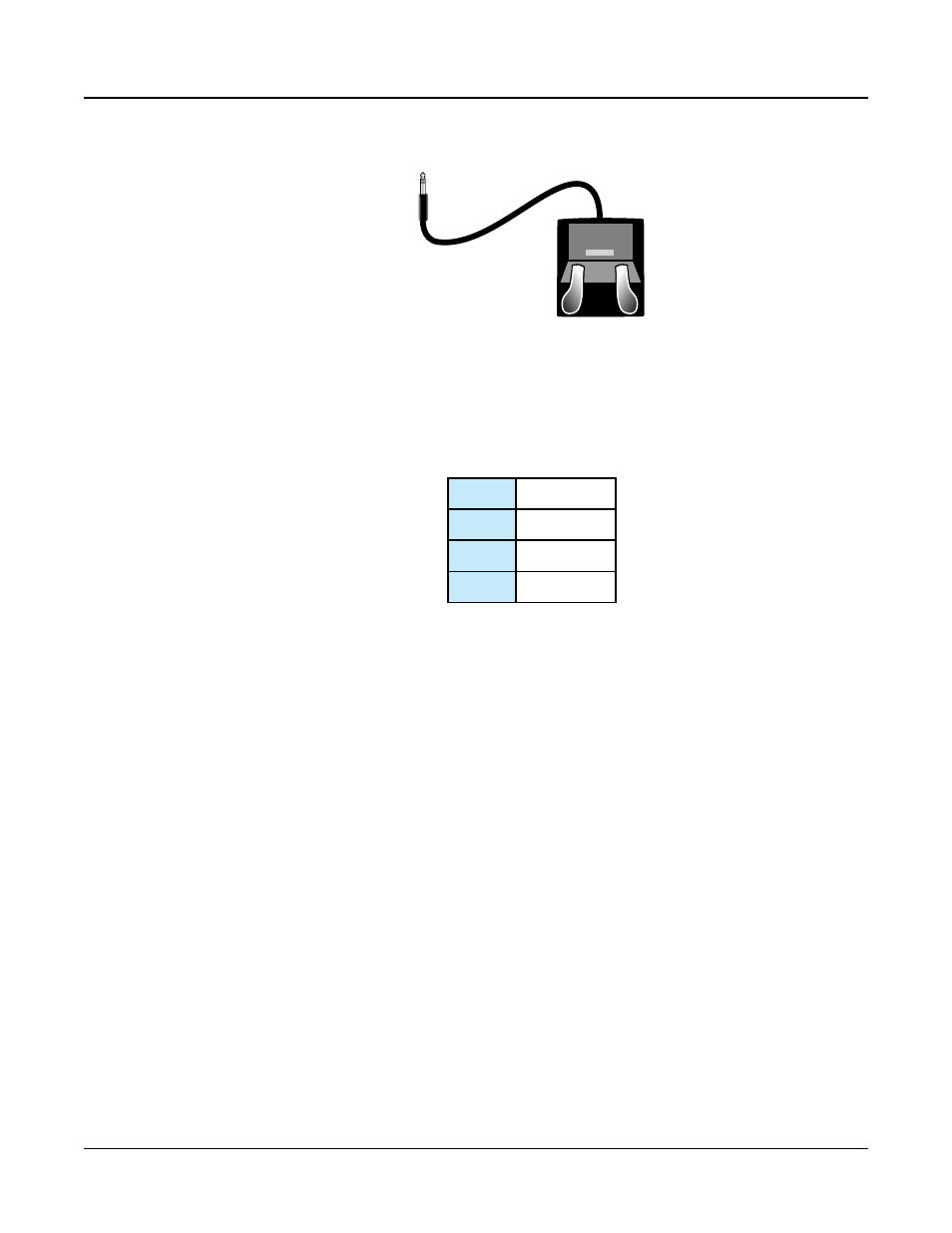
The SW1 (SUSTAIN) and SW2 jacks can be connected to dual switch pedals (2 pedals per
jack), allowing up to four switch pedals to be used. Compatible pedals should use a single
1/4 inch tip-ring-sleeve plug.
Pedals plugged into the SW1 (SUSTAIN) jack are referred to as SW1a and SW1b, and
pedals plugged into the SW2 jack are referred to as SW2a and SW2b. In Program Mode the
default assignments are:
SW1a Sustain
SW1b Sostenuto
SW2a Sostenuto
SW2b Soft Pedal
To emulate the 3 pedals of an acoustic piano, plug a single switch pedal into the SW1
(SUSTAIN) jack, and a dual switch pedal into the SW2 jack.
Continuous Switch Pedals (Half-Damper)
The SW1 (SUSTAIN) jack is also compatible with continuous switch pedals (Half-Damper)
that use a 1/4 inch tip-ring-sleeve plug (such as the Kurzweil KP-1H). When connected
to the SW1 (SUSTAIN) jack, a Half Damper pedal enables finer control of Sustain than a
standard switch pedal. Half Damper control is enabled for Programs in the Piano category.
Programs outside of the Piano category will respond to a Half Damper pedal as if it is a
standard switch pedal.
CC1 (VOLUME) and CC2 Jacks
Use the CC1 (VOLUME) jack to connect a MIDI CC pedal (also known as a MIDI
expression or volume pedal). By default this pedal is assigned to control Program and Multi
volume (pre-FX).
For KB3 Organ Programs, the CC1 (VOLUME) pedal controls organ swell. Organ swell is
similar to Program volume, except volume can not be turned all the way down to silence.
The LCD display shows “KB3” when a KB3 Program is selected.
For User Programs and Multis, the CC1 (VOLUME) and CC2 pedals can be assigned to
different functions by using Program Edit or Multi Edit Mode.