The rear panel, Save button and edit button, Exit button – Kurzweil PC4-7 76-Key Performance Controller and Studio Workstation Synthesizer User Manual
Page 9: Channel/layer/zone/track buttons, Power button, Dc power jack
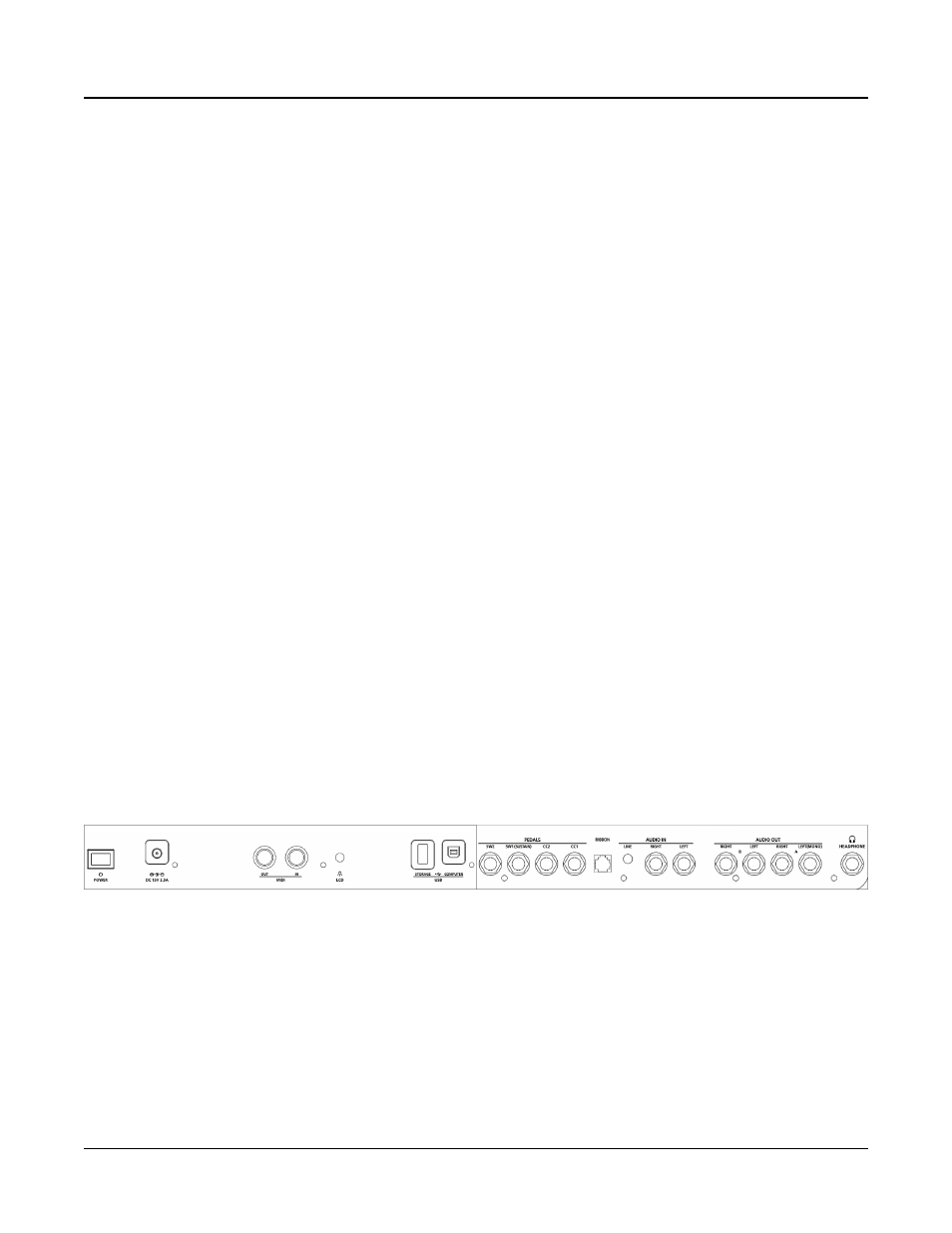
The Rear Panel
9
TEMPO Section
Use the TEMPO section to set the tempo of the Arpeggiator, the rate of tempo synced FX
(such as Delay), or the tempo of the current Multi or Song. To set the tempo press the TAP
button a few times at the desired rate, or use the TEMPO knob.
TRANSPORT Section
Use the buttons in the TRANSPORT section to control recording and playback in Song
mode.
SAVE Button and EDIT Button
These buttons are used when editing Programs, Multis, or other User objects. In Program
Mode, press the SAVE button to save a User Program with the current controller settings.
EXIT Button
Press the EXIT button to exit the current editor. Press the EXIT button repeatedly to return
to Program Mode.
CHANNEL/LAYER/ZONE/TRACK Buttons
Use the CHANNEL/LAYER/ZONE/TRACK buttons to change the current MIDI Channel
in Program Mode, the current Layer in Program Edit Mode, the current Zone in Multi Edit
Mode, or the current Track in Song Mode.
The Rear Panel
POWER Button
Press the POWER button to power the PC4 on or off.
DC Power Jack
Plug the included power adaptor into the DC Power jack.