FastRawViewer Software 2.0 (Download) User Manual
Page 26
Advertising
FastRawViewer
– user manual
Page 26 of 175
Copyright © 2014-2016, LibRaw LLC,
Setting Preferences – Interface – Disable transparency for panels outside of main window makes
a floating panel completely non-transparent when it is placed outside the main program window.
The other panel settings are individualized, and are described in the “Informational Panel settings
”
section.
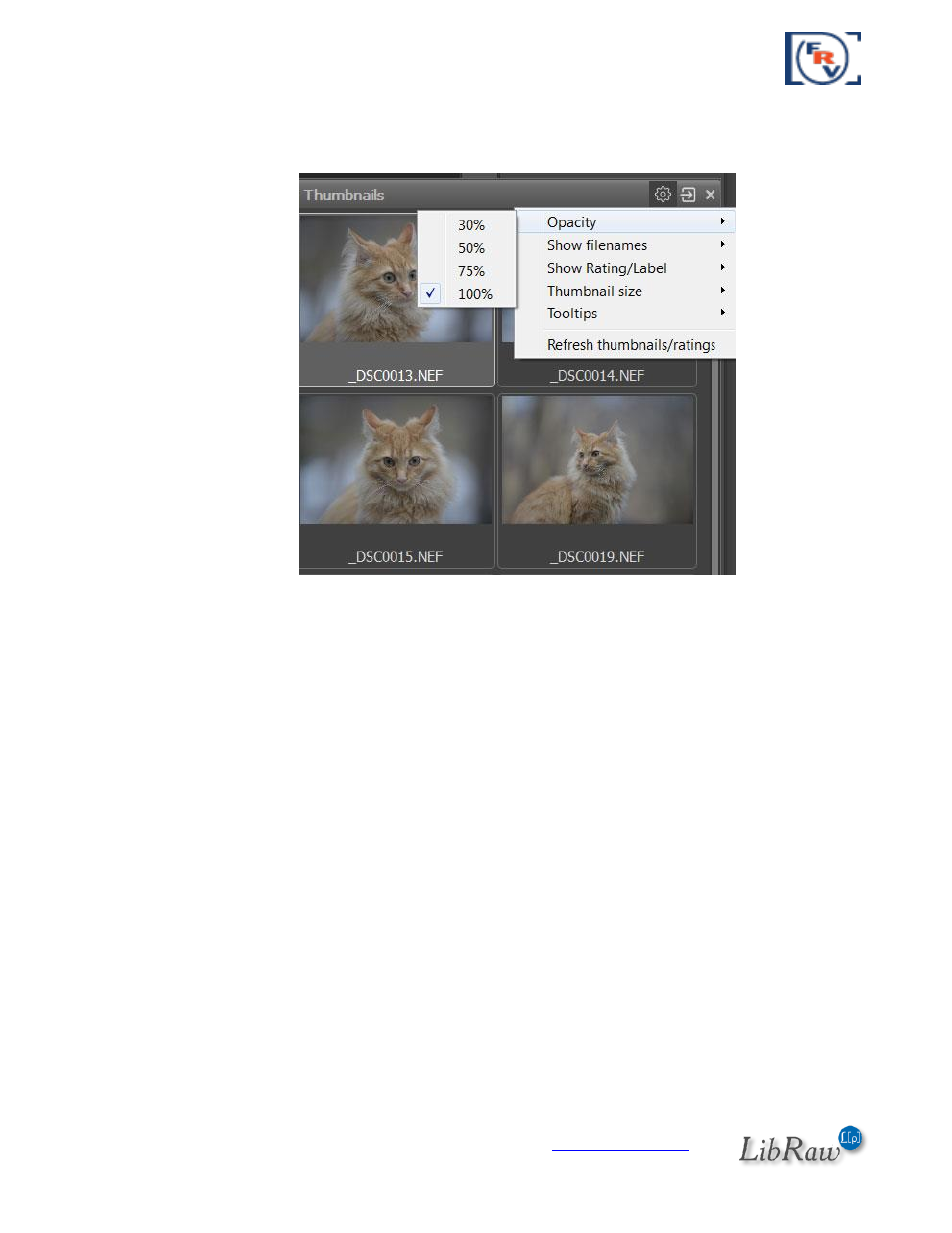
Informational panels can be closed (‘x’ on the upper right corner of the panel or corresponding item in
Menu
–
Panels), and re-opened through Menu – Panels. The same menu has the option Move all
panels to dock, which will restore the standard layout of the program workspace.
Advertising