1 matrix operation mode – Kramer 4 x 4 Seamless AV Matrix Switcher/Multi-Scaler User Manual
Page 54
VSM-4x4A
–
Using the Embedded Web Pages
47
Click
Upload
/
Save
on the lower part of the screen to upload a saved configuration
/ save a configuration (see
Section 8.9
). The model name, FW version and IP
number appear on the lower left side.
The Routing & Scaling page lets you route the input/s to the outputs in each of the
operation modes as follows for the:
•
Matrix mode, see
Section 8.2.1
•
Video Wall mode, see
Section 8.2.2
•
Dual Mode, see
Section 8.2.3
•
Quad mode, see
Section 8.2.4
8.2.1
Matrix Operation Mode
Click
Matrix
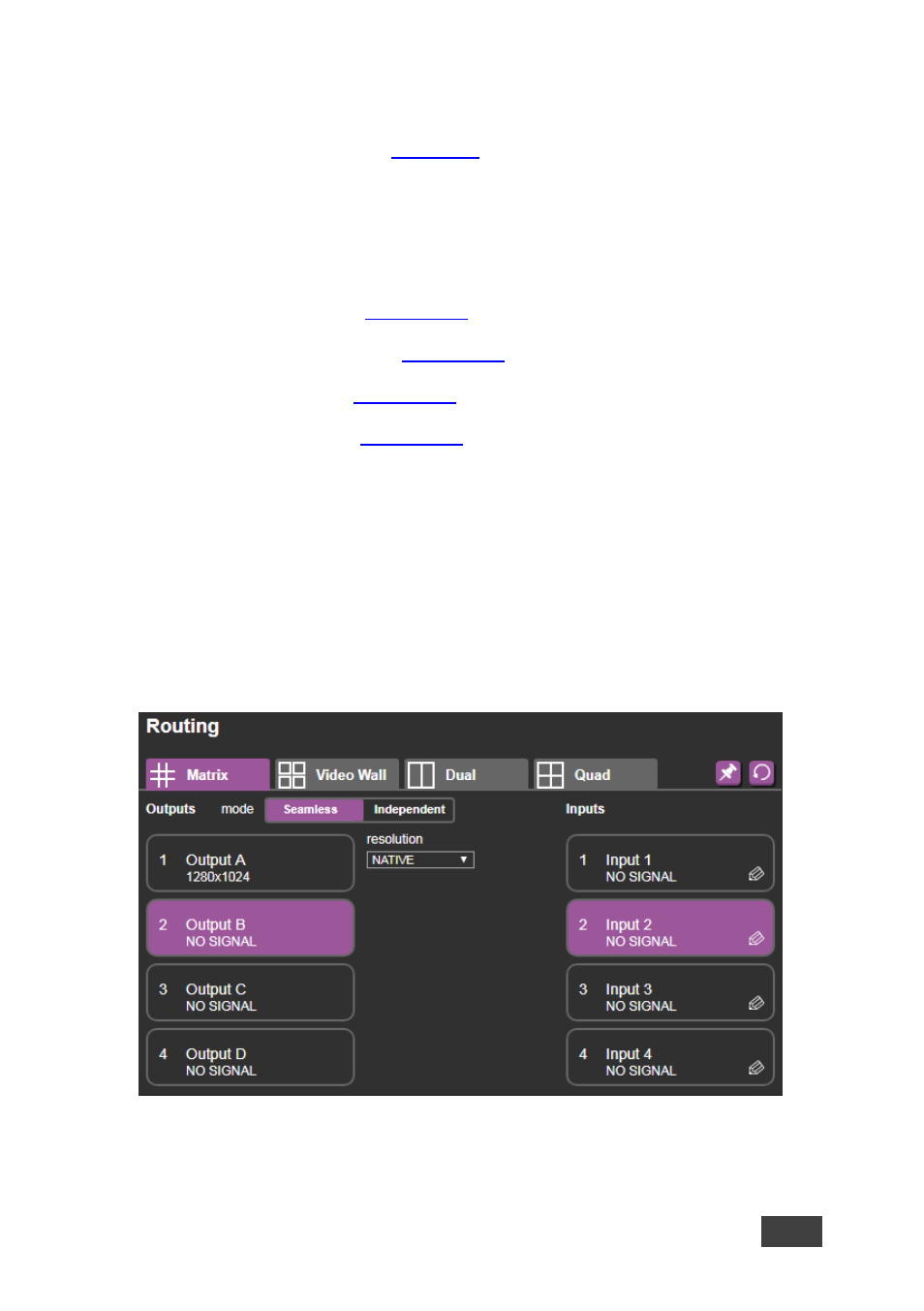
to display the Matrix mode window. In the Matrix mode, switch inputs 1
to 4 to any or all the outputs.
Select one of the following switching configurations:
•
Click
Seamless
for zero-time switching (resolution on all the outputs is the
same) and select the resolution from the drop-down list
Figure 21: The Matrix Tab output Resolution (Seamless Mode)