Page | 42, Basic oper ation b asic oper ation menu system, Basic oper ation b asic oper ation – Gefen EXT-MFP Audio/Video Multi-Format Processor User Manual
Page 52
page | 42
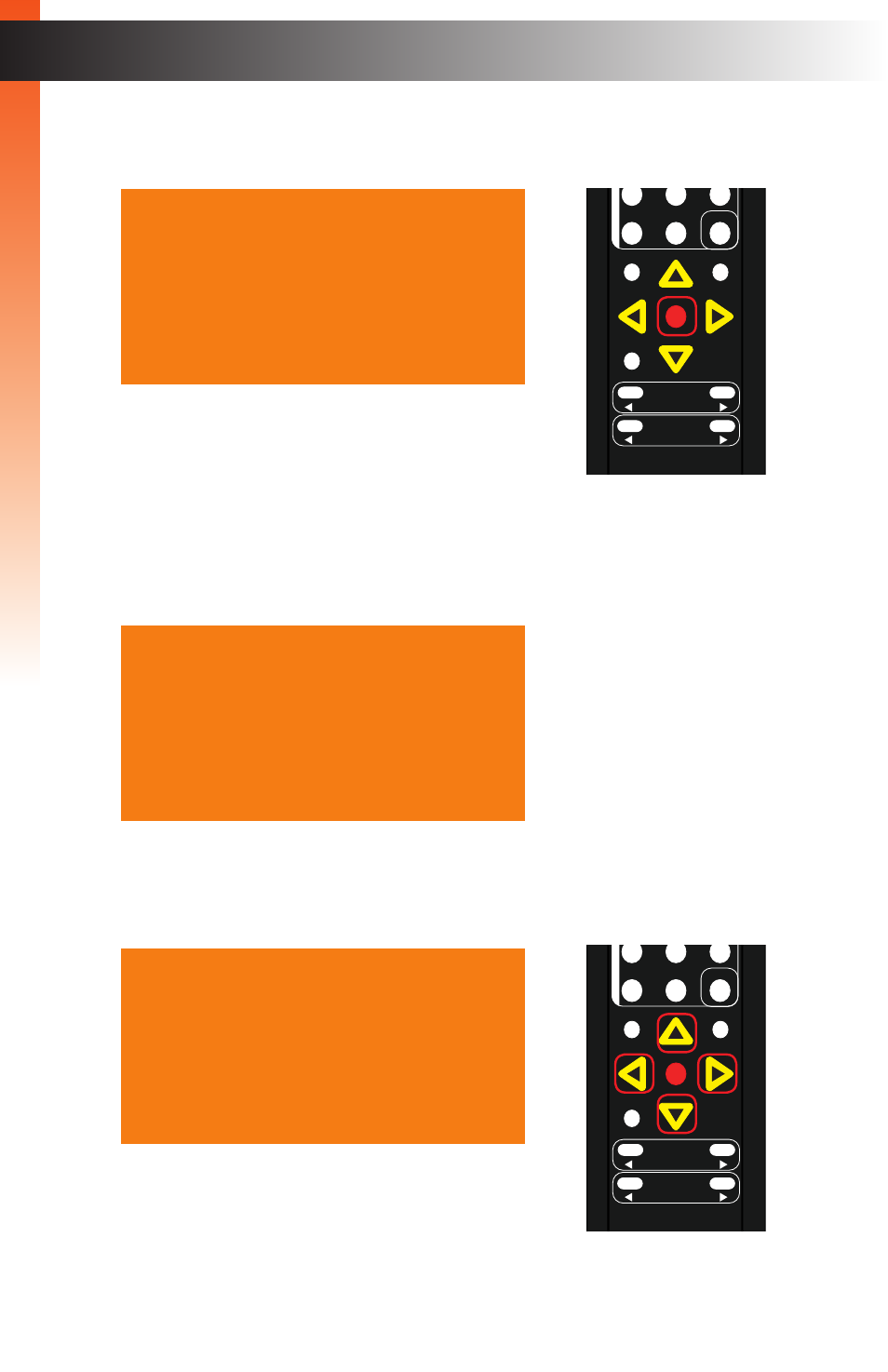
3. Press the
OK
button to display the
VGA Settings
. The
Auto Size
option will be
highlighted.
4. Press the
▲
or
▼
buttons to highlight the
Phase
option.
5. Press the
OK
button, again, to activate the
Phase
feature.
6. The current phase value will highlighted in red.
7. Press the
▲
,
▼,
◄, or ► buttons to set the desired phase setting.
The range is: 0 - 100.
®
RMT-MFP
OK
Resolution
Menu
Exit
L/R 1
Int
VGA
HDMI
Off
On
DP
DVI
Comp
Mask
Optical
Coaxial
L/R 2
Mute
Info
Vol -
Vol +
Aspect Ratio
Audio
Video
*Preferred
A u t o S i z e
P h a s e
0 5 0
V P o s i t i o n
0 0 0
H P o s i t i o n
0 5 0
U n d e r / O v e r S c a n O f f
A s p e c t R a t i o
S o u r c e
H D C P
S e n d H P D P u l s e - - -
B a c k
V G A S e t t i n g s
A u t o S i z e
P h a s e
0 5 0
V P o s i t i o n
0 0 0
H P o s i t i o n
0 5 0
U n d e r / O v e r S c a n O f f
A s p e c t R a t i o
S o u r c e
H D C P
S e n d H P D P u l s e - - -
B a c k
V G A S e t t i n g s
A u t o S i z e
P h a s e
0 4 0
V P o s i t i o n
0 0 0
H P o s i t i o n
0 5 0
U n d e r / O v e r S c a n O f f
A s p e c t R a t i o
S o u r c e
H D C P
S e n d H P D P u l s e - - -
B a c k
V G A S e t t i n g s
B
asic Oper
ation
B
asic Oper
ation
Menu System
®
RMT-MFP
OK
Resolution
Menu
Exit
L/R 1
Int
VGA
HDMI
Off
On
DP
DVI
Comp
Mask
Optical
Coaxial
L/R 2
Mute
Info
Vol -
Vol +
Aspect Ratio
Audio
Video
*Preferred
B
asic Oper
ation
B
asic Oper
ation