Adjusting the horizontal position, Page | 47, Information – Gefen EXT-MFP Audio/Video Multi-Format Processor User Manual
Page 57: Basic oper ation b asic oper ation menu system
page | 47
B
asic Oper
ation
B
asic Oper
ation
Menu System
Adjusting the Horizontal Position
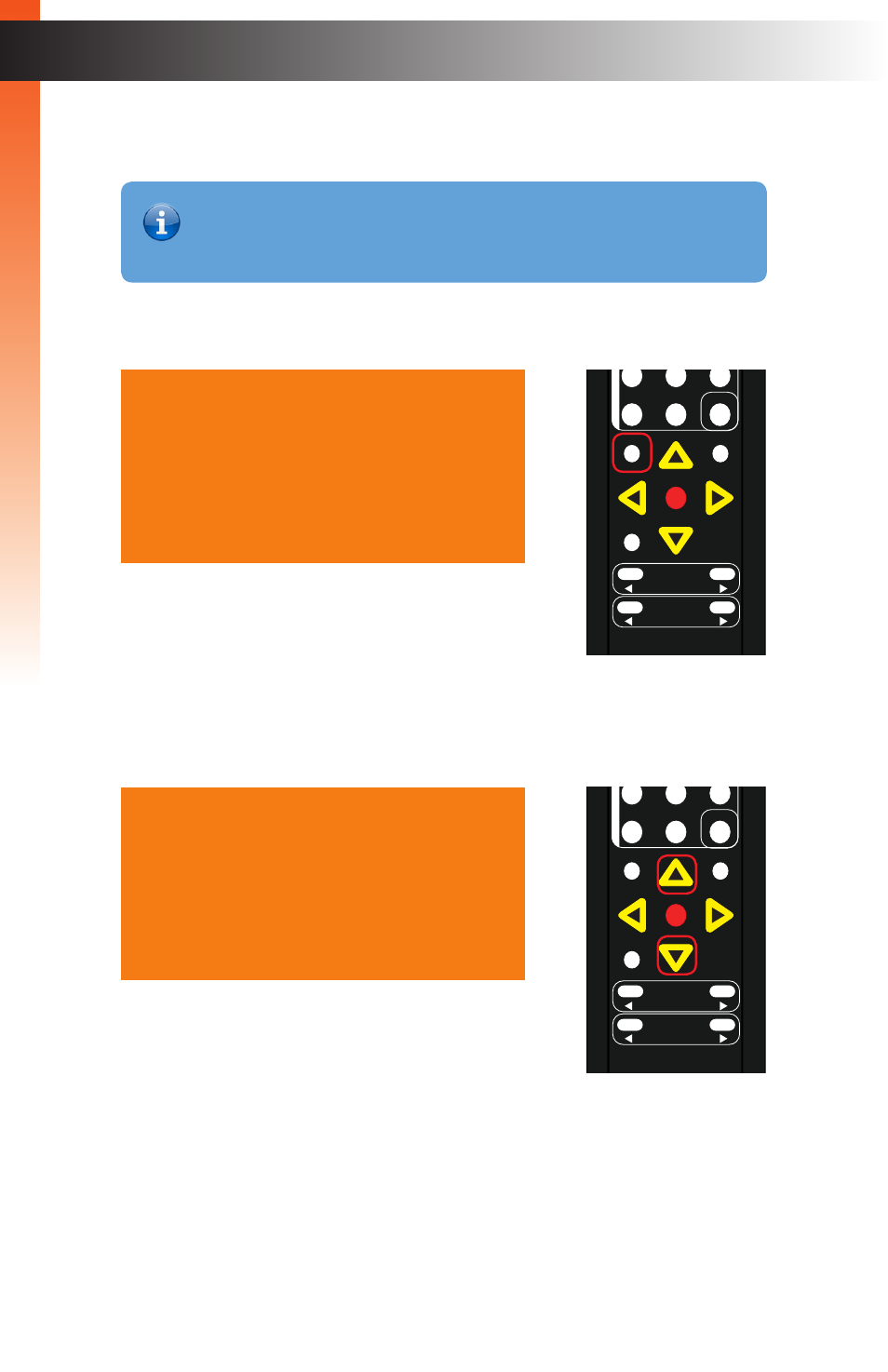
1. Press the
Menu
button. The
Output Setup
option will automatically be highlighted.
2. Press the
▲
or
▼
buttons to highlight the
Adjust
option.
O u t p u t S e t u p
P i c t u r e
A d j u s t
A u d i o
N e t w o r k
S y s t e m
E x i t
O u t p u t S e t u p
P i c t u r e
A d j u s t
A u d i o
N e t w o r k
S y s t e m
E x i t
®
RMT-MFP
OK
Resolution
Menu
Exit
L/R 1
Int
VGA
HDMI
Off
On
DP
DVI
Comp
Mask
Optical
Coaxial
L/R 2
Mute
Info
Vol -
Vol +
Aspect Ratio
Audio
Video
*Preferred
®
RMT-MFP
OK
Resolution
Menu
Exit
L/R 1
Int
VGA
HDMI
Off
On
DP
DVI
Comp
Mask
Optical
Coaxial
L/R 2
Mute
Info
Vol -
Vol +
Aspect Ratio
Audio
Video
*Preferred
Information
The
H Position
menu option is only available when using a VGA input
signal.