Section 6.3 control types – NewTek TriCaster 2 Elite (3 RU) User Manual
Page 76
P a g e | 58
way to illustrate that it can be logically divided into five horizontal bands, described from top to bottom
in the following table.
SECTION 6.3
CONTROL TYPES
You will find various control types used repeatedly in the
Live Desktop
. Some examples are shown in the
table below.
Control Type
Type
Examples Usage
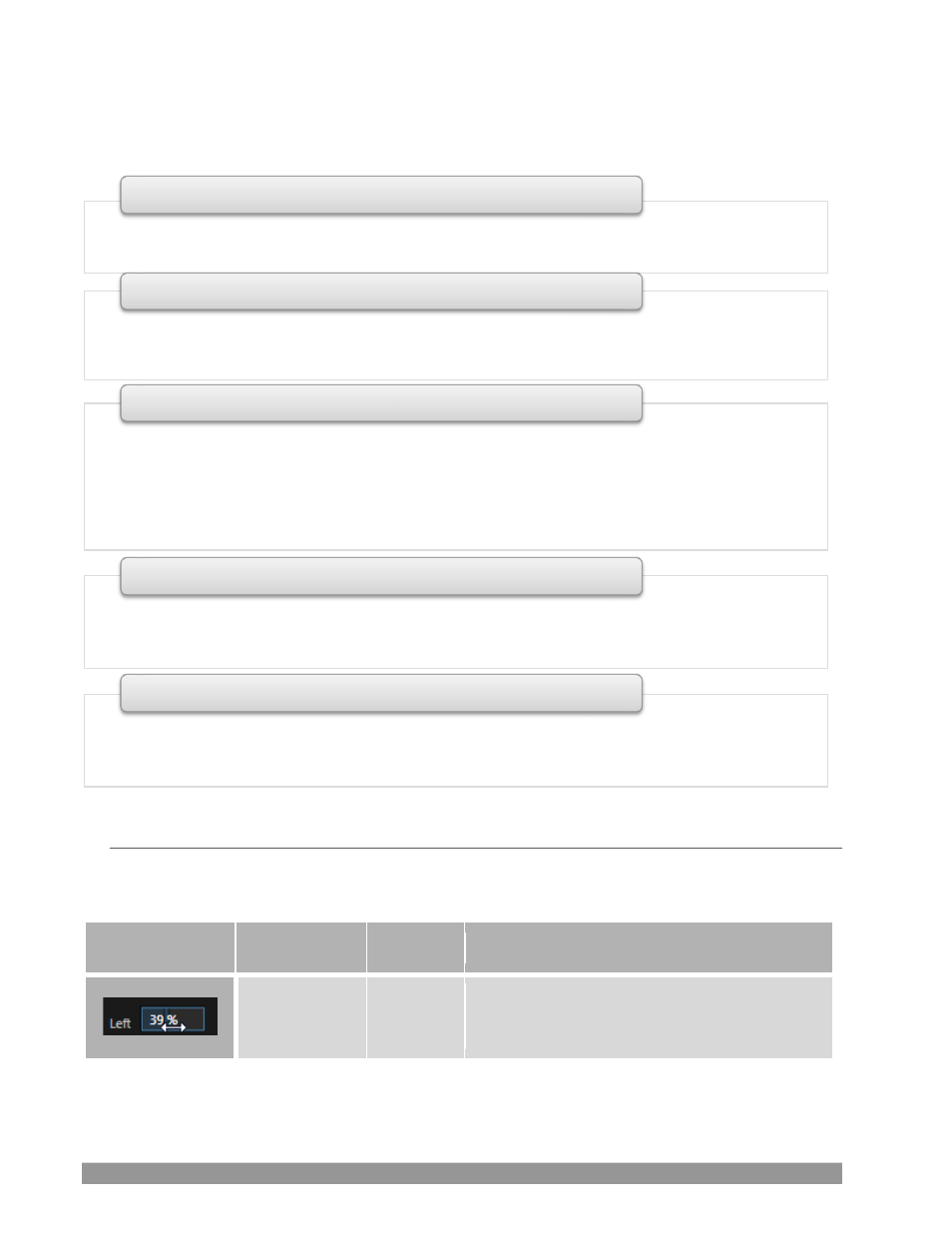
Numeric Slider Gain, Pan
Drag in line with the control’s orientation to
raise or lower the current value.
•
Quick access to interface options and important tools, including
Publish
and
Macros
along with
Record
,
Stream, Workspace
and
Timecode
options.
1 - Dashboard
•
User configurable layouts
–
monitor live inputs along with internal sources (such as
DDRs
,
M/Es
,
and
Buffers
) plus
Look Ahead Preview
and
Program o
utput
•
Waveform
and
Vectorscope
monitors
2 - Monitors
•
Effect
mode
–
control up to four primary video layers plus 4 overlay channels
•
Mix
mode
–
secondary switcher controls plus 4 overlay channels
•
Each
M/E
includes dedicated an extensive complement of
Keyers
, transition generators,
scaler/positioners, and more
•
The two Matrix Router (OUTPUTS 1-4 & 5-8) provide eight routable crosspoints with NDI outputs.
(In TC2 Elite)
3 - M/Es & Matrix Router
•
Switcher
rows
–
Program
and
Preview
rows
•
Transition
controls
–
T-bar
and
Delegate
buttons
•
DSK
video layer configuration and controls
4 - Switching
•
Internal
Media Players
and
Buffers
)
•
PTZ
(robotic) camera controls
•
Audio
(mixer)
–
input configuration, level control,
EQ
and
Compressor/Limiters
5 - Tabbed Control Modules