Recording immediately, Recording, Klxcv – Samsung DVD-VR375A-XAA User Manual
Page 60: Recording the current program you are watching, Recording from external equipment you are watching, Before you start
60_
recording
recording
RECORDING IMMEDIATELY
KLXCV
Before you start
Make sure the antenna cable is connected.
Press the OPEN/CLOSE button and place a recordable disc on the disc tray.
Check the remaining time on the disc.
DVD-RAM/DVD±RW/+R discs should be formatted or initialized in advance before beginning recording. Most new discs
are sold unformatted. Make sure to format your unformatted discs before recording.
Press the OPEN/CLOSE button to close the disc tray.
Wait until LOAD disappears from the front panel display.
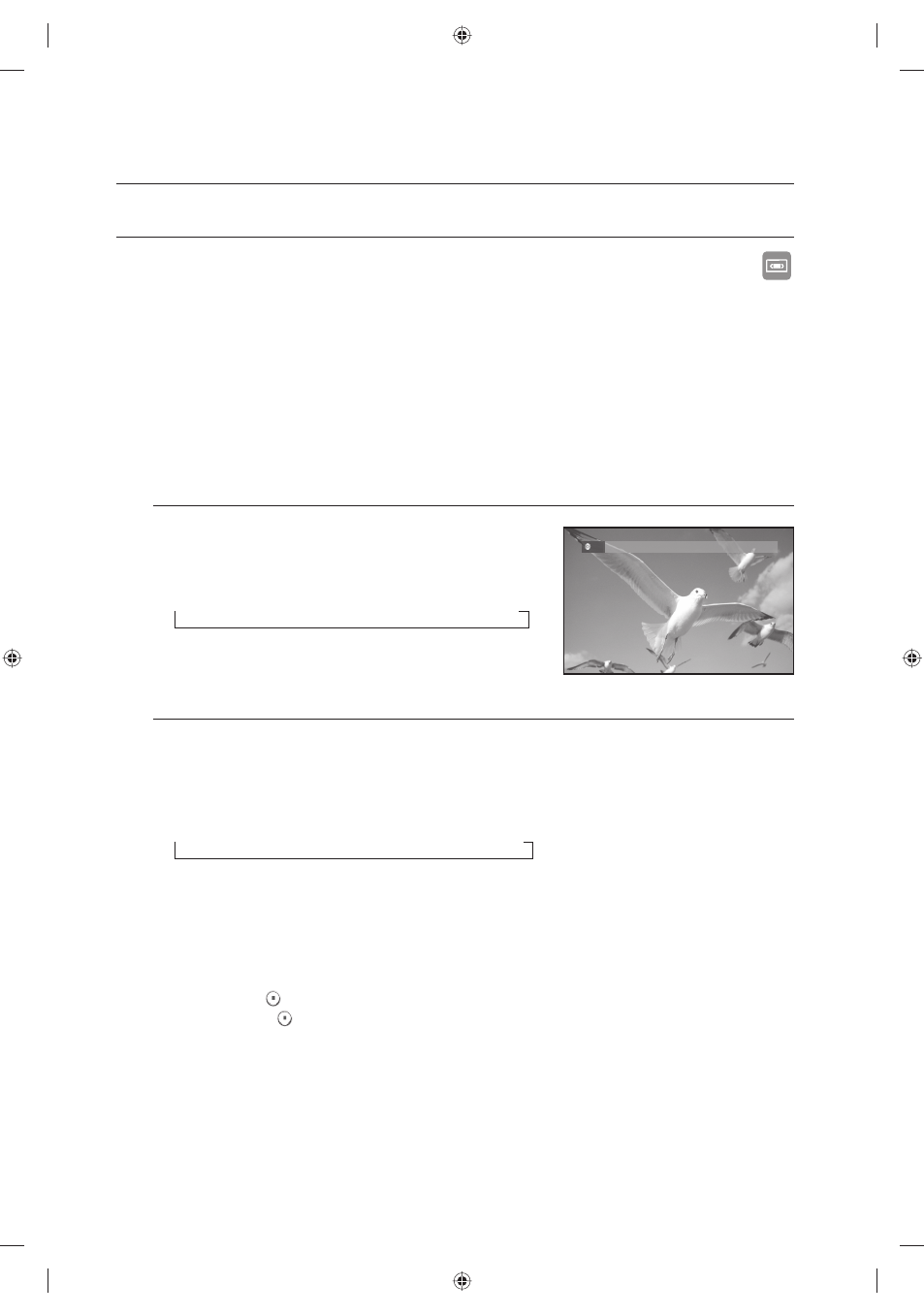
Recording the current program you are watching
Press the TRK/CBC CH/TV CH buttons or number buttons to
select the station you want to record.
Press the REC SPEED button repeatedly, to select the recording
Speed (quality).
→ HQ → HSP → SP → LSP → ESP → LP → EP → SLP
Press the REC button.
Recording from external equipment you are watching
When using the set top/cable box or satellite receiver control, select the channel. When not using the set
top/cable box or satellite receiver control, select the AV1 or AV2 input.
Select the channel on connected set top/cable box or satellite receiver before timer recording starts.
Press the REC SPEED button repeatedly to select the recording Speed (quality).
→ HQ → HSP → SP → LSP → ESP → LP → EP → SLP
When your DVD Recorder & VCR is in the Stop mode, set the operation mode of your external devices to
play mode.
Press the REC button on your DVD Recorder & VCR when the image from which you want to start
recording is displayed.
To pause recording
Press the PAUSE (
) button to pause a recording in progress.
Press the PAUSE (
) button again to resume recording.
You can switch channels the set top/cable box or satellite receiver by pressing the TRK/CBC CH/TV CH
buttons while recording pauses.
To stop recording
Press the STOP button to stop a recording in progress.
When using DVD-RAM/DVD±RW/±R discs, the message “Updating the information of disc.
Please wait for a moment.” is displayed.
1.
2.
3.
4.
1.
2.
3.
1.
2.
3.
4.
•
•
•
VR SP
AV
1
DVD
-RW
01613A-03-VR375-XAA-ENG.indb 60
01613A-03-VR375-XAA-ENG.indb 60
2008-06-11 오후 2:18:44
2008-06-11 오후 2:18:44