Menu/settings search, Se ar, Ttin – Sony DSC-S2100 User Manual
Page 8: Menu items (shooting)
Ta
ble
of
Op
e
MENU/Settin
In
8
GB
MENU/Settings Search
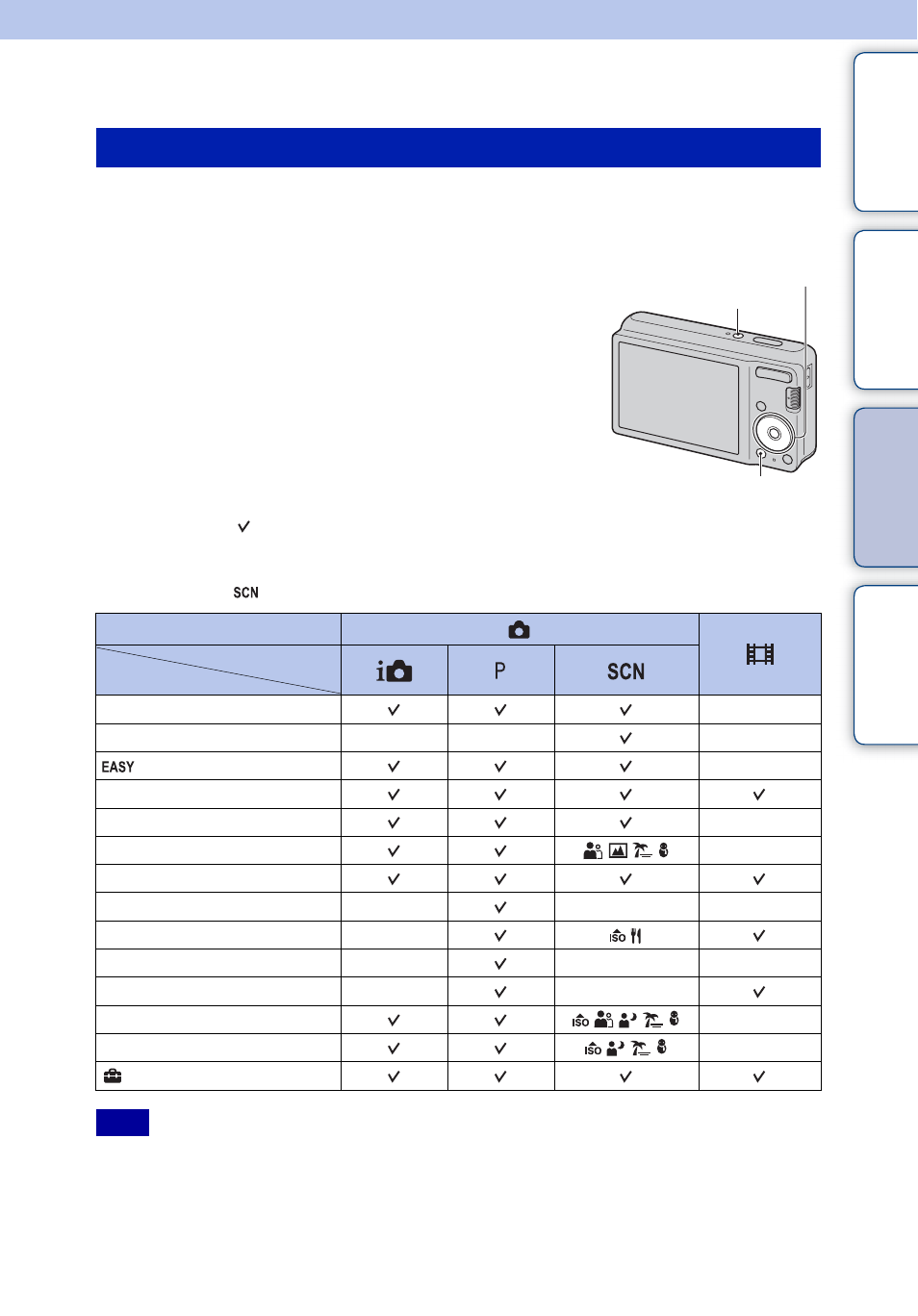
You can select the various shooting functions easily from the MENU button.
1
Press the ON/OFF (Power) button to set to shooting mode.
2
Press the MENU button to display the MENU
screen.
3
Select the desired menu item with
v
/
V
/
b
/
B
on the
control button.
4
Press the MENU button to turn off the MENU
screen.
In the table below, indicates settings that can be changed, while – indicates settings that cannot
be changed. A setting may be fixed or restricted depending on the shooting mode. For details,
see the page for each item.
The icons below [
] indicate the available modes.
• Only the items that are available for each mode are displayed on the screen.
MENU items (Shooting)
Mode switch
REC Mode
Menu items
—
—
—
—
—
—
—
—
—
—
—
—
—
—
—
—
—
—
(Settings)
Note
MENU button
Control button
ON/OFF (Power) button