Menu items (viewing) – Sony DSC-S2100 User Manual
Page 9
Advertising
Ta
ble
of
Op
e
MENU/Settin
In
9
GB
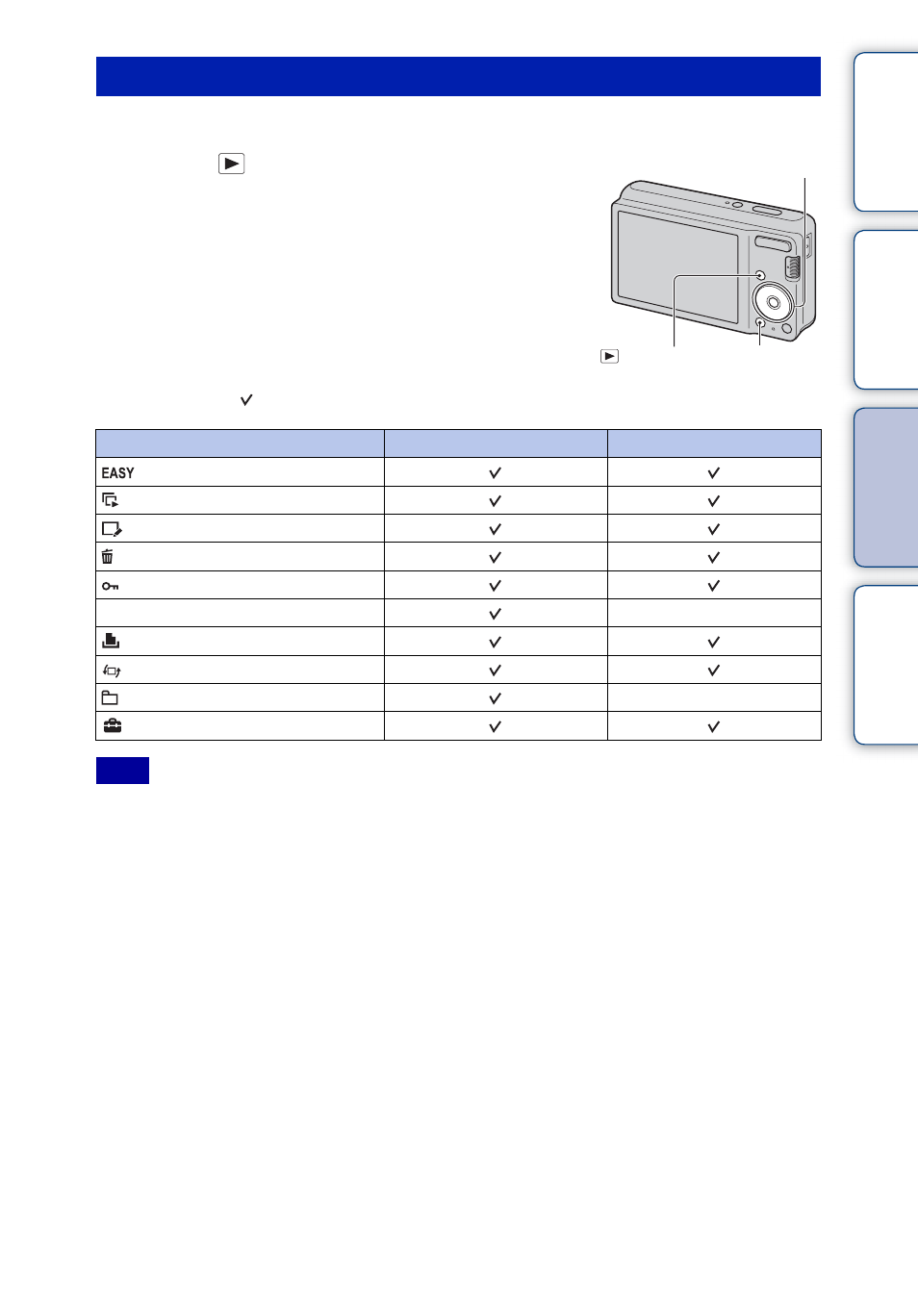
You can select the various viewing functions easily from the MENU button.
1
Press the
(Playback) button to switch to
playback mode.
2
Press the MENU button to display the MENU
screen.
3
Select the desired menu item with
v
/
V
/
b
/
B
on
the control button.
4
Press
z
on the center of the control button.
In the table below, indicates an available function.
• Only the items that are available for each mode are displayed on the screen.
MENU items (Viewing)
Menu items
Memory card
Internal Memory
—
—
(Settings)
Note
Control button
MENU button
(Playback)
button
Advertising
This manual is related to the following products: