Sony KV-27FV300 User Manual
Page 37
30
Operating Instructions
Using the Headphones
1
Press
.
(
The
i
icon and channel number display.)
2
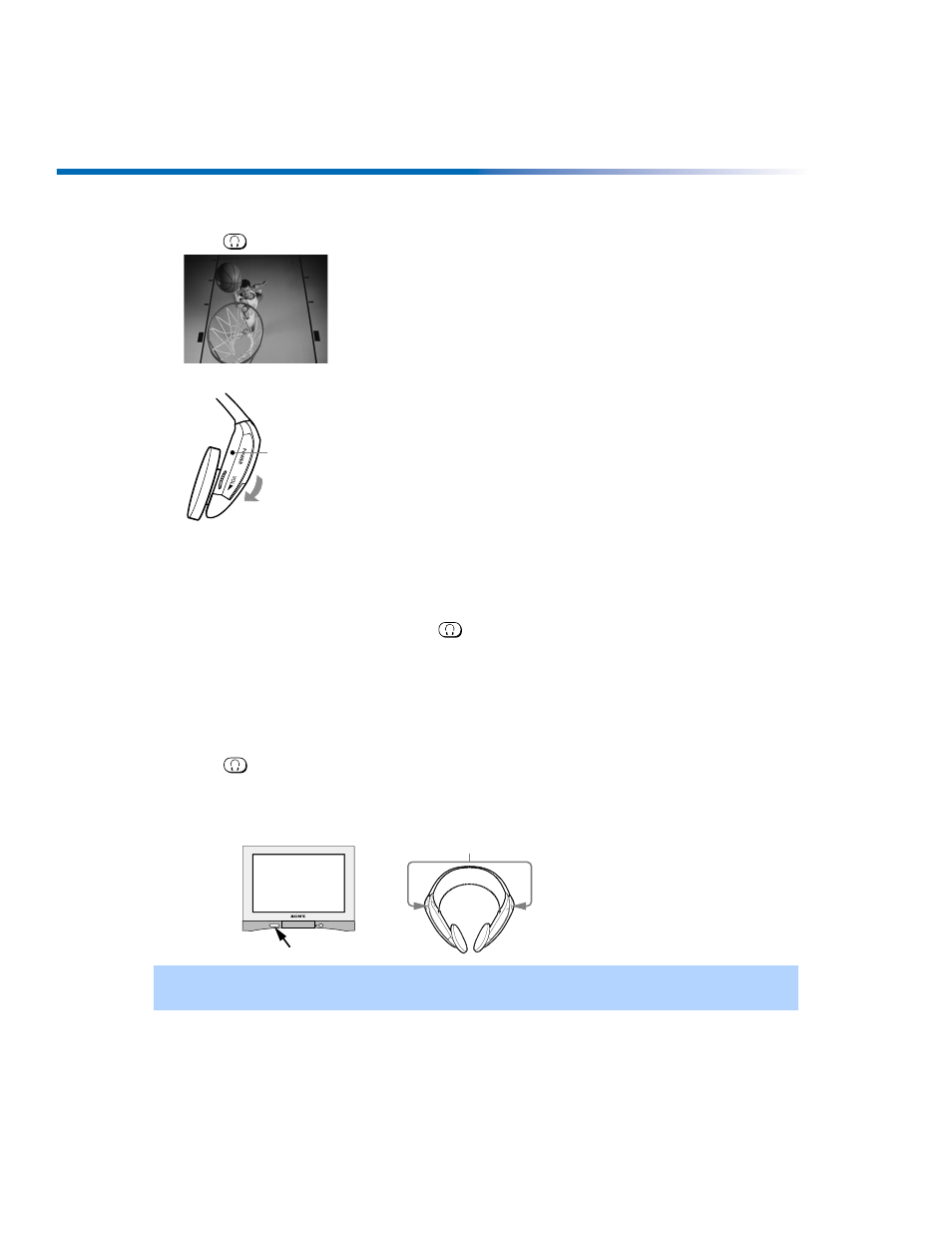
Place the headphones securely onto your head.
To listen to sound only from wireless headphones
❏
Turn down the TV speaker level, or press MUTING on the remote control.
To turn off headphones
❏
Put down the headphones and press
.
To ensure optimal sound reception with headphones
❏
Be sure that the infrared transmitter on the TV and the infrared sensors on the
headphones have a clear (unobstructed) line of sight to one another.
To protect the TV’s infrared transmitter from possible damage
❏
Press
to turn off the headphone feature when the headphones are not in use.
To protect your hearing from sudden or prolonged excessive volume
❏
Set the headphone volume just high enough to hear comfortably.
✍
For optimal sound quality, be sure that the infrared transmitter on the TV and the infrared sensors on
the headphones are not obstructed and can “see” one another.
6
i
Power indicator
Volume control
Infrared sensors
Infrared transmitter