2 general indications – BINDER FDL 115 User Manual
Page 28
FDL (E2.1) 02/2015
page 28/75
5.2 General indications
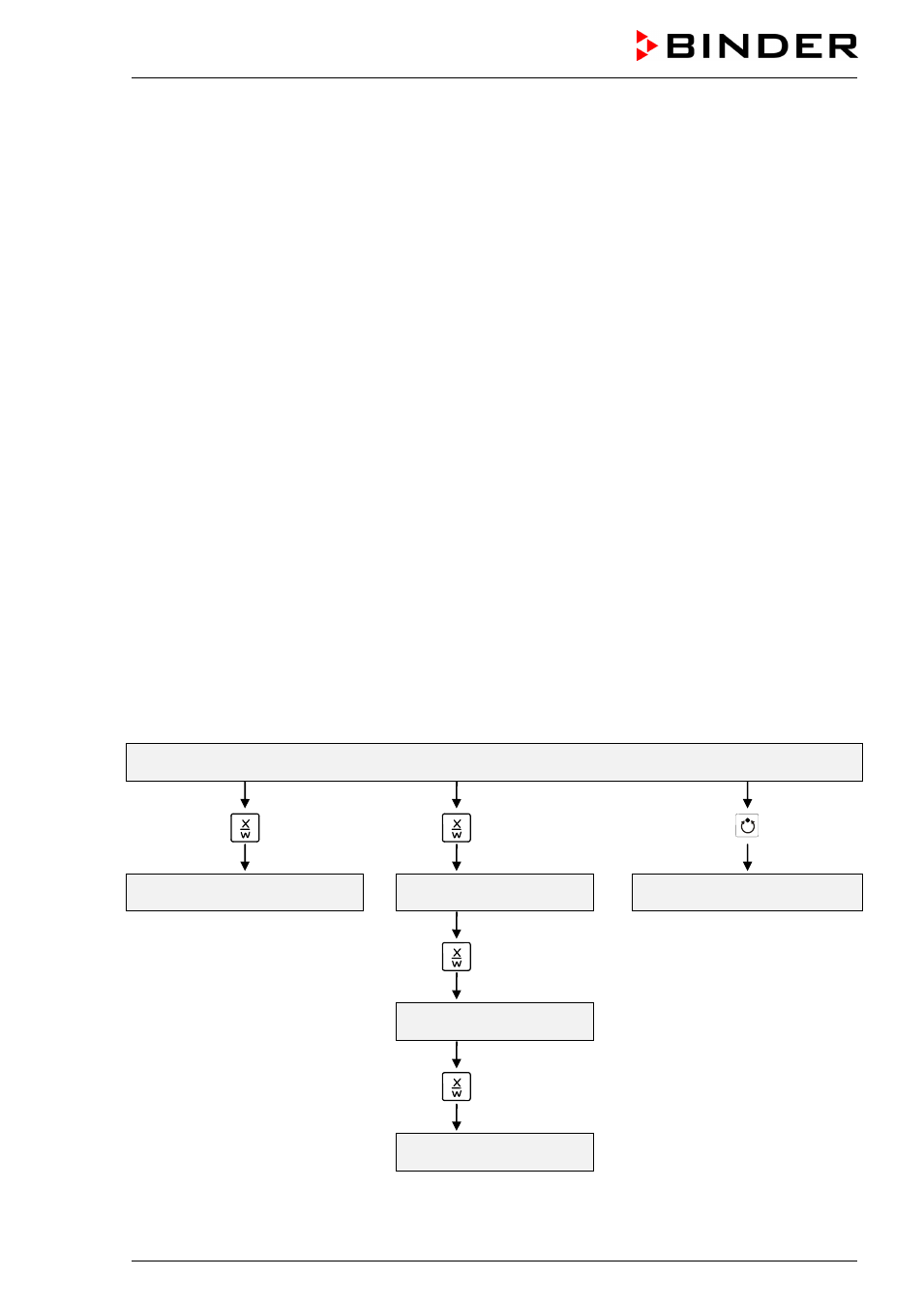
The program controller RD3 offers several functional levels:
Normal Display / fixed value operation:
•
Display of the actual value of temperature (display 1) and of the actual date and time (display 2).
•
The chamber is in fixed value operating mode, adjusting to the entered set-points.
Fixed value entry mode (chap. 6)
•
Entry of the temperature set-point for fixed value operating mode
•
Entry of temperature set-points 1 and 2 for week program operation
Program editor (chap. 8)
•
Two programs with up to 10 sections each or one program with up to 20 sections can be entered (se-
lection in the user level, chap. 10). Entry of temperature set-points in all program sections (chap. 8.2).
•
Deleting a program section (chap. 8.4)
Program start level (chap. 9)
•
Selection of an entered program
•
Entry of settings affecting the program course, as “start delay time” or “number of program cycles”
•
Program start
Week program editor (chap.7)
•
Setting the shift points
User level (chap. 10)
•
User specific controller settings
•
Setting the real time clock
Normal Display / Fixed value operation
5 seconds
Fixed value entry mode
Program editor
Program start level
5 seconds
Week program editor
Menu visible only if week program
timer is activated in the user level
5 seconds
User level
If no button is touched within more than 120 sec. the controller returns from the current level to Normal
Display.