Paxar Monarch 9855 RFID Printer User Manual
Page 37
P o s i t i o n i n g
This menu includes selections to change the print, supply, margin,
cut, and dispense positions along with the backfeed distance.
When you see
Enter print pos
[-450/450]: +0
Feed/Cut acts as a toggle switch to change the value by 10 or 1.
For example, to make the print position 23 (from the default of 0),
press Feed/Cut, then press
r twice (20), press Feed/Cut again
and press
r three times (23).
P r i n t P o s i t i o n
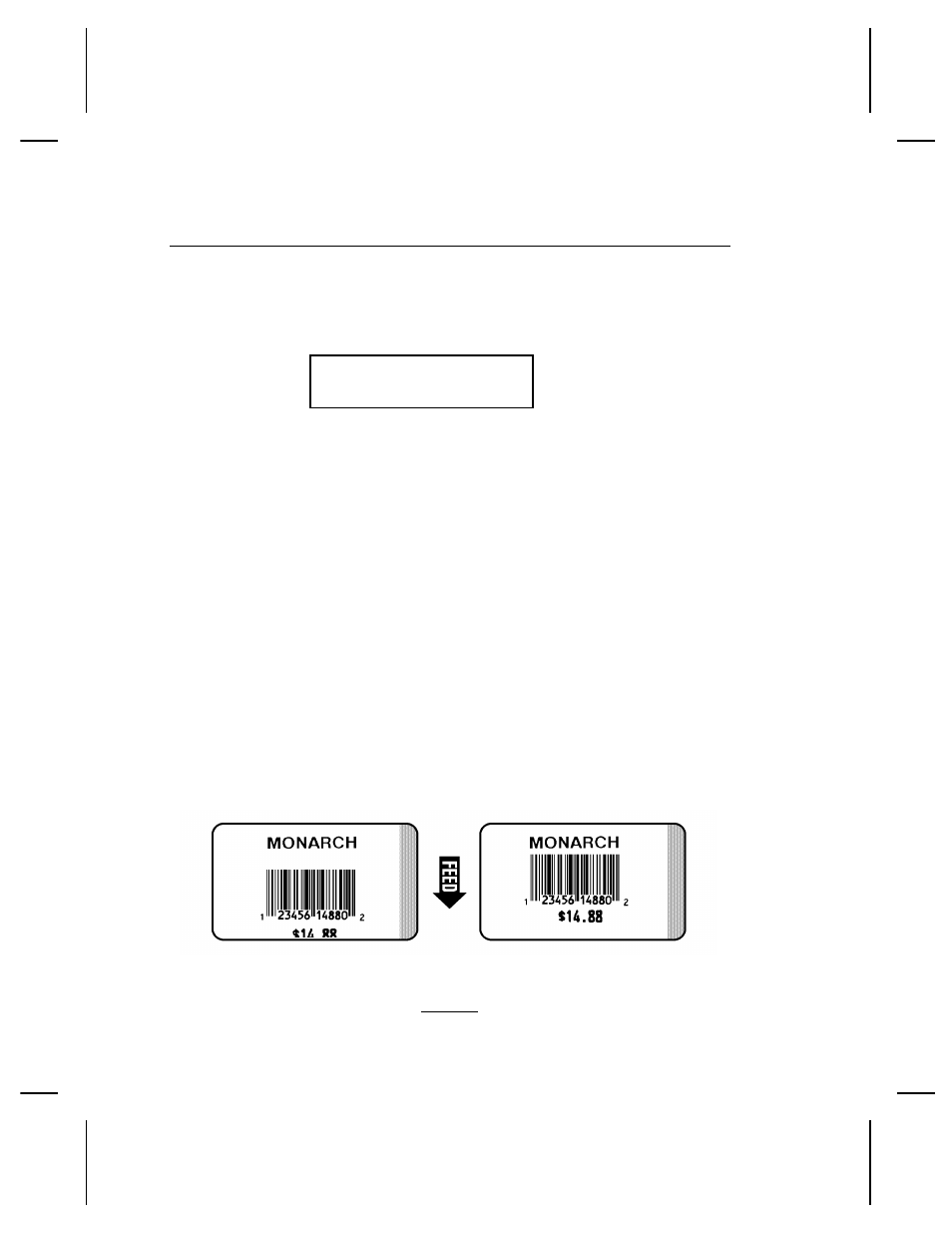
This function adjusts where data prints vertically on the supply.
Adjust the print if it is too close to the top or bottom of the supply,
or overtypes the pre-printed area. One dot is 0.0049 inch.
For RFID supplies with a one-inch feed length, adjust the print
position to 40. Depending on the width of the inter-label gap
(space between die cut labels), you may need to increase or
decrease this value. Refer to your RFID Application Notes for
more information.
◆
If the data is too close to the bottom, increase the number.
◆
If the data is too close to the top, decrease the number.
Changing this setting only affects new
formats sent to the printer.
Setting Supply Options 4-7