Specifying the size of pattern thumbnails – Baby Lock Destiny (BLDY) Instruction & Reference Guide-Part1 User Manual
Page 40
Advertising
LCD SCREEN
38
e
Select the background color from the 66
color thumbnails shown.
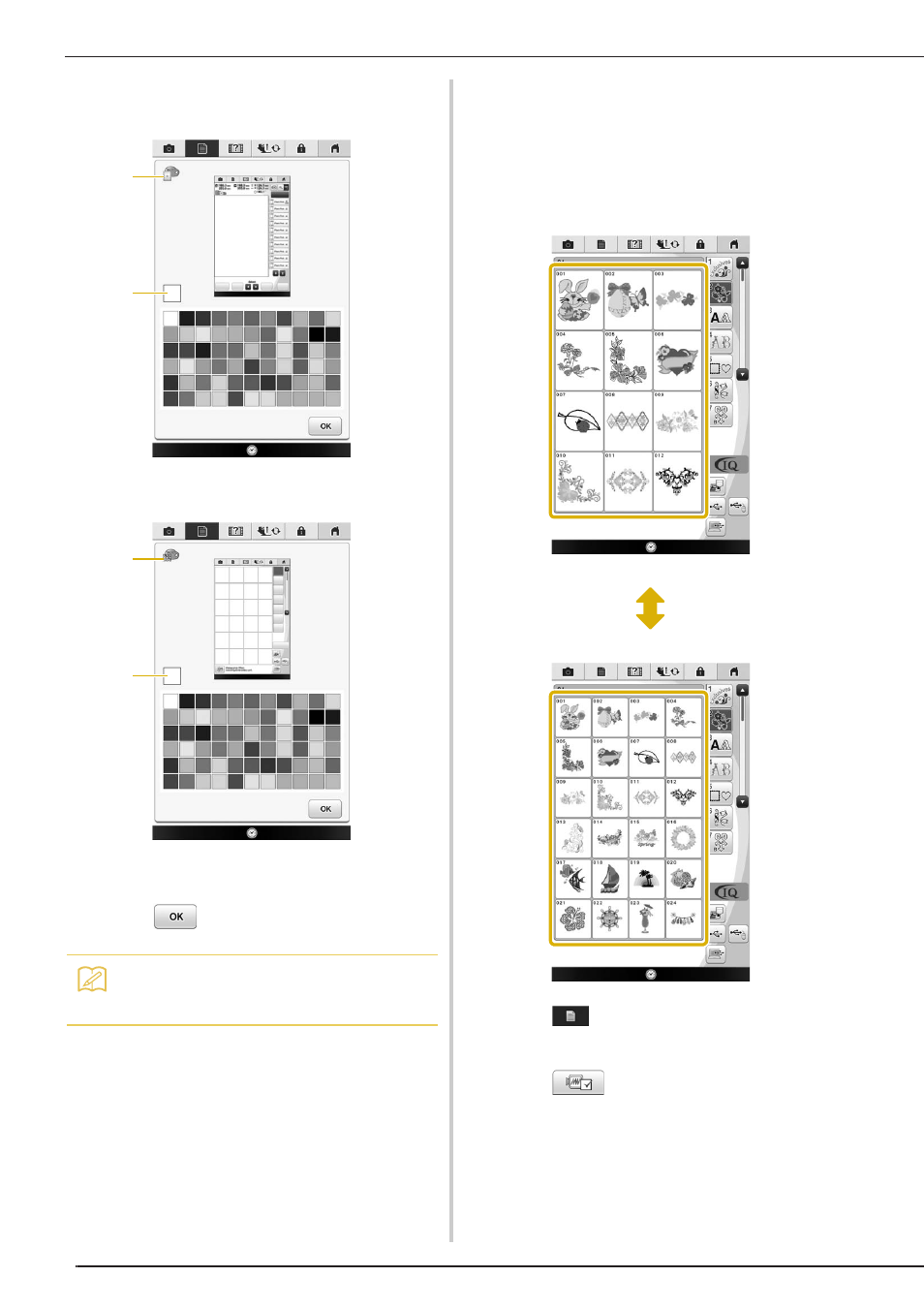
a Embroidery pattern background
b Selected color
a Pattern thumbnails background
b Selected color
f
Press
to return to the original screen.
■ Specifying the Size of Pattern
Thumbnails
The thumbnails for selecting an embroidery pattern
can be set to be displayed at the normal size or a
larger size. The larger size is 1.5 times the normal
size.
a
Press .
→ The settings screen appears.
b
Press .
→ The Embroidery settings screen appears.
c
Display page 8 of the Embroidery settings
screen.
Memo
• The setting remains selected even if the
machine is turned off.
b
a
b
a
Advertising