Contact outputs, Watchdog output, Programmable outputs – Basler Electric DECS-250N User Manual
Page 54
38
9440500990 Rev D
Contact Inputs and Outputs
DECS-250N
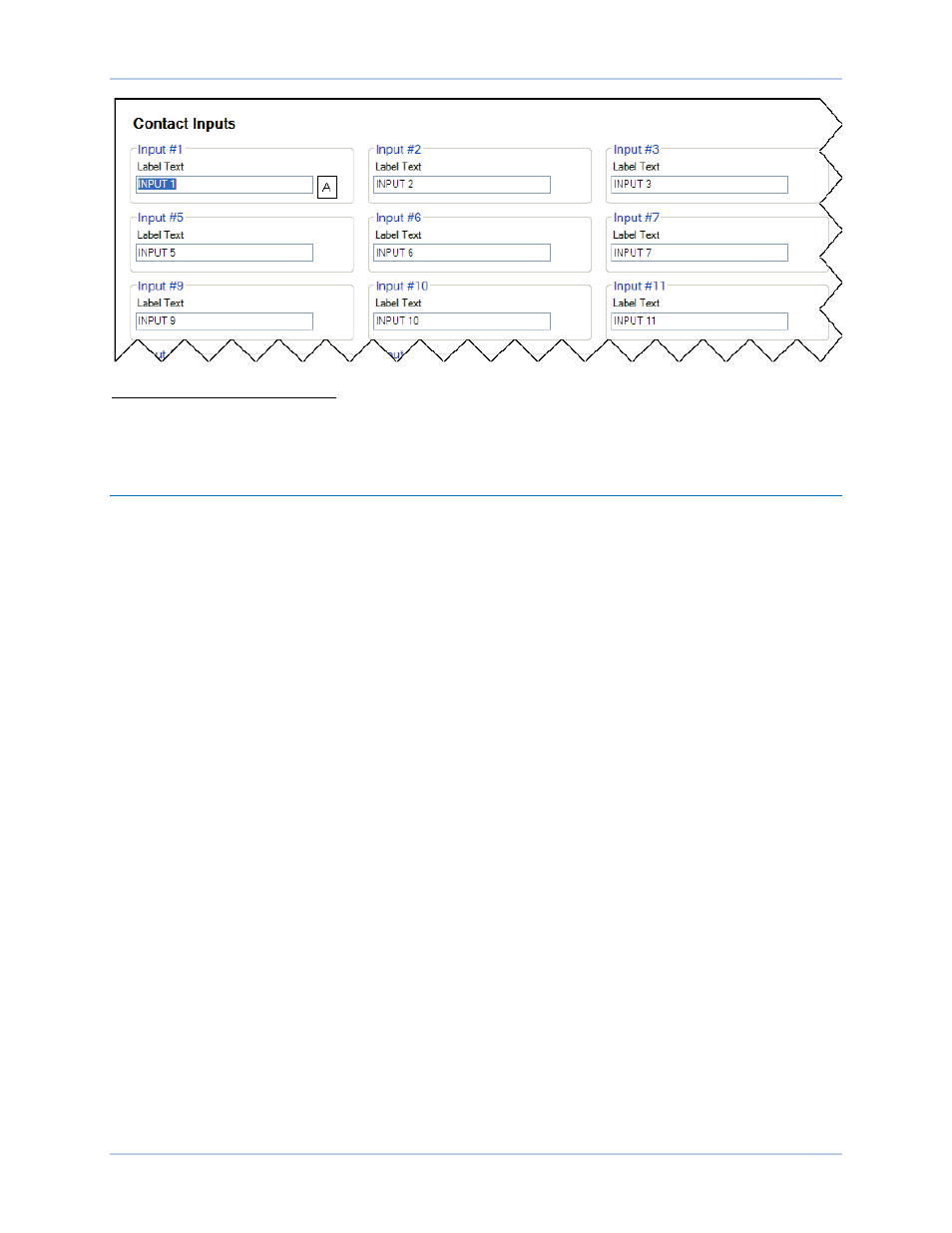
Figure 23. Contact Input Label Text
A
Label Text: Enter a string of up to 64 alphanumeric characters.
See the Terminals and Connectors chapter for an illustration of the programmable input terminals.
Contact Outputs
BESTCOMSPlus Navigation Path: Settings Explorer, Programmable Outputs, Contact Outputs
HMI Navigation Path: Not available through HMI.
DECS-250N contact outputs consist of a dedicated watchdog output and 11 programmable outputs. An
additional 18 contact outputs are available with the optional Contact Expansion Module (CEM-2020H).
The optional CEM-2020 provides an additional 24 contact outputs. Contact Basler Electric for ordering
information.
Watchdog Output
This SPDT (Form C) output changes state during the following conditions:
•
Control power is lost
•
Normal firmware execution ceases
•
Transfer Watchdog Trip is asserted in BESTlogicPlus.
Watchdog output connections are made at terminals WTCHD1 (normally open), WTCHD (common), and
WTCHD2 (normally closed).
Programmable Outputs
The 11 programmable, normally-open contact outputs can be configured to annunciate DECS-250N
status, active alarms, active protection functions, and active limiter functions. Using BESTlogicPlus
programmable logic, these outputs can be used as part of a user-configured logic scheme to control and
annunciate a variety of system conditions and contingencies. Information about using the programmable
outputs in a logic scheme is provided in the BESTlogicPlus chapter.
To make the programmable contact outputs easier to identify, you can assign a custom name
A
that relates
to the functions of your system. Figure 24 shows the BESTCOMSPlus Contact Outputs screen where
each of the 11 outputs can be assigned a custom name.