Comtech EF Data ODM-840 User Manual
Page 101
ODM/R-840 Outdoor Remote Router
Revision 0
Ethernet-based Remote Product Management
MN-ODM840
5–13
• The Status column identifies each FAST Feature operational parameter(s). If an option is not
enabled, the column displays this information.
The complete roster of FAST Accessible Options is as follows:
Option
CCM (VersaFEC only)
16 kbps – 256 kbps Tx Data/Symbol Rate
16 kbps – 512 kbps Tx Data/Symbol Rate
16 kbps – 1024 kbps Tx Data/Symbol Rate
16 kbps – 2.048 Mbps Tx Data/Symbol Rate
16 kbps – 5 Mbps Tx Data/Symbol Rate
16 kbps – 10 Mbps Tx Data/Symbol Rate
16 kbps – 15.35 Mbps Tx Data/Symbol Rate
CCM (DVB‐S2 only)
1 – 15 Mbps Rx Data/Symbol Rate
1 – 45 Mbps Rx Data/Symbol Rate
1 – 100 Mbps Rx Data/Symbol Rate
E1 Interface
Full Support E1 (hardware upgrade also required – ODM‐840
Outdoor Remote router only)
QoS (Quality of Service)
Basic – DiffServ and SAR
Advanced – Basic QoS and Rule Based
G.703 Clock Extension
dSCPC (Dynamic Single Carrier per Channel)
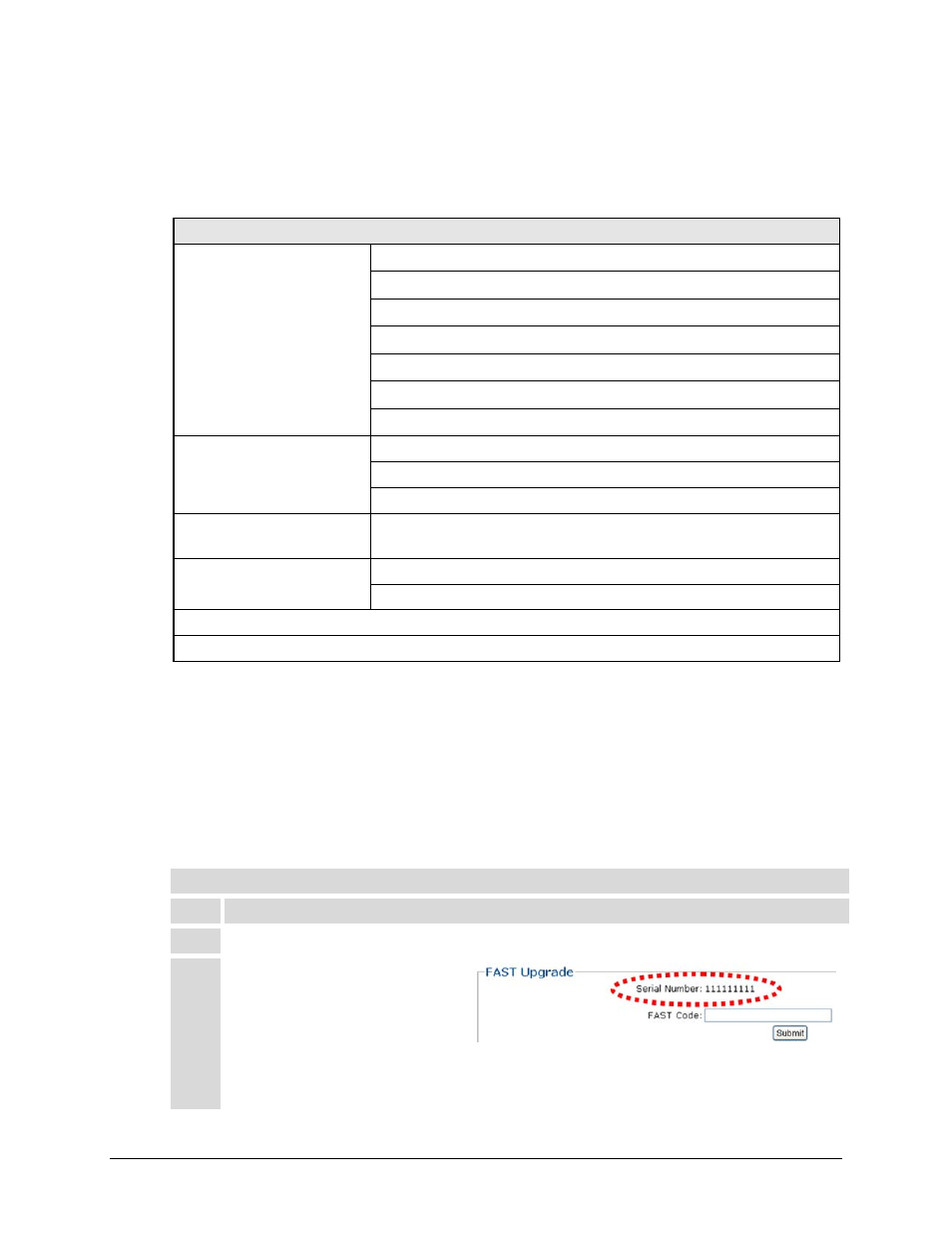
FAST Upgrade
Serial Number (read‐only) – The serial number of the unit is required by Comtech EF Data when
ordering FAST option upgrades. Take note of this number before contacting Comtech EF Data to
order a ODM/R‐840 FAST upgrade.
Once a FAST upgrade order is placed and confirmed, the Comtech EF Data sales representative
will provide a 20‐digit FAST Access Code that must be entered into the registration text field.
FAST Option Activation Procedure
Step
Task
1
Use the Fast Configuration section of the page to view the currently installed features.
2
Make note of the unit Serial
Number provided in the Fast
Upgrade section of the page:
Serial Number: __________________________