Feelworld FPV-101A User Manual
Page 13
12
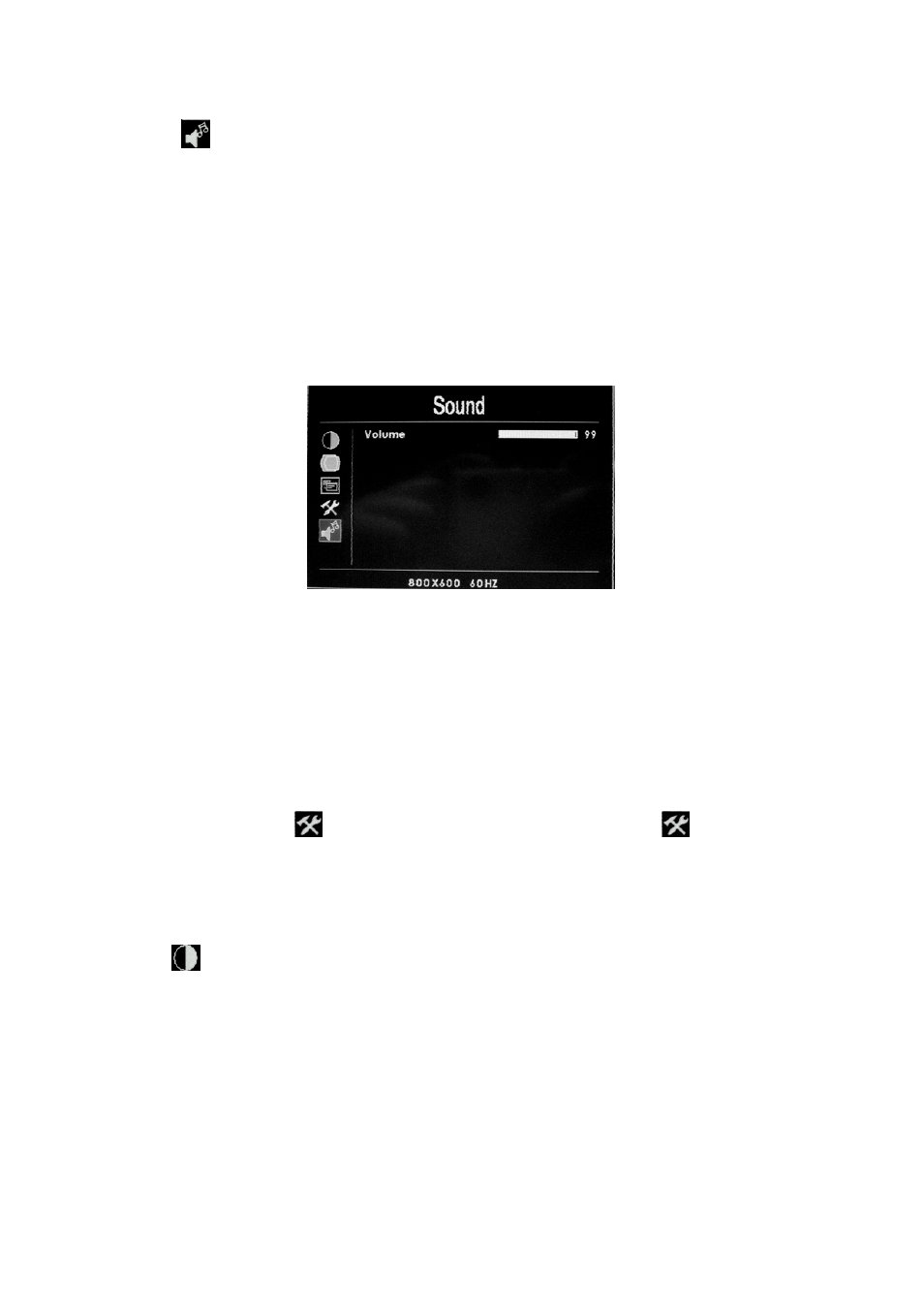
(Sound)
Press
“MENU”
enter into OSD menu, use “
►
”
or“
►
”
button to select
“Sound”, after selection press
“MENU”
button to confirm, use “
►
”
or“
◀”
button to select submenu item, after selection press
“MENU”
to confirm, then
use “
►
”
or“
◀”
button to adjust the volume. After setting press "
MENU
”.
Press
“MENU”
button to exit OSD menu.
※
Volume:To adjust the volume
②
AV、HDMI、YPbPr Mode
(
AV2 is aerial monitor dedicated input port, under AV2 input state enter
into menu, the “
function” menu is different, view “
function”
instructon )
(
Color)
Press
“MENU”
enter into OSD menu, use “►”ort“ ”
◀
o select “
Color
”,
after selection press
“MENU”
button to confirm. It enter in to
“Color
”
submenu operation item, then use“►” or“ ”
◀
to select the option, after
selection repress
“MENU”
again to confirm, then use “►”or“ ”
◀
button to
adust or select the parameters. After value setting, press
“MENU”
to confirm.