Feelworld FPV-101A User Manual
Page 16
Advertising
15
●
AV2(aerial using)state:
※
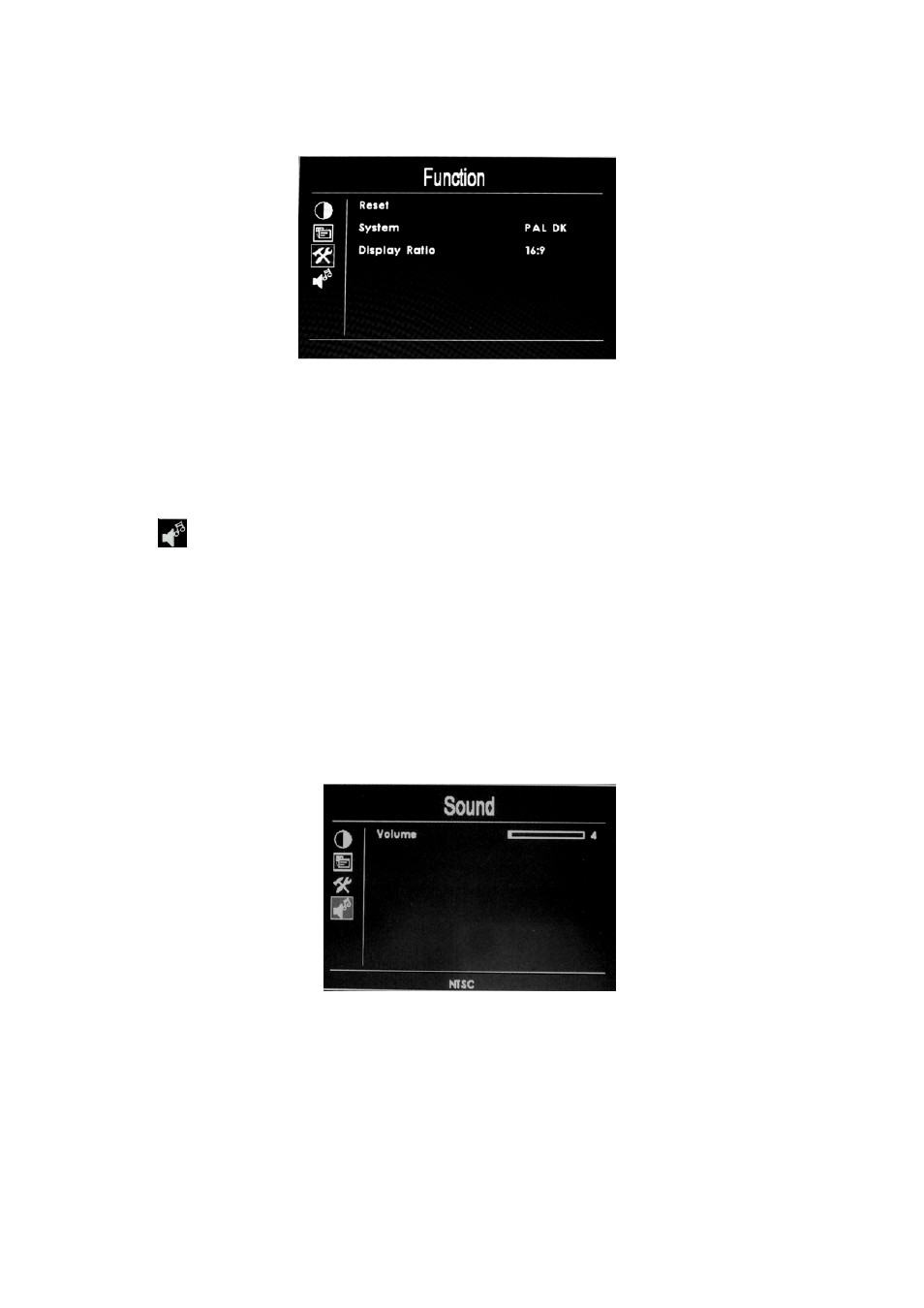
Reset: Recover the analog value to original factory state
※
System Color video format selection
※
Display ratio: Screen display ratio selection 16:9/4:3
(
Sound)
Press
“MENU”
enter into OSD menu, use “
►
”
or“
◀”
button to select
“Sound”
, after selection press
“MENU”
button to confirm, use “
►
”
or“
◀”
button to select submenu item, after selection press
“MENU”
to confirm, then
use “
►
”
or “
◀”
button to adjust the volume. After setting press
“MENU”
.
Press
“MENU”
button to exit OSD menu.
※
Volume: To adjust the sound .
Advertising