Feelworld FPV-101A User Manual
Page 4
Advertising
3
1. Product Instruction
1.1
Front Panel Instruction
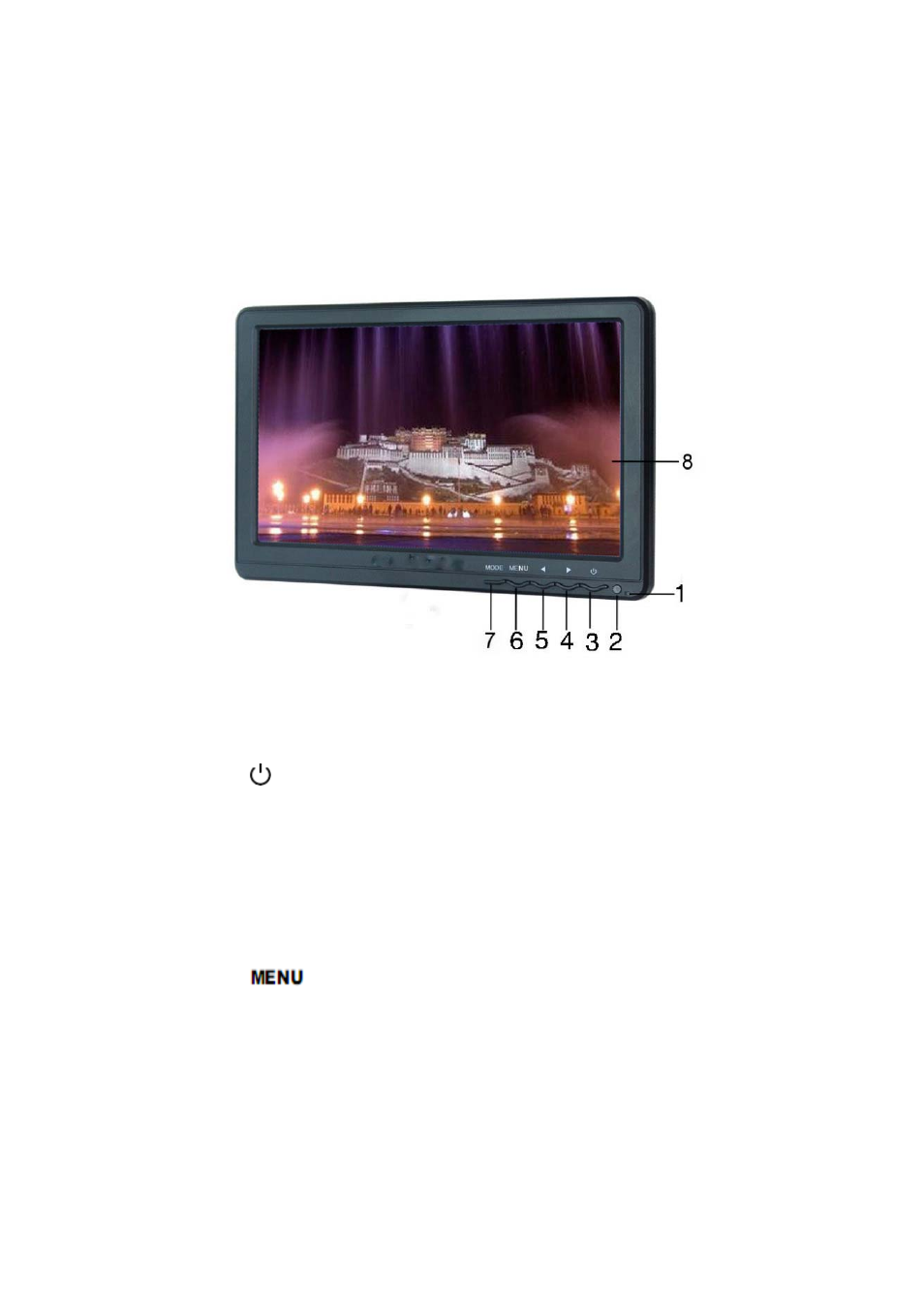
Picture 1:
1. Power Indicator:
2. Infrared remote control signal receiving window
3.
:
Power On/Off, to select the state of operating or standby
4.
►
:
Volume up, press the button to control the volume up, menu
to select and adjust the value of setting
5.
◀
:
Volume down, press the button to control the volume down,
menu to select and adjust the value of setting
6.
: Press this button to pop up or close OSD menu
7.
MODE
: To swtich VGA、AV、HDMI、YPbPr input signals
8. Display screen
Advertising