Formax FD 6102 User Manual
Page 11
10
2.4.4
Menu
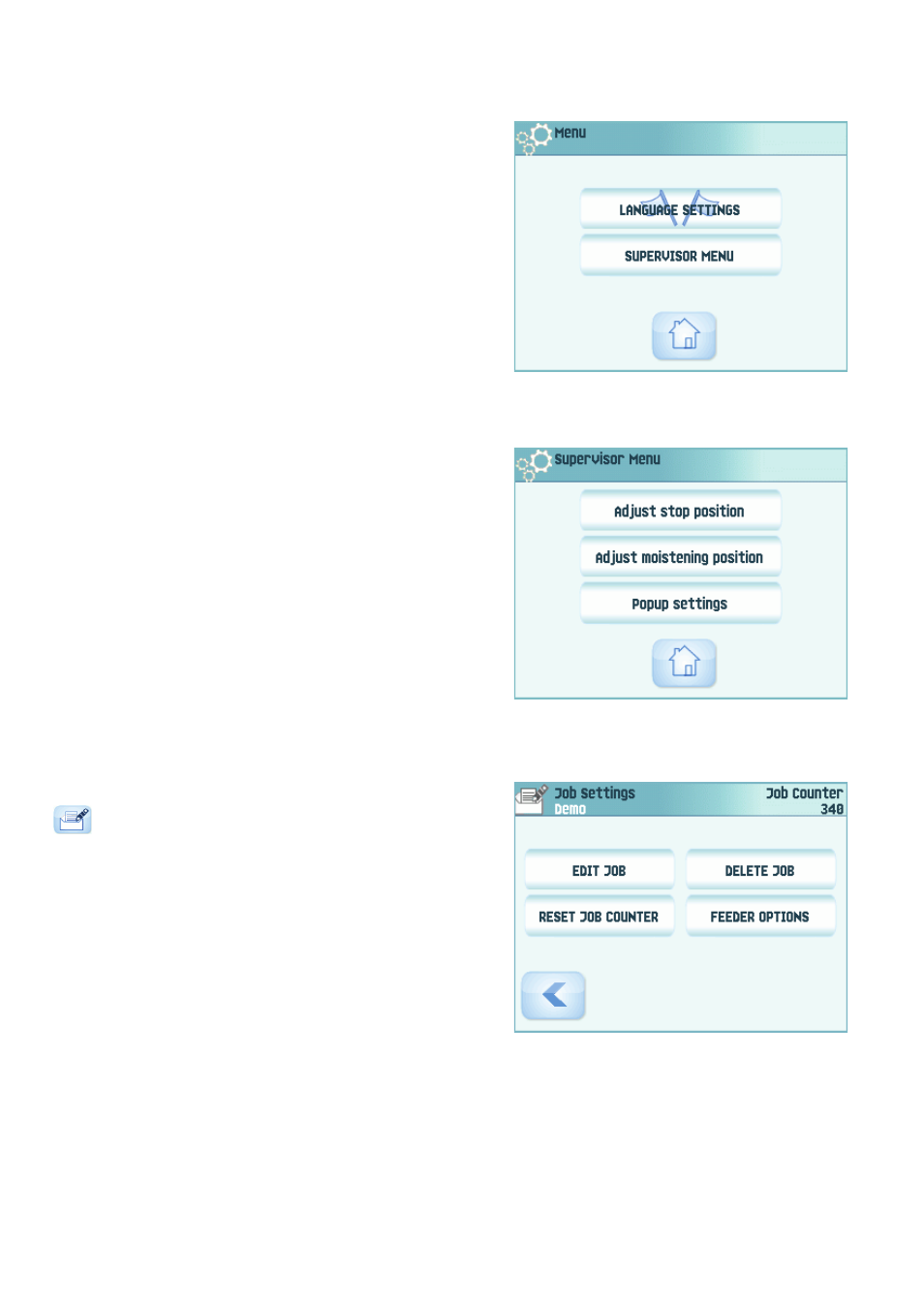
When you press the Menu button a selection
menu appears. This menu allows you to change
system settings and define jobs. The screen
shows the following functions:
•
Language settings: change the language of
the user interface.
•
Supervisor menu: define envelope settings
(see “Supervisor Menu” below, only for
authorized personnel).
2.4.5
Supervisor Menu
When you press the Supervisor menu button in the selection menu, a login menu opens.
Enter the PIN-code 2546 to access the ‘supervisor menu’.
When you enter the correct pin code the
‘supervisor menu’ appears. This menu enables
you to:
•
Define custom envelope sizes (press the
Adjust stop position button).
•
Adjust the envelope stop position (see
“Envelope Position” on page 26).
•
Adjust the sealing position (see “Sealing
position” on page 26).
•
Switch off popups, like the popup that tells
you to press the 1x button.
2.4.6
Job Settings Menu
When you press on a job and press the edit button
, the ‘job settings’ menu opens. This menu
enables you to:
•
Edit a job (see 4.2 ”Edit a Job” on page 18).
•
Delete a job (see 4.3 ”Delete a Job” on page
18).
•
Reset the job counter: sets counter to zero.
•
Switch the double feed control (DFC) on or
off, per feeder. For example, if you have a
document with an address sticker on it,
switch the DFC off. The DFC sees the sticker as a double feed and generates an error
message.