Leprecon LP-3000 Series User Manual
Page 133
Advertising
Creating New Labels
Chapter Twelve
129
LP-3000 Users Manual
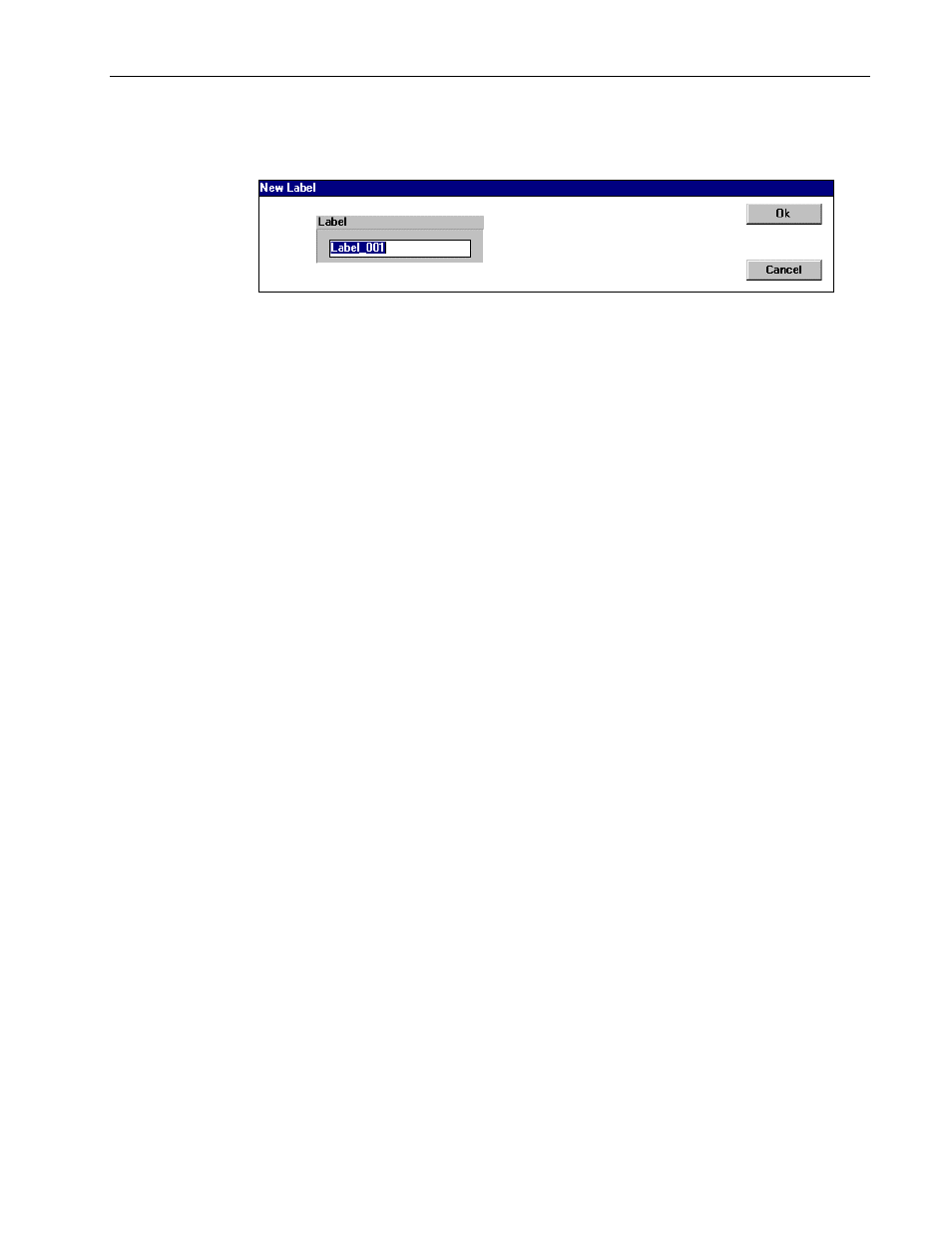
The LP-3000 displays the New Label dialog box.
6.
Enter a name for the new label or accept the default name.
Default names follow the pattern Label_001, Label_002 and so forth.
7.
Click OK.
The LP-3000 uses the following logic to determine which properties the label is for:
•
If you modified only attributes that affect color, the label is only for color.
•
If you modified only attributes that affect beam, the label is only for beam.
•
If you modified attributes that affect both properties, you will create both a
color and a beam label.
Advertising