11 freezing the screen, 12 using average for smoothing waveforms – OWON HDS1021M User Manual
Page 25
Advertising
OWON HDS1021M Handheld DSO & DMM 6-Using the scope
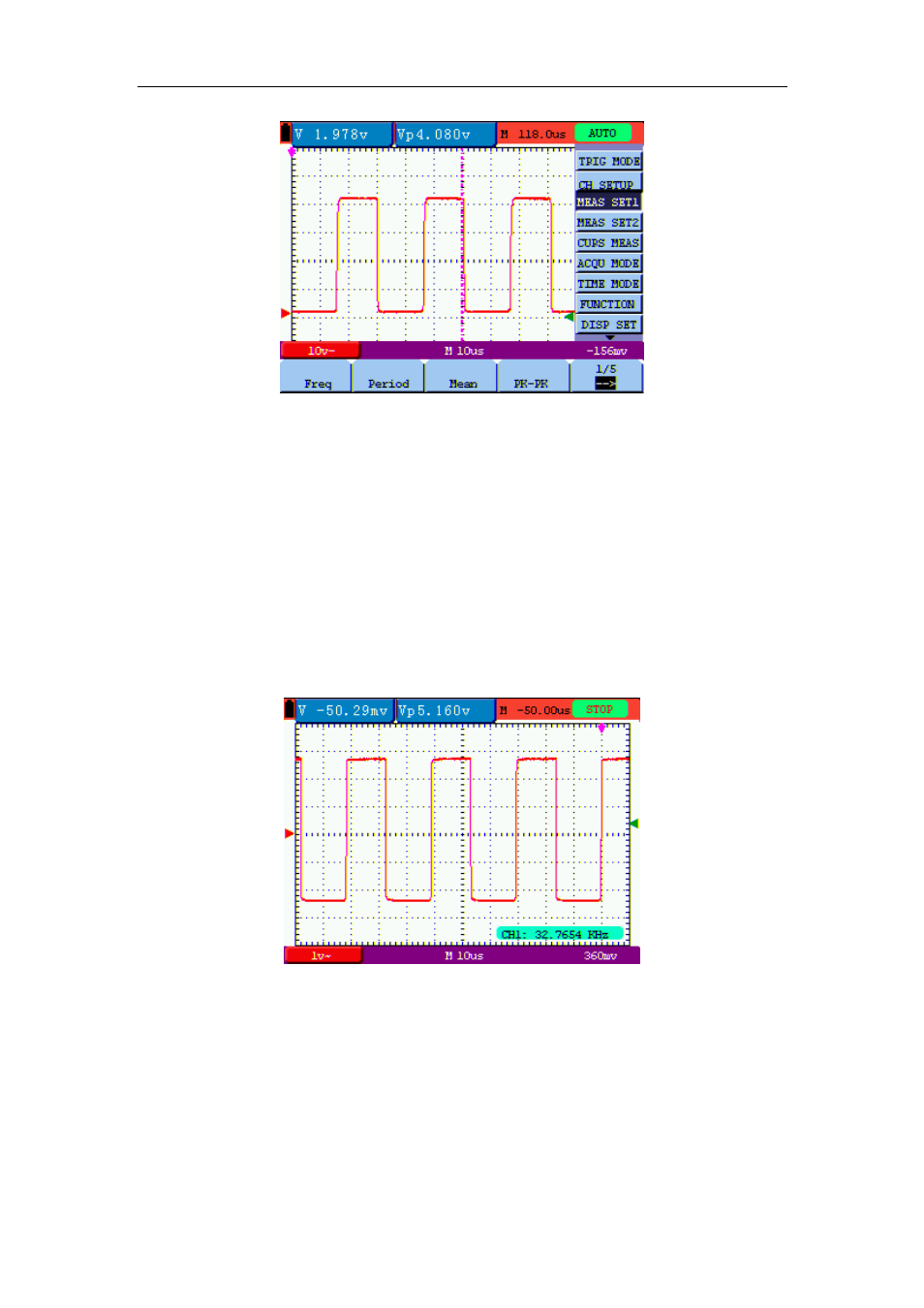
figure 10: Automatic Scope Measurements
6.11 Freezing the Screen
You can freeze the screen (all readings and waveforms)
1. Press the RUN/STOP key to freeze the screen and STOP appears at top right side of the
screen.
2. Press
the
RUN/STOP key once more to resume your measurement.
See the following figure 11:
figure 11: Freezing the Screen
6.12 Using Average for Smoothing Waveforms
To smooth the waveform, do the following:
1. Press
the
MENU key and the function menu appears on the right side of the screen.
2. Press
MENU ▲ or MENU ▼ key to select ACQU MODE, with four items selectable
18
Advertising