14 data transmission – OWON HDS1021M User Manual
Page 57
OWON HDS1021M Handheld DSO & DMM
8-Advanced Function of Oscilloscope
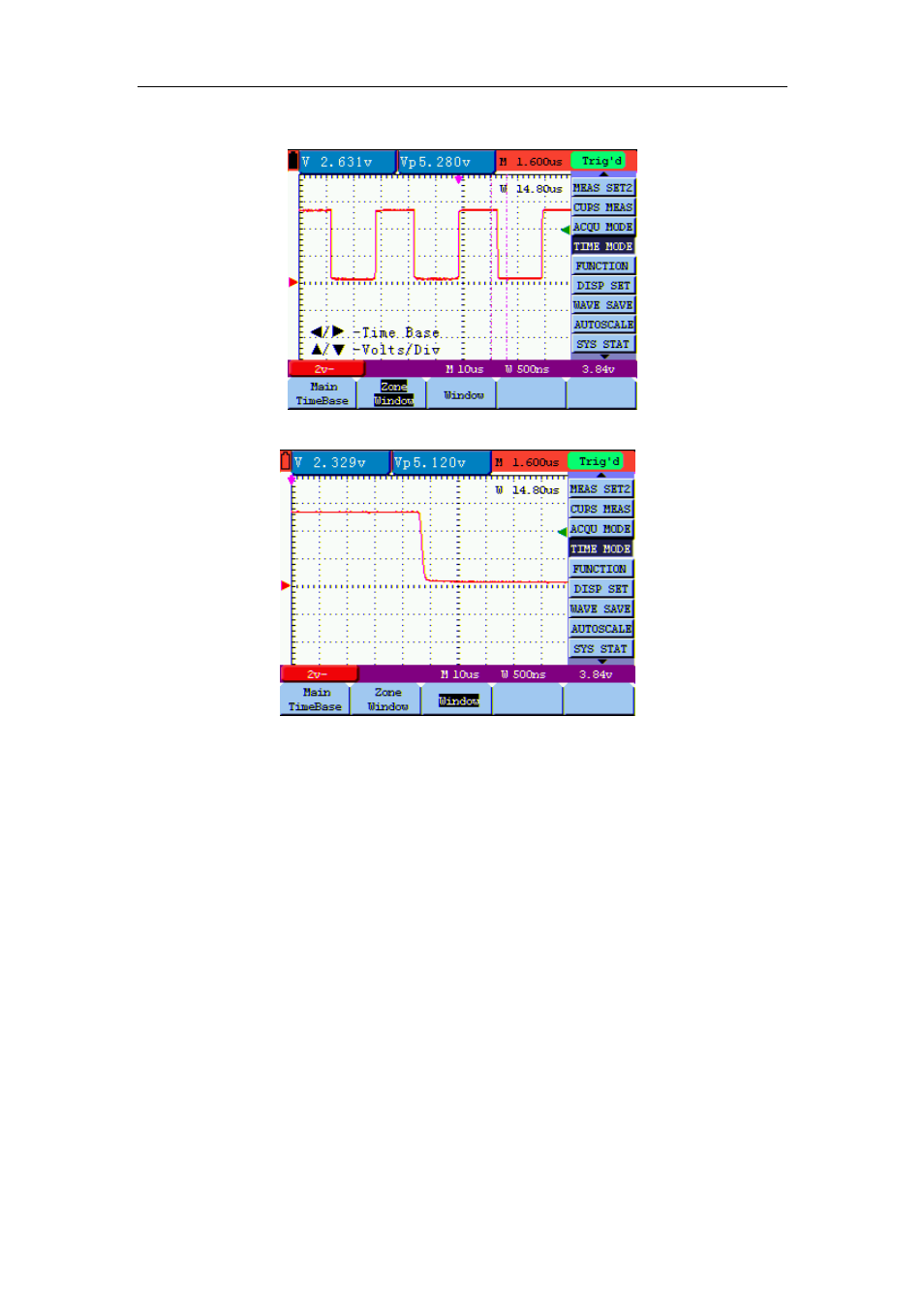
The screen that looks like the following figure 49, 50 will be displayed.
figure 49: Window Setting
figure 50: Window Extension
8.14 Data Transmission
For the operation of data transmission, please execute the following steps:
1. Press MENU key, display the function menu on the right side of the screen.
2. Press MENU ▲ or MENU ▼ key to select display setting mode, display four options at the
bottom.
3. Press F4 key, and select the Bitmap or Vectors for data transmission.
4. Use a data line to connect the oscilloscope and the PC .
5. Open the OWON software that had been installed completely.
6. Setting the parameter under the use’s manual, and then starts data transmission.
50