Printer hardware issues – HP DeskJet 3700 User Manual
Page 92
Advertising
Printer hardware issues
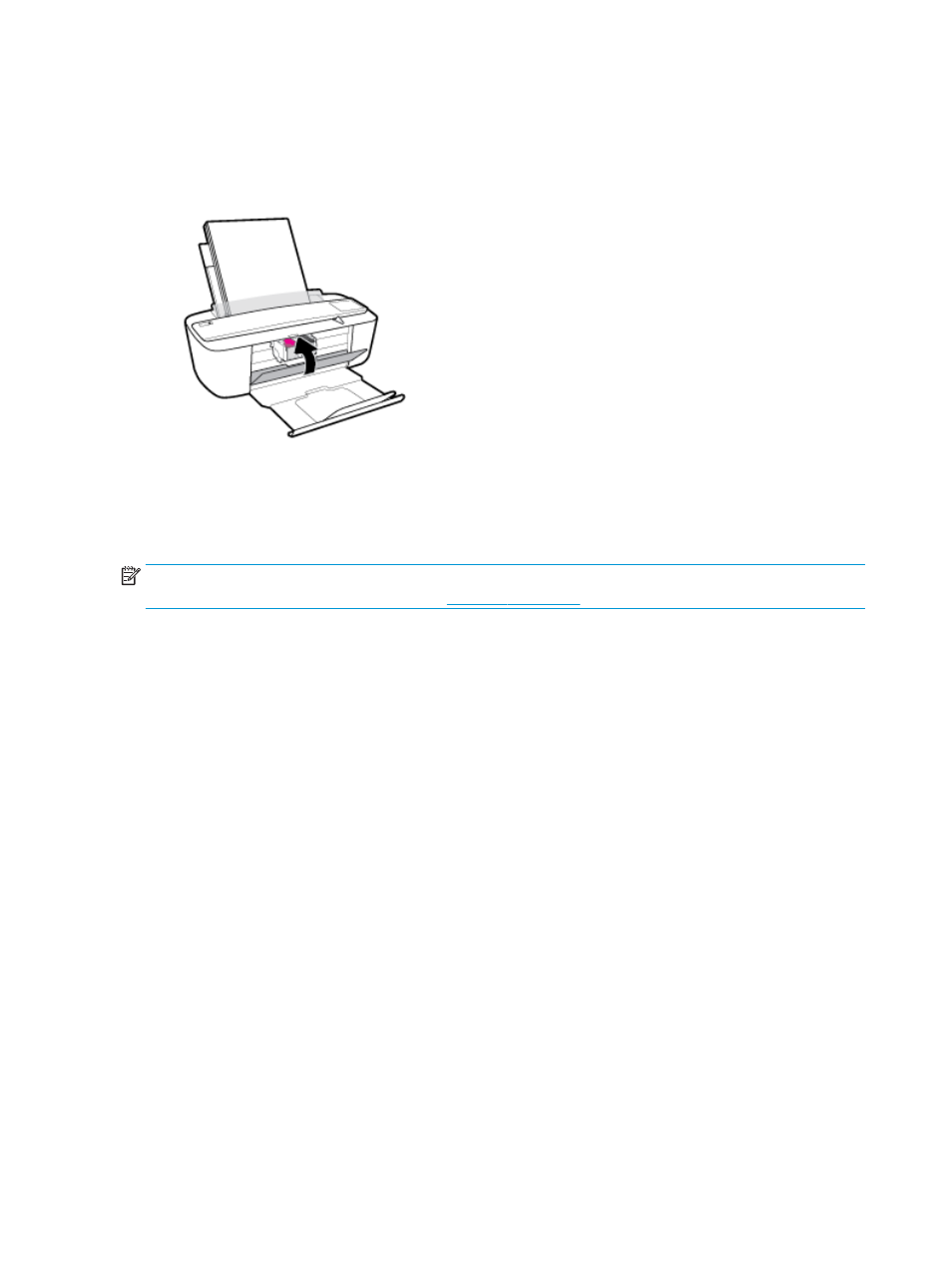
Close cartridge access door
●
Cartridge door must be closed to begin printing.
The printer shuts down unexpectedly
●
Check the power and power connections.
●
Make sure the power cord of the printer is connected firmly to a functioning power outlet.
NOTE:
When Auto-Off is enabled, the printer will automatically turn off after 2 hours of inactivity to help
reduce energy use. For more information, see
.
Resolve printer failure
●
Turn the printer off, then on. If that does not resolve the problem, contact HP.
88
Chapter 8 Solve a problem
ENWW
Advertising
See also other documents in the category HP Multifunction Devices:
- Officejet J4680 (196 pages)
- LaserJet Pro M1536dnf MFP SERIES (286 pages)
- LaserJet Pro M1536dnf MFP SERIES (2 pages)
- Photosmart D110 (8 pages)
- Photosmart D110 (52 pages)
- Officejet 6500A Plus (250 pages)
- Photosmart C4780 (120 pages)
- OFFICEJET 4500 (228 pages)
- Deskjet F4480 (113 pages)
- laserjet m1212nf (284 pages)
- Deskjet 3050 (66 pages)
- Officejet Pro 8500 (306 pages)
- Officejet 6500 (294 pages)
- Deskjet 2050 (54 pages)
- Officejet Pro 8600 (254 pages)
- Officejet Pro 8500A (246 pages)
- 4610 (228 pages)
- Photosmart C7280 (309 pages)
- Photosmart Premium Fax C410 (264 pages)
- Photosmart Premium C309 (163 pages)
- Deskjet 3050A (58 pages)
- Photosmart Premium C310 (48 pages)
- LaserJet 3052 (38 pages)
- LaserJet 3390 (430 pages)
- LaserJet 3052 (4 pages)
- LaserJet 3050 (4 pages)
- Photosmart Premium Fax C309 (244 pages)
- Photosmart Premium TouchSmart Web C309 (209 pages)
- LaserJet 3015 (164 pages)
- LaserJet P3010 Series (246 pages)
- LaserJet P3010 Series (74 pages)
- LaserJet P3010 Series (2 pages)
- officejet 7140xi (2 pages)
- DeskJet GT 5820 (16 pages)
- DeskJet GT 5820 (133 pages)
- DeskJet 3700 (19 pages)
- DeskJet 3700 (4 pages)
- DeskJet 3700 (85 pages)
- DeskJet Ink Advantage 3785 (96 pages)
- DeskJet 3700 (4 pages)
- LaserJet Pro MFP M229 (60 pages)
- LaserJet Pro MFP M229 (60 pages)
- LaserJet Pro MFP M229 (48 pages)
- LaserJet Pro MFP M229 (24 pages)