Key functions – QuickLabel Plexo! 653 User Manual
Page 26
Control Panel
14
Plexo! 453 / Plexo! 653 User Guide
Key Functions
The key functions depend on the current printer state:
•
Active functions: Labels and symbols on the navigator pad keys light up.
•
Active functions light up white in print mode (e.g. menu or feed).
•
Active functions light up orange in the offline menu (arrows).
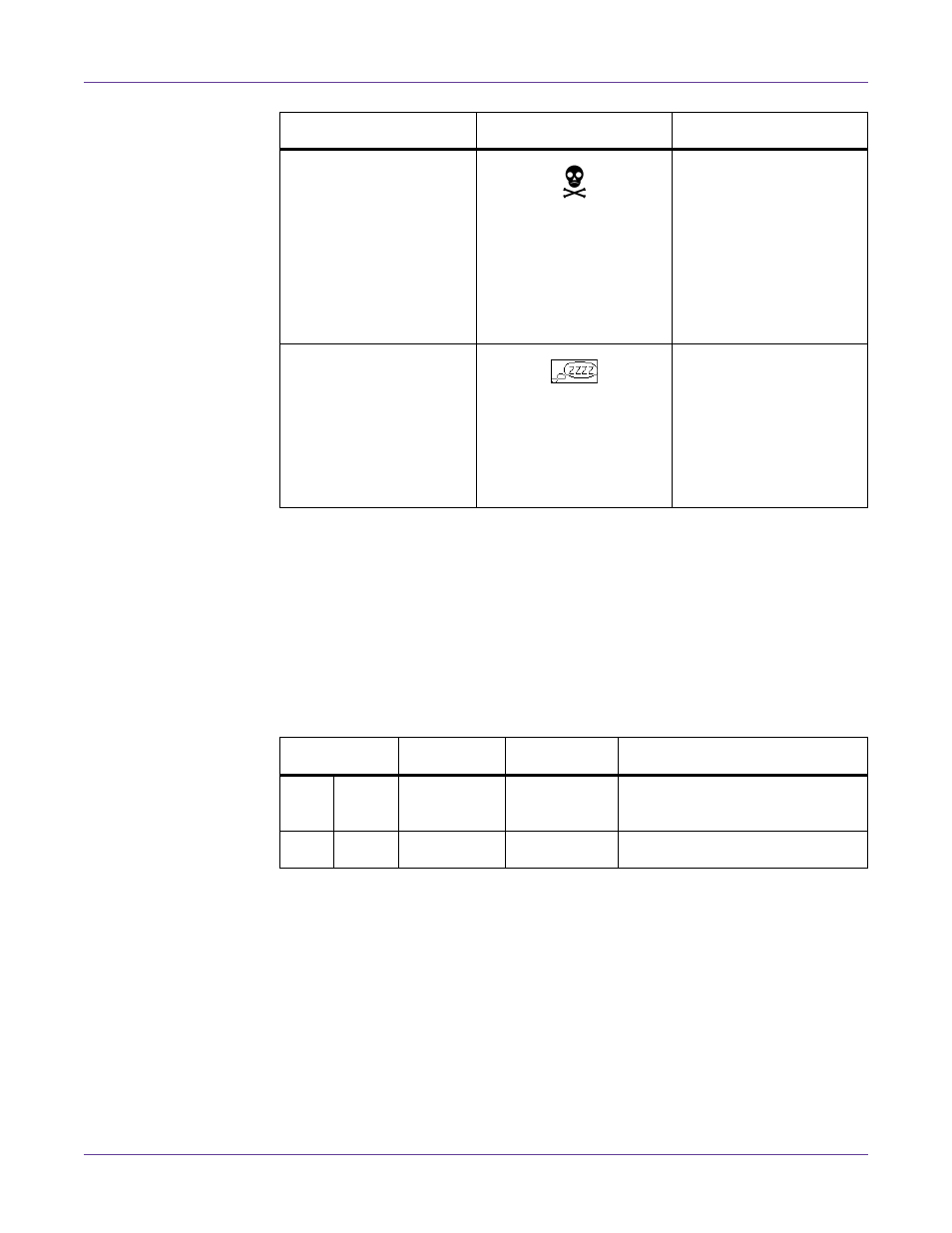
Critical error
and the type of error
An error occurs during
the system test.
• Switch the printer off
and then on again at
the power switch or
• Press cancel key.
Call Service if the fault
occurs persistently.
Power Save Mode
and the key lighting is
switched off
If the printer is not used
for a lengthy period, it
automatically switches to
power save mode.
• To exit power save
mode: Press any key
on the navigator pad.
State
Display
Description
Key
Display
State
Function
men
u
lights
Ready
Ready
To the offline menu
feed
lights
Ready
Ready
Feeds a blank label