Prom replacement on stelladat ii – SONOSAX STELLADAT II User Manual
Page 66
66
10. PROM Replacement on Stelladat II
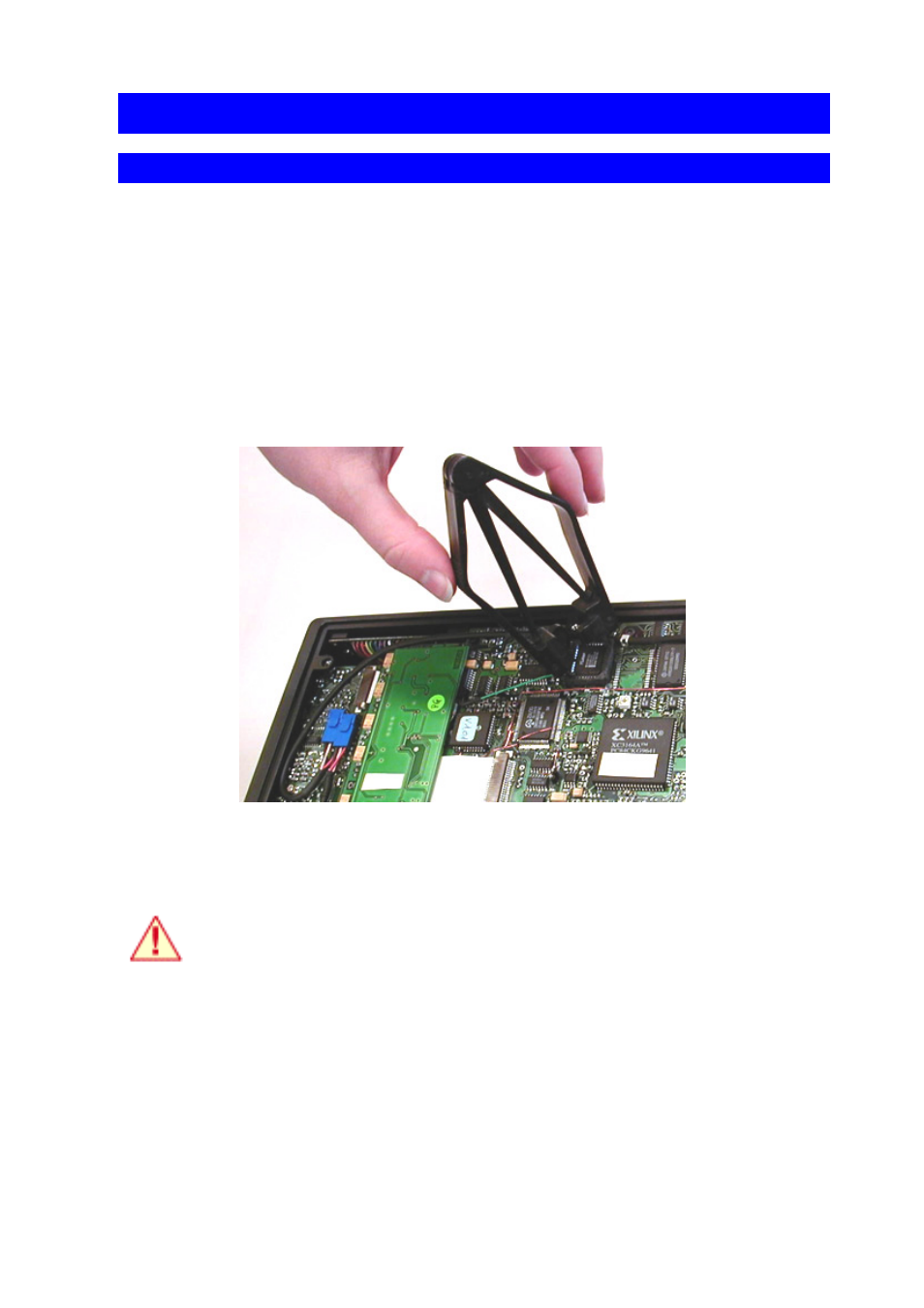
PROM Replacement On The Motherboard (Main Software)
•
Disconnect the external power supply.
•
Remove the battery from the holder.
•
Open the bottom plate of Stelladat II: Using a 2 mm hex wrench, unscrew the four feet and
the two screws.
•
WARNING: An electrostatic discharge can destroy some electronic circuits. Avoid touching
the circuits, and before the next stage, touch the chassis of Stelladat II so as to discharge
yourself.
•
Using a PROM extractor, delicately remove the "MASTER" identified PROM.
•
Insert the new PROM watching that its 45° bevelled angle matches with the one on the
socket.
•
Close the bottom plate of Stelladat II, screwing back the 2 screws and the 4 feet.
Once the PROM has been replaced, please let us know which version has been
installed and the recorder's serial number.