Offline activation, Step-by-step activation process, Online activation sop – ACTi IVS Server 1 V2.02.06 User Manual
Page 13
ACT
i IVS Server 1 User’s Manual
Offline Activation
Offline activation does not require Internet access for IVS server. It is used when IVS is located
in a network not connected to public Internet (e.g. in a military base). You will need to get an
activation file from another computer and transfer it to the IVS server computer.
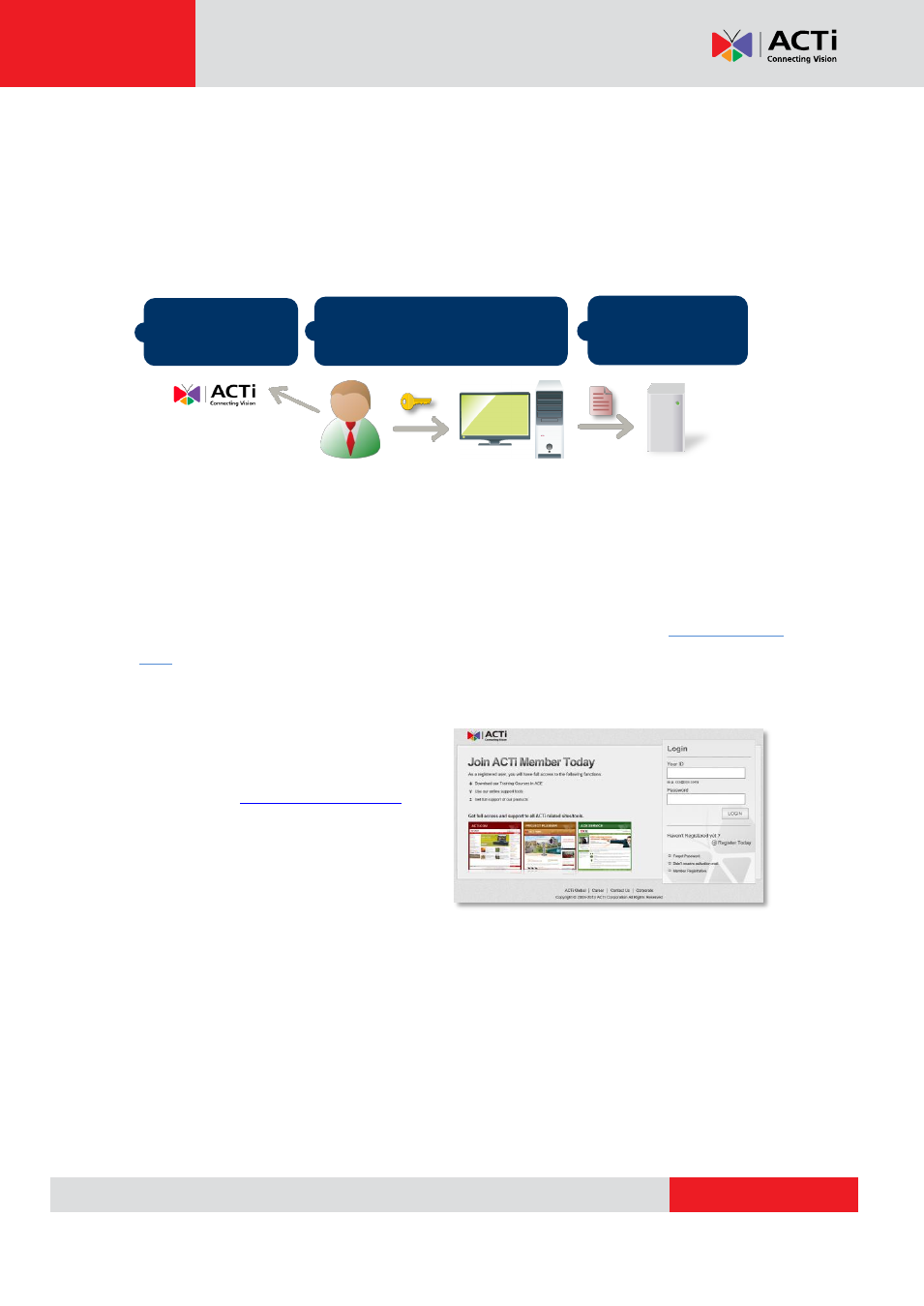
Step-by-step Activation Process
Based on the network conditions of your site, follow
Online Activation SOP
Step 1
: Membership ID in
ACTi Member
Center
is required for activation. Register
one for free
Step 2
: Log in to IVS Server, go to
License
tab
Online Registration
tab. Select the
MAC
Address
, enter your
License
Key
, ACTi member
Account
and
Password
, and then click
“
Apply
”. IVS server will connect to the license data server via Internet to register the license
key, and unlock the channels.
Purchase licenses
from ACTi, get the
L
L
L
I
I
I
C
C
C
E
E
E
N
N
N
S
S
S
E
E
E
K
K
K
E
E
E
Y
Y
Y
On another computer,
access
ACTi website to activate the
licenses u
sing the
L
L
L
I
I
I
C
C
C
E
E
E
N
N
N
S
S
S
E
E
E
K
K
K
E
E
E
Y
Y
Y
1
2
Load the
A
A
A
C
C
C
T
T
T
I
I
I
V
V
V
A
A
A
T
T
T
I
I
I
O
O
O
N
N
N
F
F
F
I
I
I
L
L
L
E
E
E
into IVS server
3
IVS server
Computer
(Internet access)