Amer Networks E5Web GUI User Manual
Page 429
Advertising
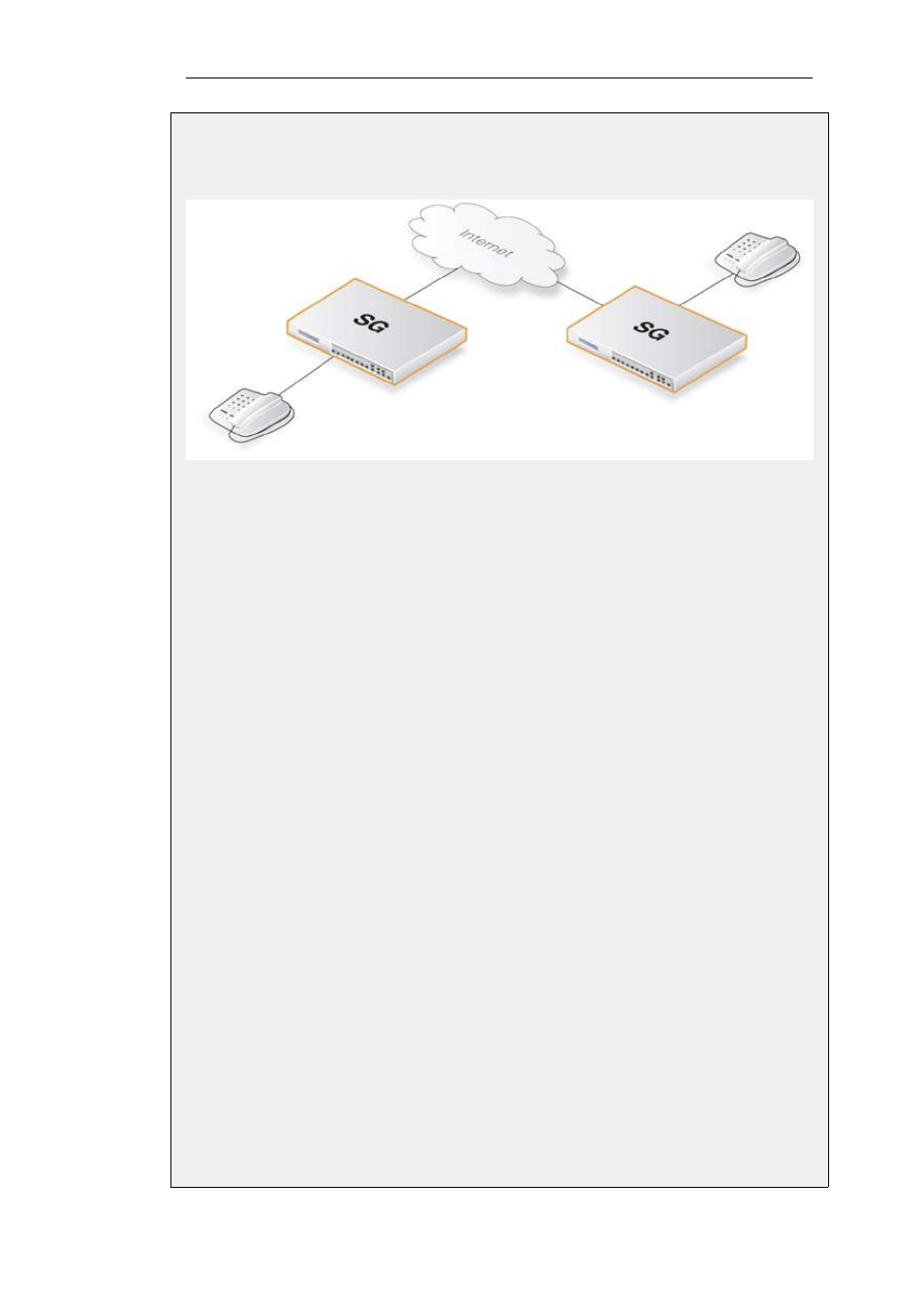
the Internet, the following rules need to be added to the rule listings in both security gateways.
Make sure there are no rules disallowing or allowing the same kind of ports/traffic before these
rules.
InControl
Follow the same steps used for the Web Interface below.
Web Interface
Outgoing Rule:
1.
Go to: Policies > Add > IPRule
2.
Now enter:
•
Name: H323AllowOut
•
Action: Allow
•
Service: H323
•
Source Interface: lan
•
Destination Interface: any
•
Source Network: lan_net
•
Destination Network: 0.0.0.0/0 (all-nets)
•
Comment: Allow outgoing calls
3.
Click OK
Incoming Rule:
1.
Go to: Policies > Add > IPRule
2.
Now enter:
•
Name: H323AllowIn
•
Action: Allow
Chapter 6: Security Mechanisms
429
Advertising
This manual is related to the following products: